Hi,
I've seen a few other posts here around this issue but I haven't seen any resolution. Not sure what is going on--something apparently on my machine is causing an issue. I can't preview any files on Dropbox.com - I keep getting this error:
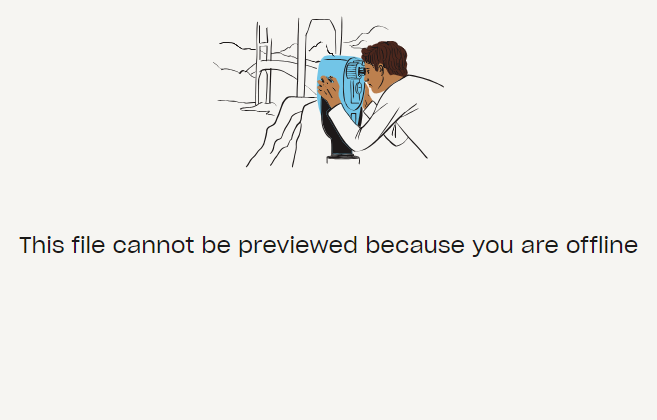
I've tried:
- Signing out and back in
- Restarting
- Incognito mode
- Alternative browser (Edge)
- Disabling firewall
- Clearing cache
I'm not using a VPN, and I can access both the app and the mobile and desktop site on my Android device on Chrome, same network. I can also access the file from another laptop (Mac) without issue, on the same network.
My machine is a Samsung Galaxy Book2 Pro 360 running Windows 11 Home.
Any help or thoughts would be greatly appreciated.

