.png)
Want to hear about one of the handiest Dropbox features I use regularly? Check out how easy it is to upload, edit, send, and sign PDFs in one place. No technical wizardry, no back-and-forth file conversions, and no additional software to install.
PDF editing features let you add text and more
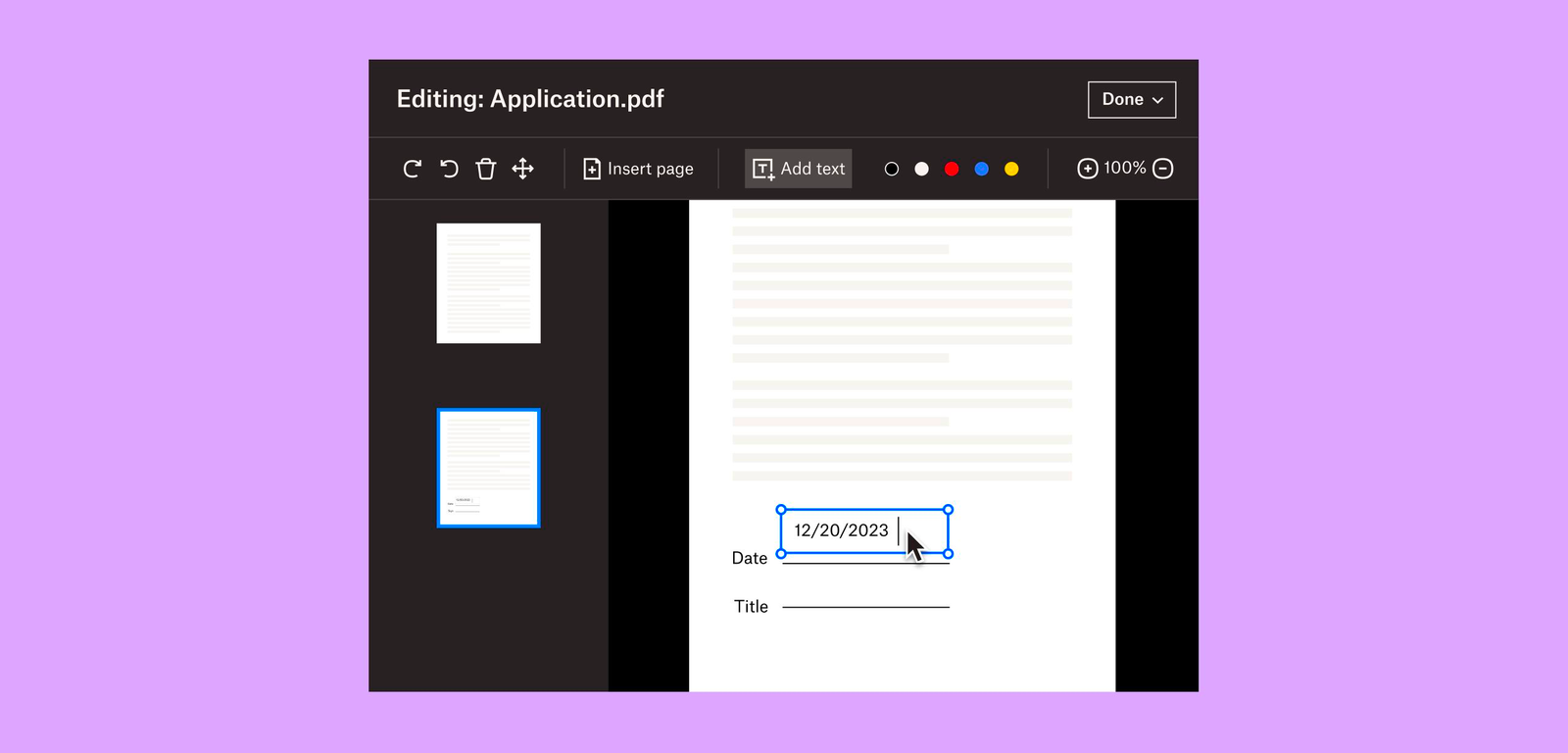
Not all PDFs are ready to go, there's usually some info you need to add or edit, and now, editing them is as easy as click, click, click.
There are tools on our PDF editing feature so you can do more without changing programs. Within Dropbox, you can:
- Add text to documents: Insert descriptions, dates, notes etc., anywhere on a PDF and modify text font, color, size, and emphasis
- Page zoom: Adjust the page view for easier navigation
These features are useful for managing work-related and personal documents. Our own team makes the most of editing PDFs to organize and consolidate receipts at home. Learn how to get started editing PDFs now.

Edit PDFs on-the-go
Need to make changes when you'er away from your desk? No worries, you can edit PDFs directly on your iPhone or Android device.
- Edit PDFs on iOS: Add text or a signature to PDFs on your iPhone with the Dropbox mobile app.
- Edit PDFs on Android: The Dropbox smartphone app makes it easy to edit PDFs on your Samsung Galaxy, Google Pixel, or any other Android device.
Work from wherever you are, without needing to switch between devices or apps to get things done.
Automatically add watermarks to multiple files
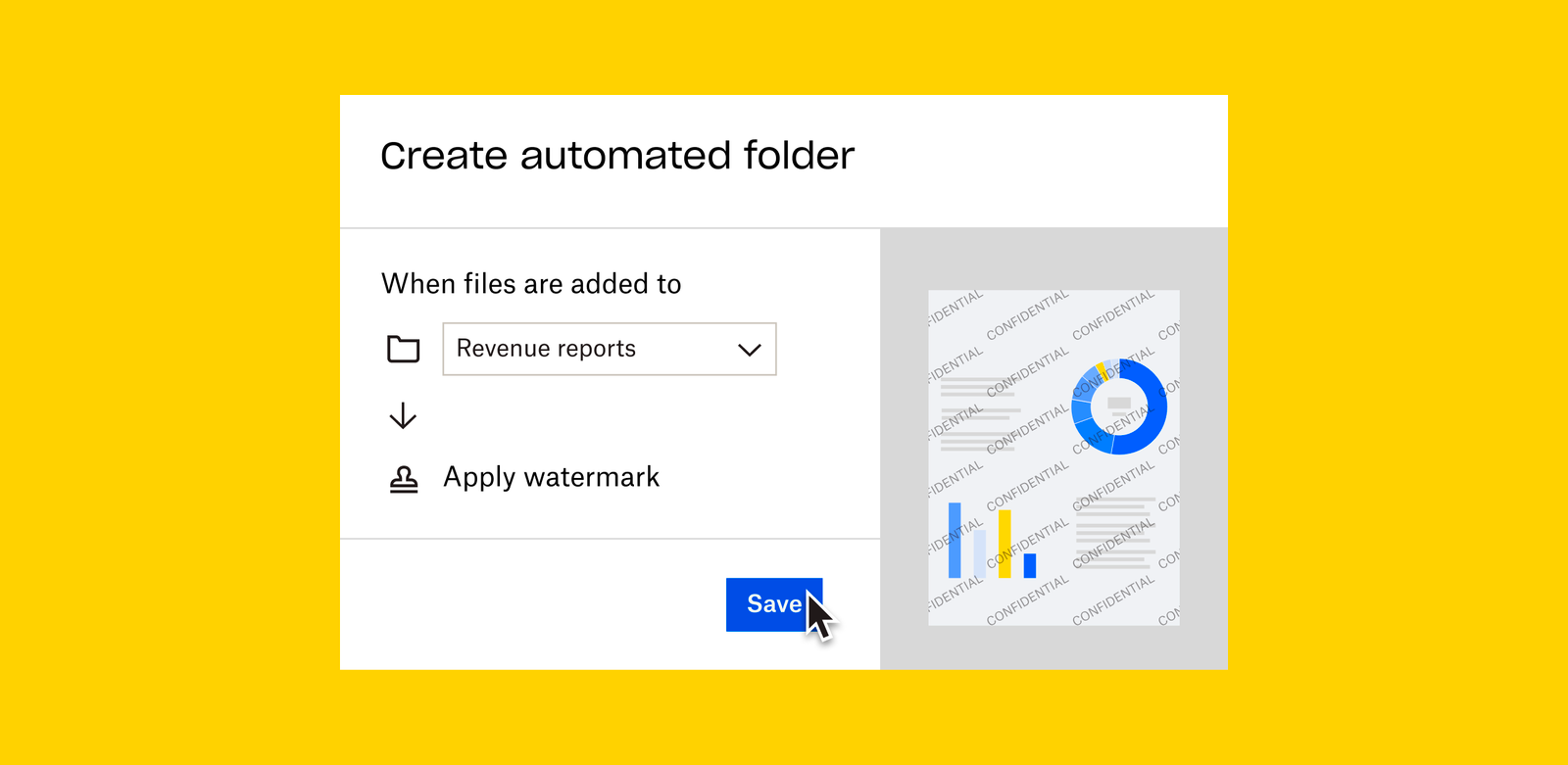
No one likes to have their work passed off as someone else’s - and now you can make sure it doesn’t happen to you with a few simple steps. Save time, ensure confidentiality, and protect your brand by applying a watermark automation to a new or existing folder. Then, every PDF and image added to the folder will be automatically watermarked.
We’re big fans of automations that truly make life easier, and this one makes us very happy!
To create an automation and learn more about watermarking, visit our automations page.
I’d love to know how you make the most of these PDF editing features - tell us below!
