.png)
If you’ve come to the Dropbox Community, chances are you need answers to a question. Well, we have some excellent news, we have answers and helpful folk to chat to!

Do I need to ask a question? How to find an answer on the Dropbox Community
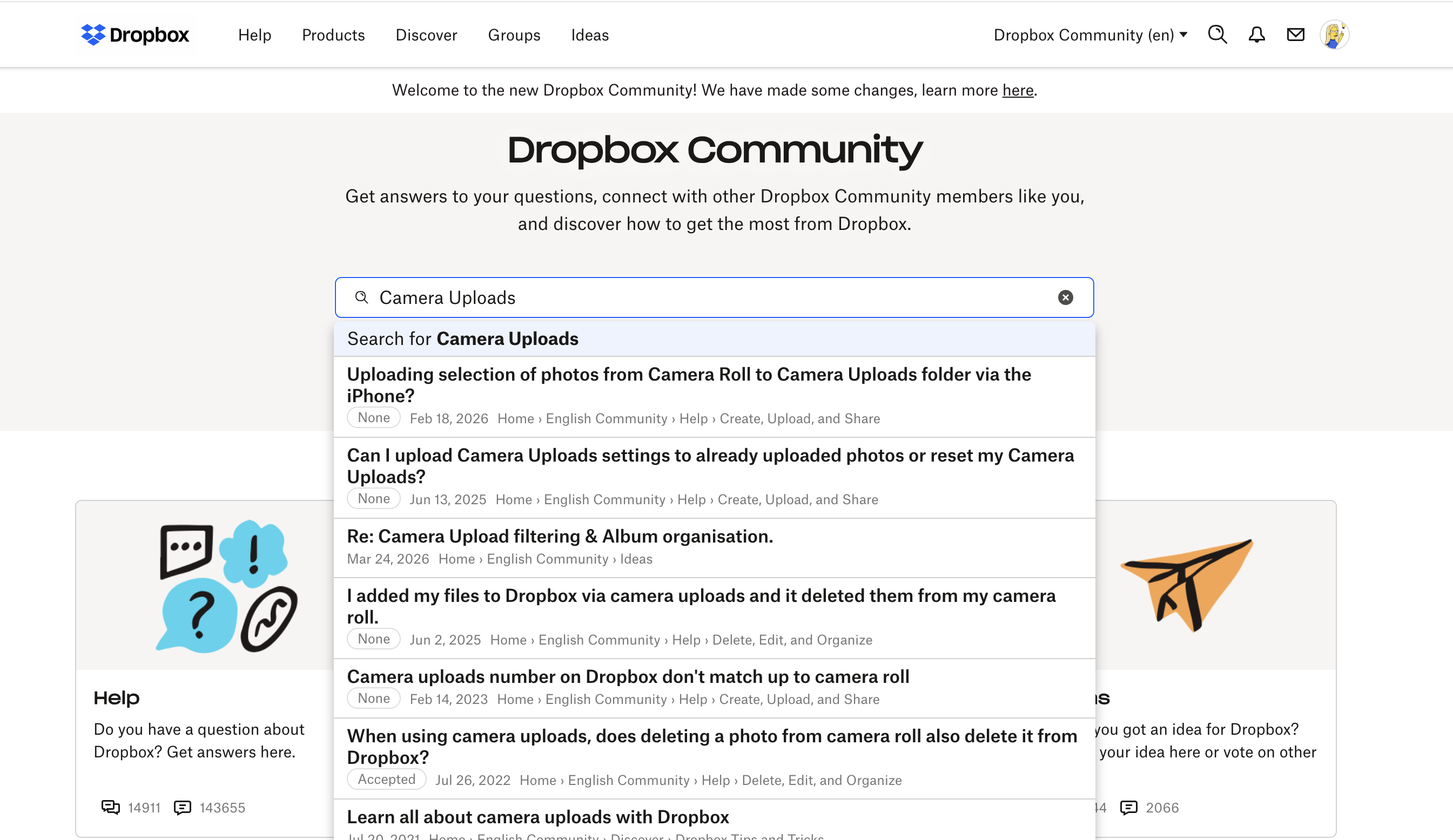
We’re not saying you’re unoriginal but there may be someone out there who had the same question as you, so we recommend searching using the search bar on the Community first - and we recommend using descriptive language when asking to get the best results. You will start to see suggestions as soon as you start typing and once you hit search you can refine those results even further.
Depending on what your query was, you can find an existing thread with answers and even an accepted solution, like this thread on Camera Uploads.
Tags
Outside of the search bar you can also use tags to search for answers to your Dropbox problems. If you find a thread that doesn’t answer all your questions - you can find related content by clicking on the the tags at the bottom.

If you’ve already searched and there isn’t an answer for your question, it’s time to create your own question! Go to the section you believe your question/query belongs in, click start a discussion and hit publish. Then, other Dropbox Community members, Dropboxers and Super Users can see your question and try to answer it for you! Sometimes that can mean answering some questions of your own - to help us get to the root of the issue. Sometimes it might even need to go to email if there are private details to discuss, like account details.
Then, once your question is ready to post, you can add tags to your post as well, so that other people can find it too.
Then, once it’s out in the world, you will get a notification if someone responds and then you can carry on the conversation!
Don’t have a question? You can still take part!
Don’t forget, you can get involved in the conversation without a question - you can answer other people’s questions or share your own tips and tricks and advice. We really enjoy hearing real stories from our Community members - so start sharing today!
