Hi there, I'm a freelance photographer / creative and I use Dropbox for most of my clients simply because it's fast and it is always fuss-free when it comes to sharing across deliverables or photographs. I never had a problem with Dropbox for the past 4 years or so and now I'm constantly facing this issue which really annoys me and I might change Cloud if this problem persists or if there isn't any solution to this. I've went through most parts of this forum and google-d for solution but none of it works. If anyone could help - this would be greatly appreciated.
Some information that you all might need or ask.
Screenshot of the problem:
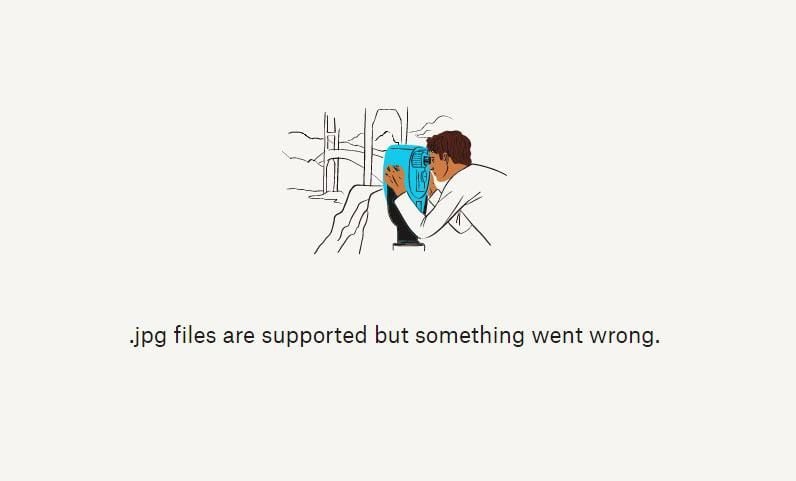
*This is a screenshot that my client(s) sent me. I though it might be a one-off thing but I'm getting the same problem from 2 or more clients already.
Details:
- I am using Dropbox Professional - I am only utilizing 256GB out of my available 2TB Storage.
- I am using Windows and not Macbook/Apple.
- The photographs are viewable on my end, I can open them in Preview / Photo Viewer
- The files are not extremely large, each photo is about 2-3MB only.
- I've tried re-exporting photographs in even lower-resolution and my client still are unable to view the photographs.
- My clients tried using 2 different phones (Apple), a Windows Computer but they're unable to view the photographs still.
- I sent them with an "anyone with the link" can view or access the folder option.
- File names do not have funky lettering or data / titles. They are all named - DSC1001.jpg (and so on..)
- Photographs are not uploaded via external storage. All internal storage HDD, then uploaded onto Dropbox folder (newly created folders)
- I've tried clearing my browser cache and I still face this problem
*I won't say this is a solution but with the same folder and files, I used another cloud platform and it worked for my client.
PLEASE HELP.
I LOVE DROPBOX AND I WANT TO CONTINUE BEING A USER