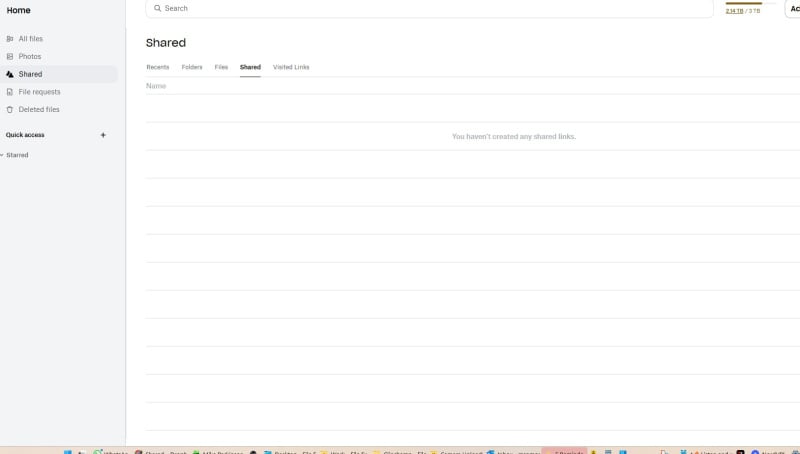
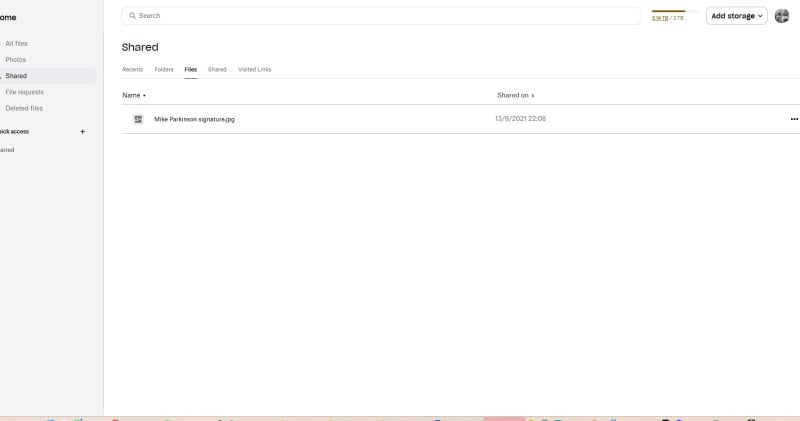
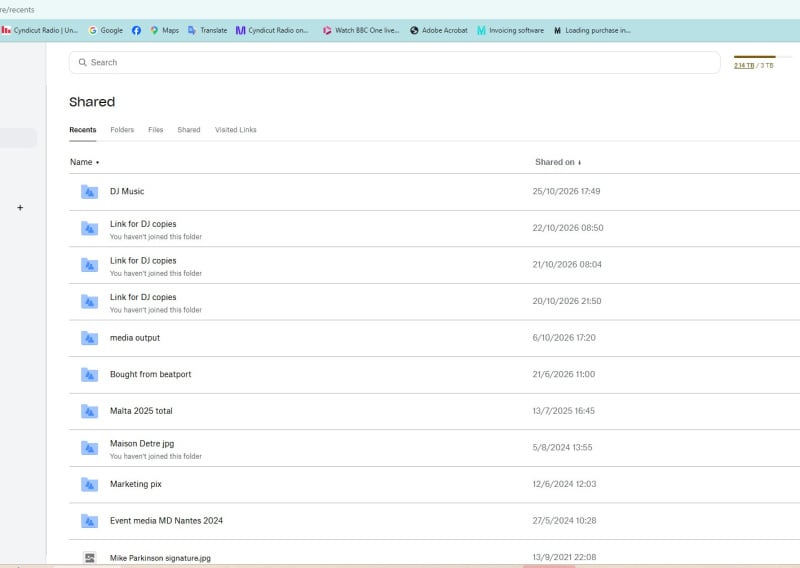
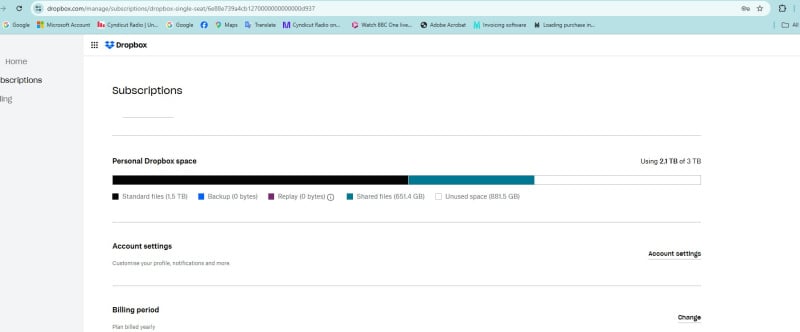
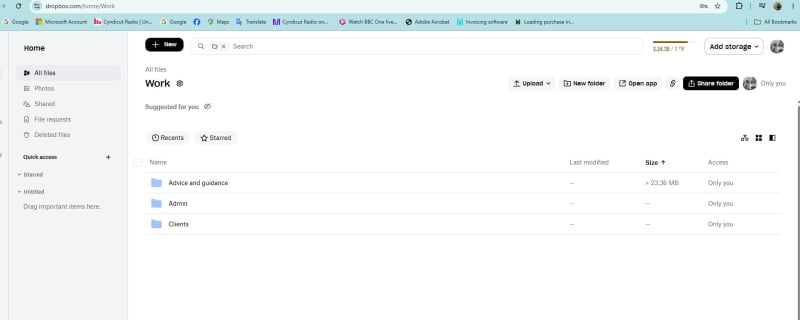
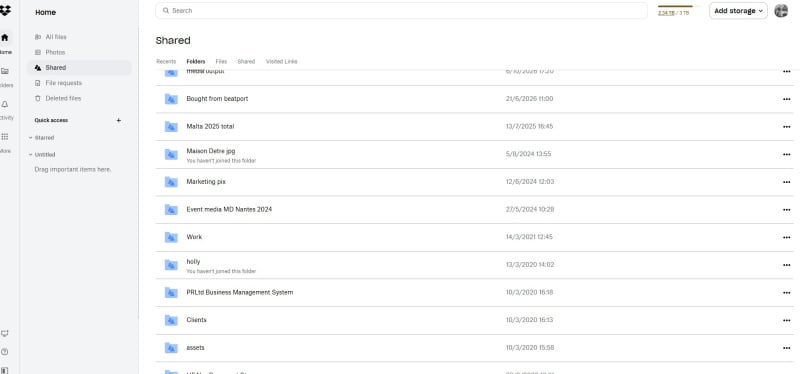
641.1 gb of shared space is being used, but ive deleted/removed all access to all either sent or received shared files. this was over 36 hours ago. why is the 641.1 quota still showing on my account? How do i remove this shared element? Cheers!
651.4 sorry
Hi @MiKeyP51,
In fact you contradict to yourself. Do you understand? You said that have "deleted/removed all access to all either sent or received shared files", but as could be seen on the screenshots all those files/folders are still there and available to you. 🤷 In fact you haven't removed them.
Probably you got confused by removing/unmounting them; this doesn't remove the content access automatically and all continue count to your available space. For all available shared files/folders remove them using corresponding ellipsis menu:
In such a way the content won't count to your capacity anymore. 😉
Hope this helps.
Ok thanks. So can i therefore assume that if "Remove from Dropbox" is chosen, then the files are deleted from my hard drive immediately too? So if i wanted to keep those fils, id need to download them first to my hard drive, then "remove from dropbox" whjich would delete them, then i can chose whether to add them again to my dropbox (or not - just keep on my hard drive) and then if i did add them to dropbox, they would count within my personal storage space. Is that how it works? You see, some of the folders have always been mine, remain mine, and i may have shared them with others in the past but not anymore, this was all cancelled yesterday, so i still dont understand why they are showing as "shared" when they actually are not anymore. Cheers!
Also, see these, lets take the WORK f
older, ive never shared this with anyone… but it says i am doing. ok, so i go into the folder and it says only I have access. no one else. So why is it showing up as a shared folder if it isnt?
Hey @MiKeyP51! Are you absolutely positive that the folder didn’t have any members in the past that have been removed in the meantime?
Other than that, you can follow these steps to completely unshare this folder and change its status to a personal one.
Despite it's unusual to have a shared folder or so without be actually shared to anyone else, it's not impossible though. There are different scenarios such thing to get up. One (more trivial) is in case you have unintentionally shared something to non-existing account. In such a case shared folder is created (it's independent action), but nobody has joined there (second step), so you have left the only member. Actually you have describe a typical situation when you have something shred, but later removed some or all participants (again you remain the only member). Another possible case is when you have used some third party application that (may be by mistake/bug) created shared folder without anybody invited there; again you left the only member of that "sharing". In short - sharing (usually denoted as a single action) is in fact 2 consecutive and relatively independent actions (the second cannot happens before first, but first can appear without be followed by the second). Also removing all participant doesn't discard the sharing automatically.
I hope you understand already why a folder may be shared with only you as member.
Yes, removing a shared folder will erase in fact entire content (unsharing won't), but (in addition to what Nancy described already; if you cannot unshare some folder for some reason) you can move (or copy) this content in advance to other folder, so you will remove an empty shared folder at the end. 😉
Good luck.
Hi Nancy, would you help me to recover my deleted files permanently? it's about 2TB files I want to recover, I need your help, please. 😭