Hi,
I’m having a serious issue with Dropbox where many of my files appear in the correct folders on both my computer and on Dropbox.com, but none of those specific files will open. I receive errors like:
“Cannot open the file because the file format or file extension is not valid.”
Here’s what’s happening:
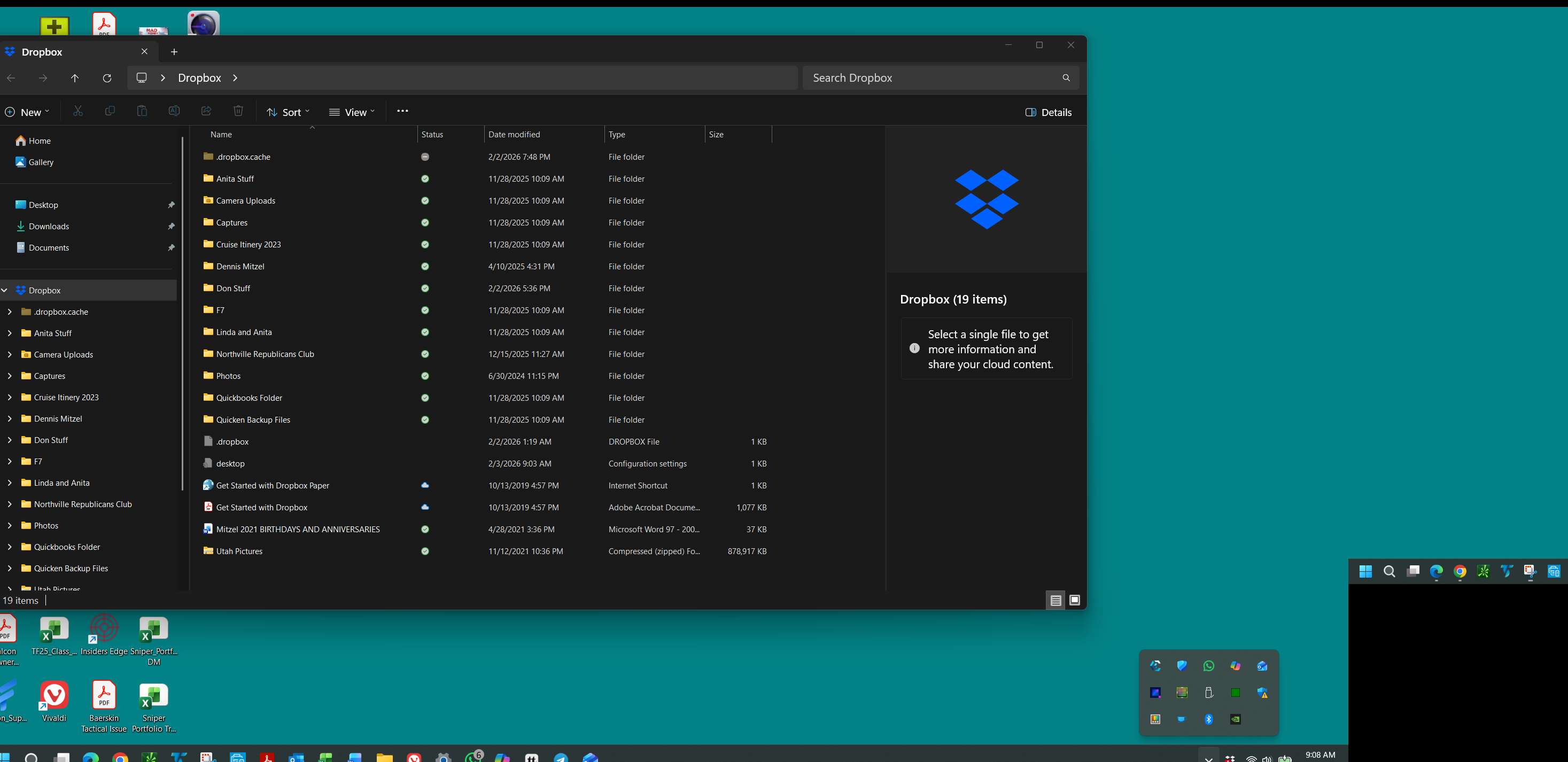
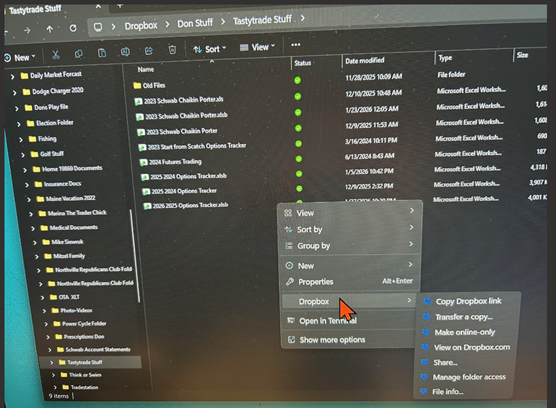
- I can see the file names and folder structure in Explorer.
- I can also see the same file names on Dropbox.com.
- But when I try to open any of these files (locally or on the web), they fail with format/extension errors.
- The files appear to be zero‑byte placeholders rather than real files.
- Most of my other files still exist on my second laptop, but the ones I urgently need do not.
- These missing files appear in Dropbox, but none of them open anywhere.
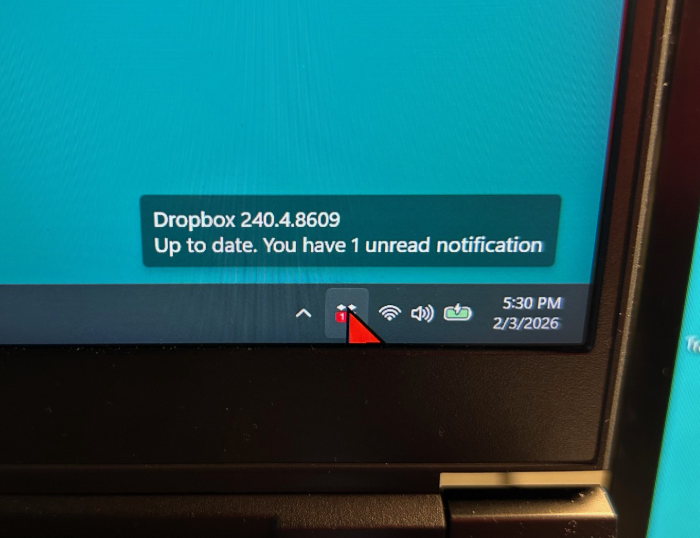
This all started after repeated issues with the Dropbox sync engine failing to start. Dropbox would install, but the app never launched, no tray icon appeared, and the sync engine seemed to be stuck in a crash loop. I believe this may have caused Dropbox to replace some of my original files with empty placeholder versions.
I need help determining:
- Whether Dropbox has older historical versions of these files stored internally.
- Whether a data recovery review is possible for these zero‑byte or corrupted placeholder files.
- Whether Dropbox can confirm if these files ever successfully uploaded before the sync engine failed.
These files are extremely important to me, and I’m hoping Dropbox Support can check server‑side logs or historical versions to see if recovery is possible.
Thank you for any help or escalation you can provide.