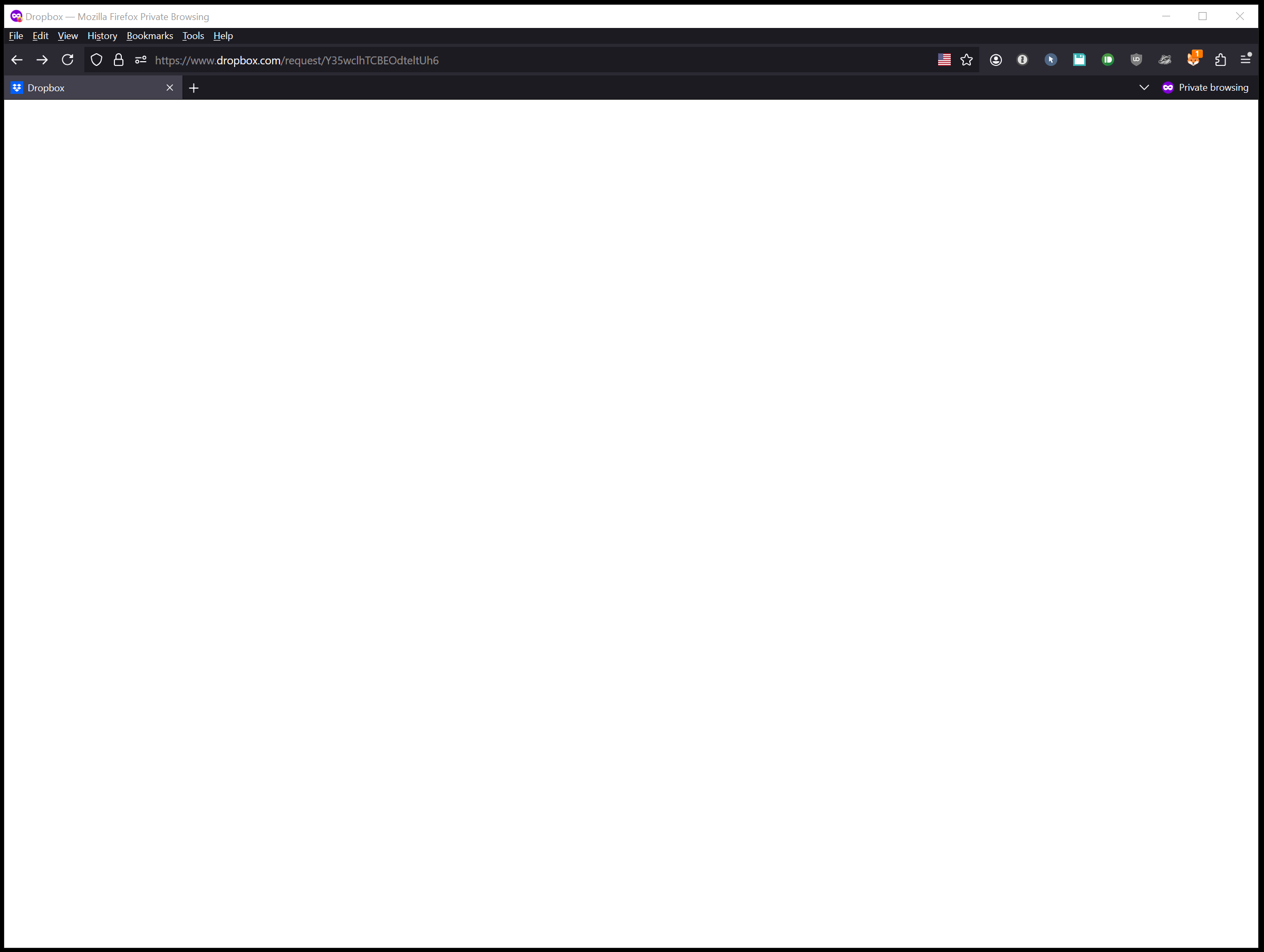
Near the end of huge project that has directed folks to a request link. It did open to an upload screen, now it's a white page.
PLEASE HELP!!!
Hi Everyone,
Our engineering team has implemented a fix. File requests should now work as intended. If you are still experiencing any issues with file requests, reply here and we can take a closer look.
Thanks,
Ben
Hi,
I was sent an upload link and when I opened it to start uploading videos the page is blank. Does anyone know if Drop box is having issues?
Is it doing that for everybody or just you?
Have you tried clearing cache/cookies etc.?
It would seem that there's currently an outage. A File Request that I use for testing produces the same blank white page.
Oh, somebody has merged things together.... while I was replying!
Yes as a few people have noticed it looks like a temp Dropbox outage.
Their support folks have now emailed me. I told them the Community was reporting a system-wide issue. I'll post what they tell me.
Thanks everyone!
Same issue here, no upload links working in multiple countries.
I have the same problem. People can't upload content to the link I sent them. It's a white screen.
It's been flagged with Engineering. If we hear anything back we'll update this thread.
Hi Everybody,
Thanks for reporting this. I've brought it to the attention of our engineering team and I'll provide an update when I have more information to share.
I cannot create a file request. Do you see it? Why
this is business account
But after click the bottom, no any response.
Do you know why?
Yeah, I'm just replying to keep this alive, since all my file requests went blank, too.
We are actively investigating the cause of this outage and working towards a resolution. I will share any news here as soon as it becomes available.
As of today the file request "button" no longer reacts such that I cannot create a file request. I also tried creating a folder and choosing file request from within the folder. Choosing that option takes me to the File Request page but does not open the window to create the request. I've tried several browsers and tried incognito and nothing helped.
Thanks, Ben. We're also experiencing the issue with the file request outage.
I am trying to create a new file request but it's not working. When I click on it nothing happens at all.
I've tried clearing cache and cookies and also from a incognito window but still nothing.
Is there a known issue?
Hey @GemmaQuaid - I just wanted to mention that our team is aware of this issue and currently looking into it.
For more information and updates, you can have a look at our status page as well.
When loading file request links it gives an error.

And the screen remains blank, not allowing files to be uploaded.
Also keeping this conversation alive. I'm also having the same problem. I have a File Request button but it's non-functional. I can't get into any of my previous file requests, and the links I send from them go to a blank screen. I've cleared my cache and restarted to no avail. I was able to create a new file request on my smartphone but it also goes to a blank page.
Hi - all file requests bring me to a page that says:
This file request has been closed, deleted, or never existed.
Hey @Trevor Roberts - sorry to hear about this.
Can you please clear your browser's cache and/or try another browser and let us know if you get the same results?
Hi, thanks, I tried both and got the same results.
In that case, I'd recommend getting in touch with our support team directly as they'd be better equipped to look into this for you with account specific information @Trevor Roberts
Let us know if you have anything else to ask in the meantime.
I am having the same issues for the past 3 days, with multiple files!
Sorry to hear about this @tkayb13
Are you the one who opened the file requests or are you the one uploading?
If you get the same error after clearing your browser's cache or on another browser, could you send us a screenshot so that we can have a visual too?
Issue of a file request link opening to a white screen was linked to a temporary Dropbox outage. This caused disruptions in file uploads and access to requests. After the problem was fixed, Dropbox users should be able to use file requests normally.