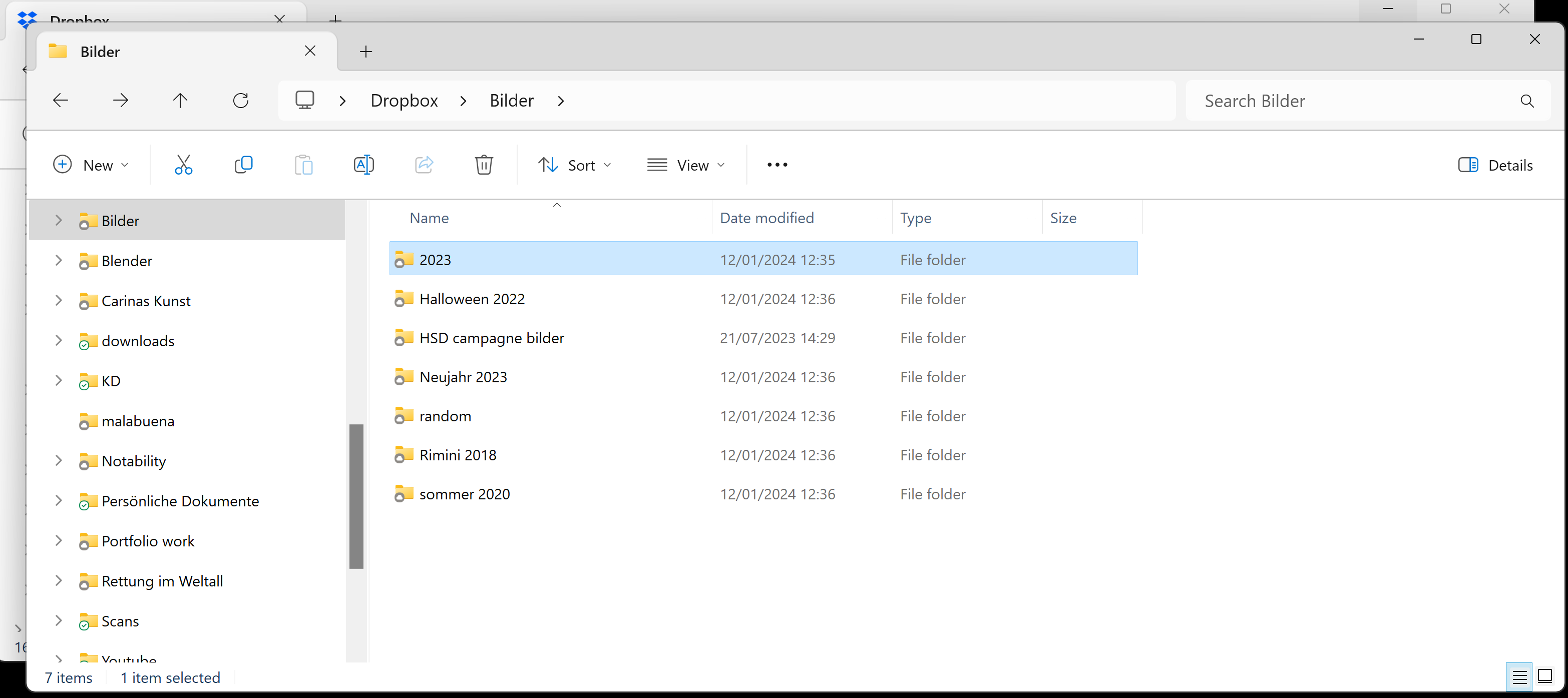
Hello everyone,
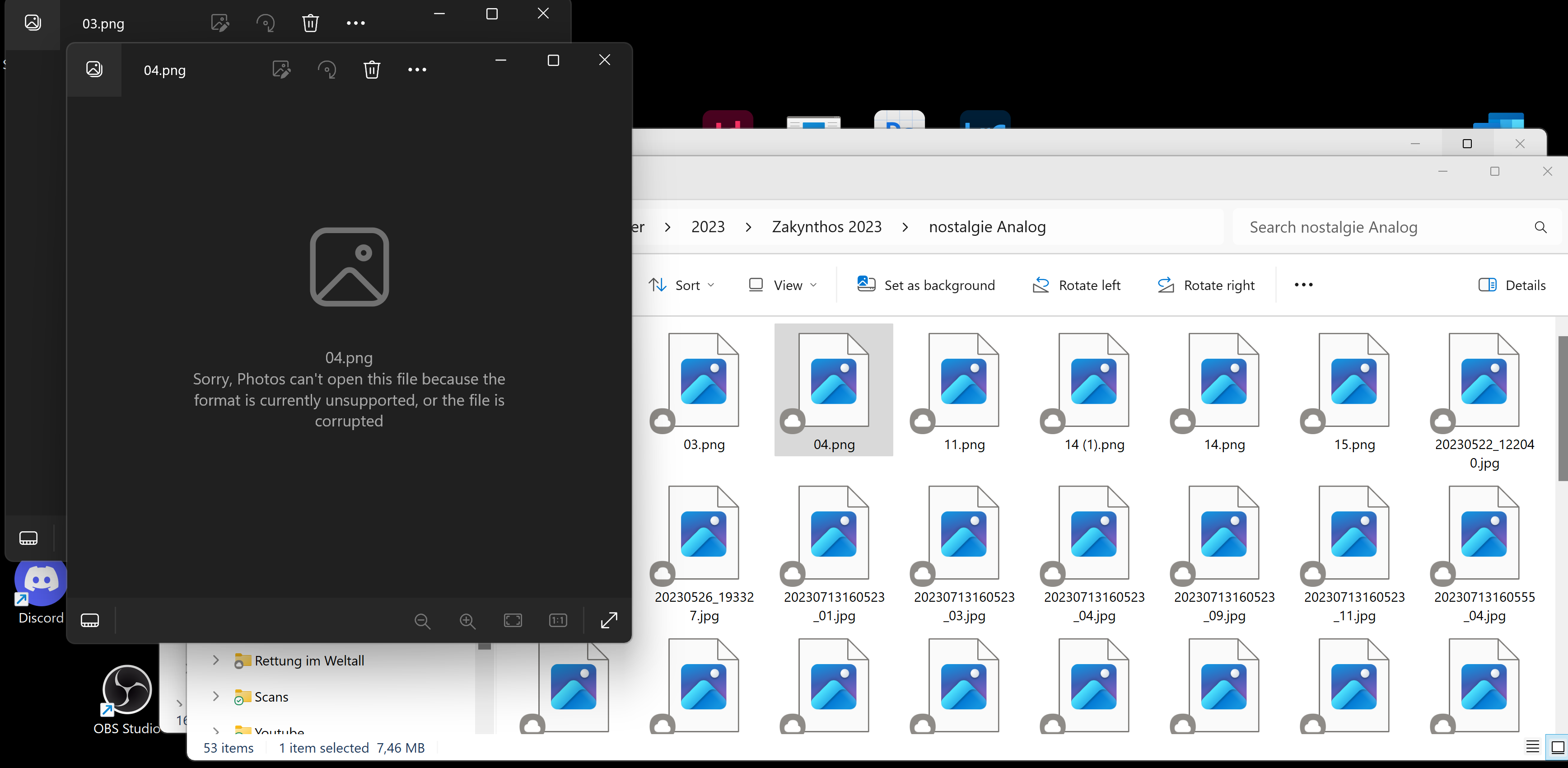
after I rebootet windows because there were some major problems after a failed update, I resynched my dropbox and all files seem to be there and in order like they used to be. unfortunately, I cannot open any of them (marked with the grey cloud symbol) and I suppose its because they are only available online? I checked the preferences and played around with the online/offline modes but nothing changes. according to my system preferences, the files are already available offline, but in the storage space on dropbox, they don´t show the correct size and seem to be empty. When I add new files to the dropbox, they synchronize just fine. Any idea how to fix this?