You know us, we are big fans of collaboration, but every now and then, we stumble across a topic that totally derails a meeting. While on a call, we noticed that someone on the team is walking around with over 94 unread texts, 50+ Slack notifications and a whopping 67,722 unread emails.
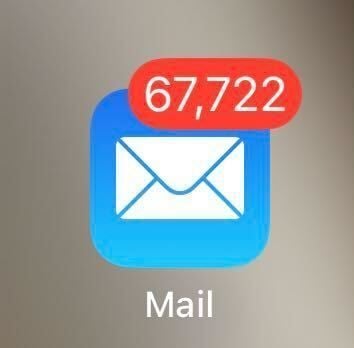
We’re not going to name names though but when I picked myself up from the floor, it sparked a serious debate on our team and we came to the conclusion that there are two kinds of people, those who thrive in notification calm, and those who live for notification chaos - which one are you?
 In the interest of honesty, I am a firm believer that a clear notification screen is the only way. I avidly unsubscribe from emails I don’t want to see, I mark messages as unread so I can get back to them if needs be but I like to start my day with a clean slate.
Our own Emma is a bigger fan of a well managed to-do list in Dropbox Paper, and you can read all about that right here. While it might make some people’s skin crawl, that means she can let her notifications pile up. I’m not convinced, but it works for her! To augment this ever fluid list, she’s a big fan of the Paper roundup emails and Dash to keep her on track with the many docs doing the rounds at any one time. To quote Emma herself on this, “every so often I'll clear them, but I have yet to miss anything with my chaos”.
I also like how Drew (the CEO of Dropbox) has an OPP folder, which translates to other people’s priorities (or problems!)) to help manage those email notifications and understand what needs action on his part. You don’t have to take my word for it, check it out here.
So, we want to know - how do you manage your notifications? Clear them? Keep them? Outright ignore them? Tell us in the comments below!