Device
(Macbook Pro 2021)
Operating System/Browser (if using the web)
(macOS 15.7.2 / Safari 18.6)
Question or Issue
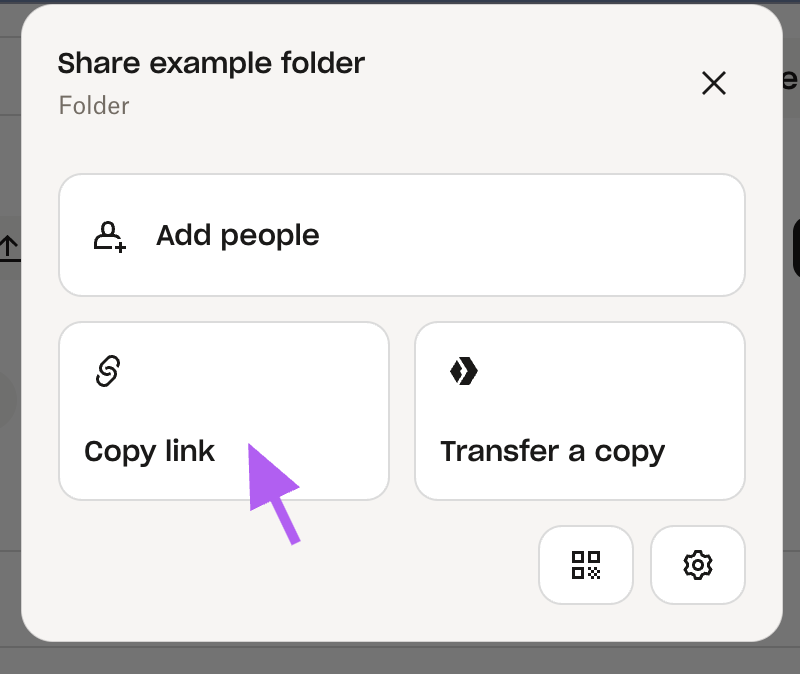
Using Safari web browser on my Macbook, when creating a share link to a file or folder, even though it says the link has copied, it will not paste into an email or anything else. I've even tried to opening the standard Text Edit app and pasting as plain text. It just comes up blank. I've tried right clicking on the 'copy link' but that just pastes the folder path as the URL with with a # on the end (no permissions code).
The clipboard on the mac also shows as blank after it copies. It wipes off anything I previously copied from the clipboard, so it's clearly trying to do something, but no link is actually being copied.
So even though I can create the share link, I have no way of getting it on my laptop.
The only thing that has changed recently is that I upgraded my OS to 15.7.2 on 17 Nov, along with the browser version. But I have shared a file the day after I upgraded.
I've also tried other web browsers and I'm having the same issue.
Other things will copy and paste fine in other apps and websites. Only having the issue with Dropbox.
It works fine on the phone app. No issues there. Just in the web browser. That'll be my temporary solution for now is to create it on the phone app and send it to myself.
Has anyone else had this issue?
Thanks
Sean