Hi team,
We initially implemented the WebView in the Xamarin application for all platforms; it initially worked well, but now that the support for WebView is deprecated, we are unable to use the Web view to authenticate Dropbox logins. Further analyzing this issue, we have come across a suggestion to use the built-in browser at the following link:
https://www.dropboxforum.com/t5/Dropbox-API-Support-Feedback/UWP-Webview-and-Token-Authorization/m-p/506972/highlight/true#M25045
The application is calling the browser only when a redirect URI is set to a website. As per the suggestion, we can create a new redirect URI for an application that can be used on the application, but when we implement this URI and load the application, the browser opens with the following error message:
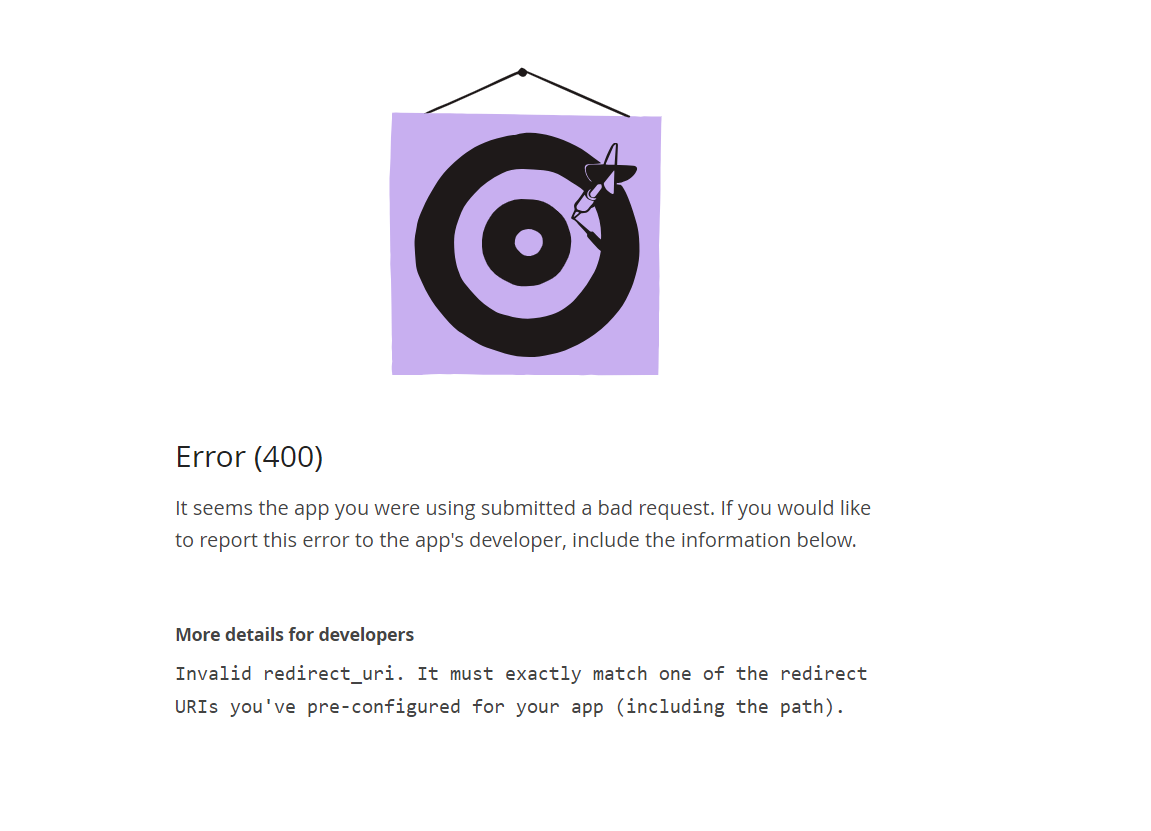
Redirect URI on the UWP application:

Redirect URI on Dropbox App Console:

I have checked this URI with other applications on UWP, and it calls this application without any issues.
Could you check on this and update the details? If possible, a simple sample for this implementation would be appreciated.


