Hi All. I have a file that I edited yesterday that is now appearing online as chinese characters. If I select the cell, the correct/English version of the word appears, but not when displayed. All other excel files in my dropbox appear in English as they should. On the app, it appears in English, this is only happening online.
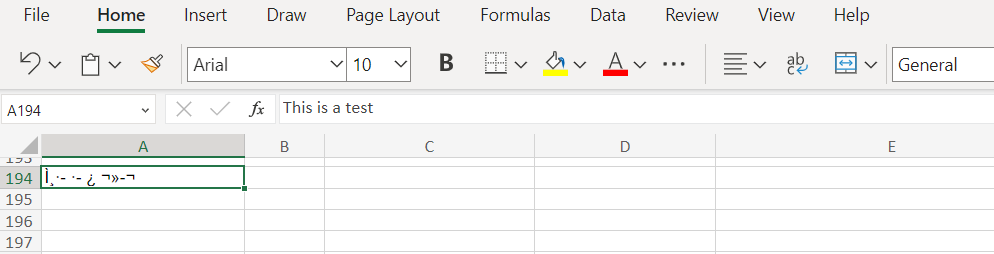
To troubleshoot I saved the file from my app, downloaded it to my computer, viewed it in Excel where it showed up in English, deleted the dropbox file, then uploaded the English version from my computer, but it is still showing up with the chinese characters. How do I rectify this and view the file on my computer the way it should be??





