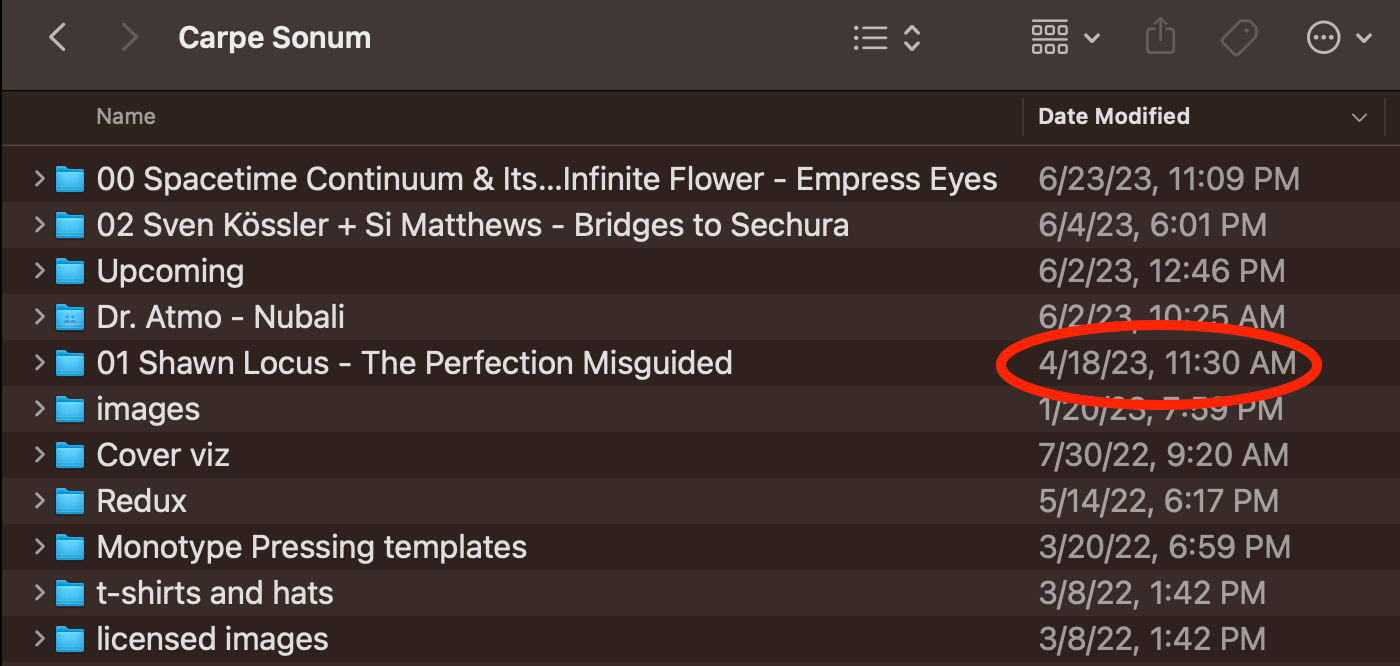
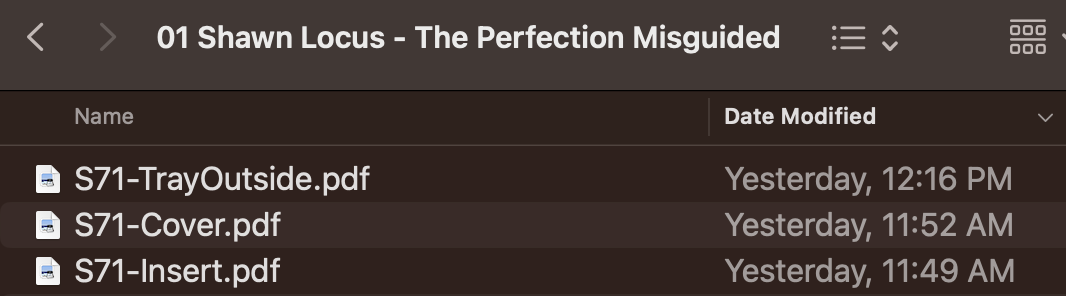
This has been going on for years. I share a Dropbox folder with one other person. When he puts new files in a sub-folder, I get no notifications. ZERO. Not on my phone, not on my laptop. OK, that's annoying, but it's not the *real* issue. Because I haven't gotten notifications for all this time, I check my Dropbox folder daily to see if new files have been put into my Dropbox. I check on my mobile, and also on my laptop. Here's a screenshot showing that the folder "01..." has not been updated since April 18th. Yet, there are NEW files in there. I did not know this, because in addition to no notifications, when I sort by "Date Modified", this folder does not show up on top because it seemingly hasn't been modified. But when I open the "01..." folder, I see the second screenshot In that screenshot, I can see 3 new files were added yesterday (July 10). Why doesn't the folder above show that this folder has been modified?
I do realize that I can change the View Options on the folder to allow me to sort by the "date last opened", but that's now that I want. I want to know when new items have been added, or old items have been changed. I reinstalled the Dropbox app on both my laptop and my phone, and the problem still exists.
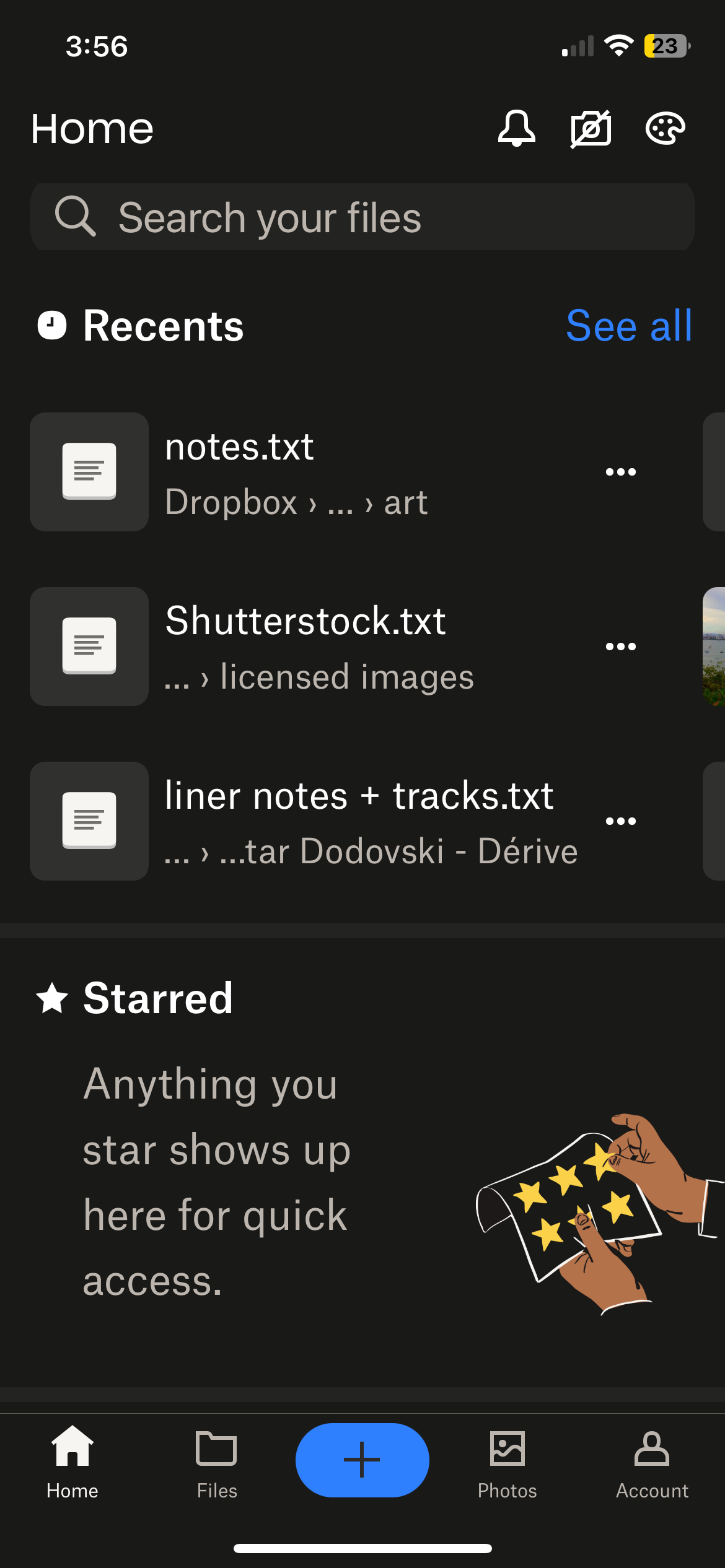
Here's a screenshot from my phone, showing that "Recents" also fails to show me the latest files. In fact, I can't find them *at all* in the recents view, even if I go back to April. BUT, I can find them by going to the specific folder.
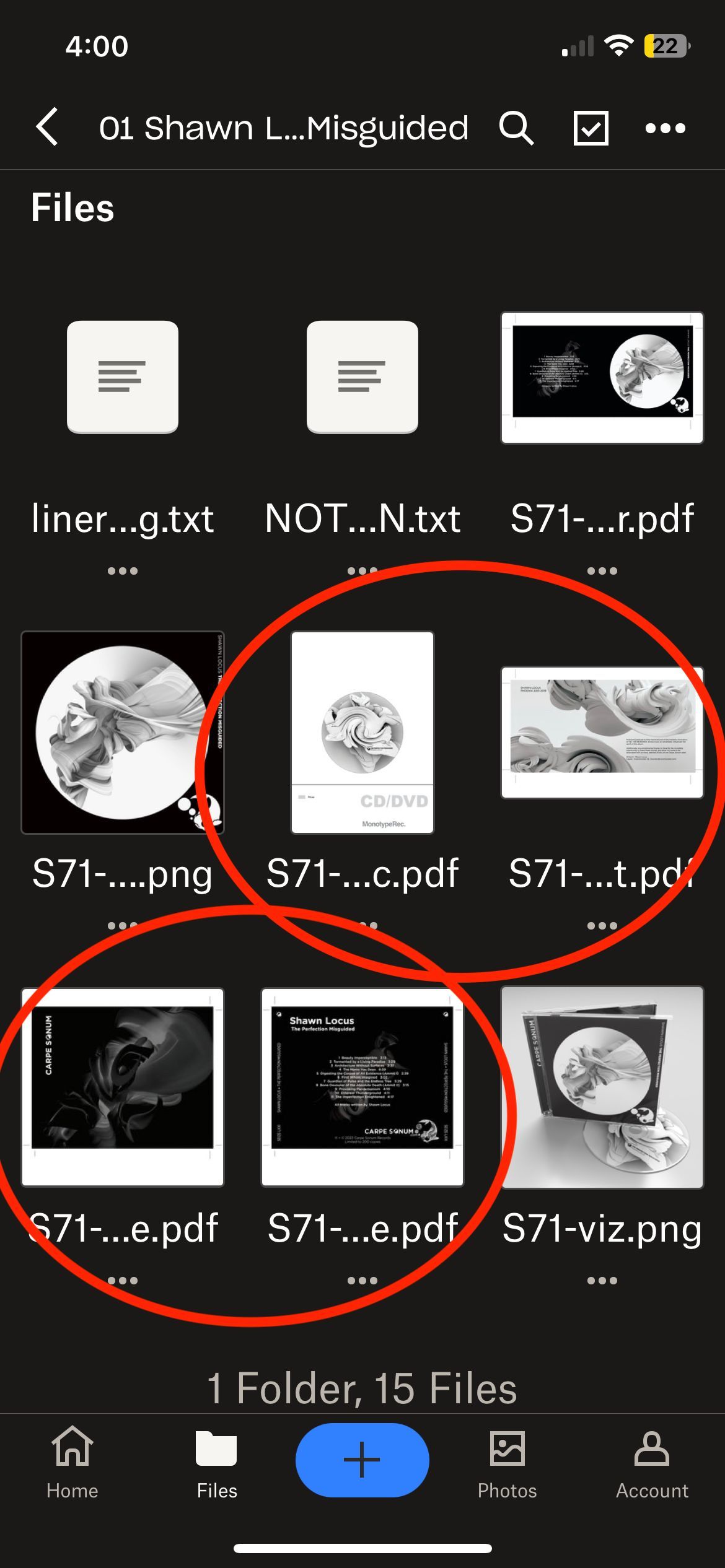
So to be clear, this problem is not about syncing. When he adds a file to Dropbox, I can see it, IF I KNOW WHERE TO LOOK FOR IT. But all bets are off if I just ask Dropbox to show me the latest files that have been added. Help!!!





