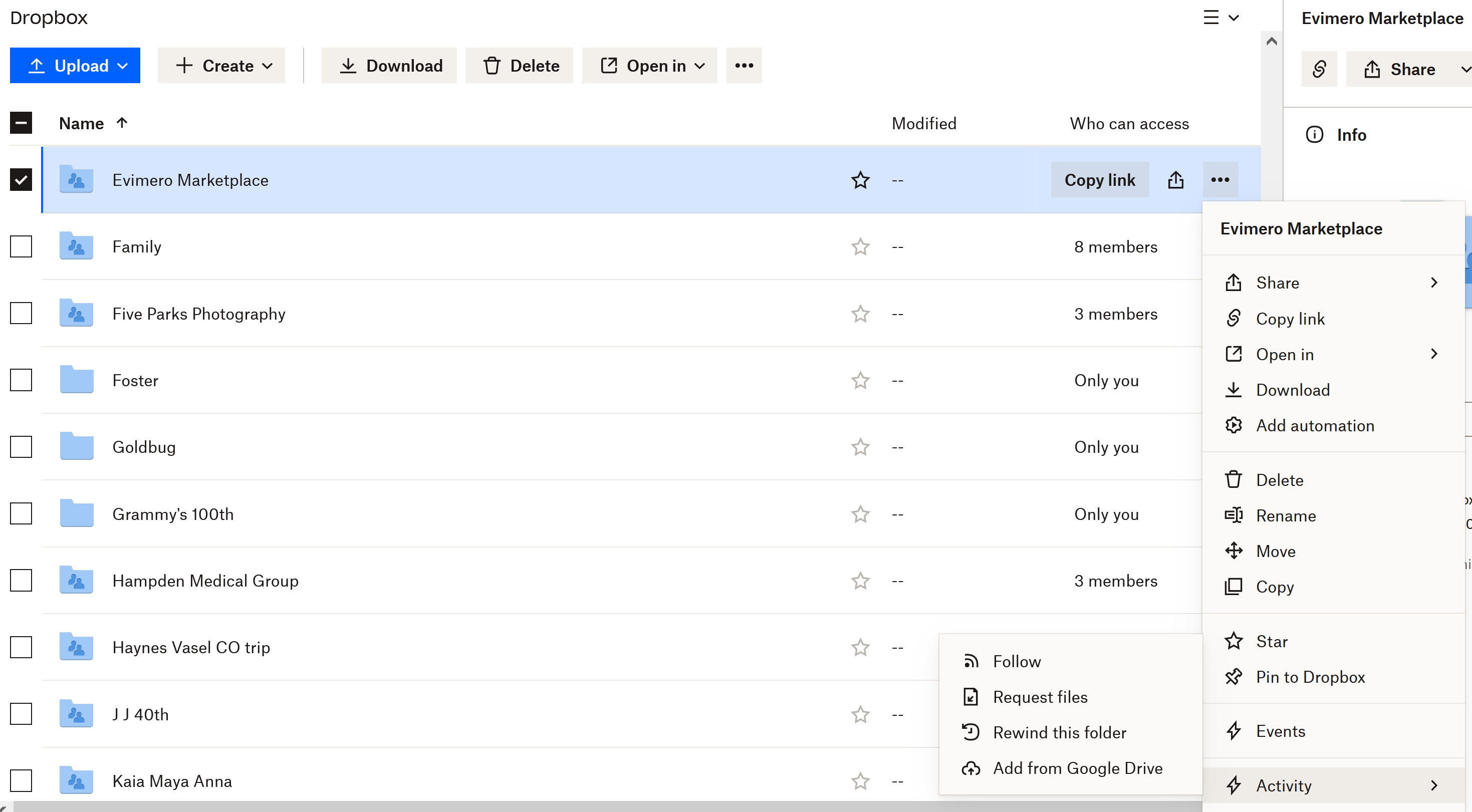
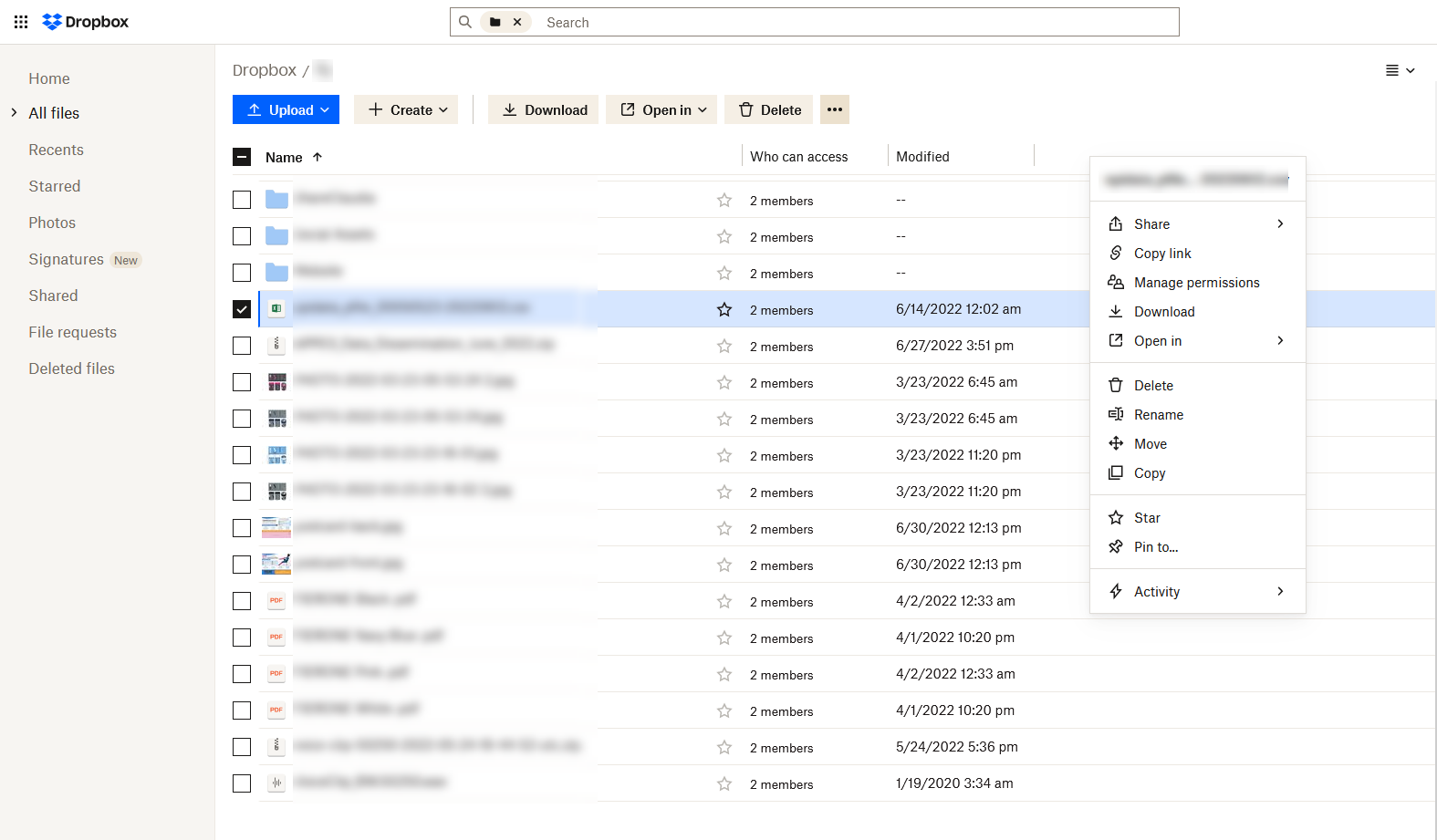
Trying to identify files or folder to delete to reduce takeup of allocated cloud storage. Using list view as suggested and can see file or folder column headings including SIZE . This just shows ... Other help answers suggest size can be seen , even for shared items which these are and some of which I originated.
Total allocated storage is 2GB. Dropbox suggestion is this is nearly full at 1.9GB, 1GB "standard" files, 0.9GB shared. What are "standard" files?
Can send screen shot if permitted.
Thanks, Corenottm