We are big fans of updates that make work easier - and this is a small but mighty change to the process of editing folder links and nested folders links too.
You can now send shared links on folders with edit permissions.
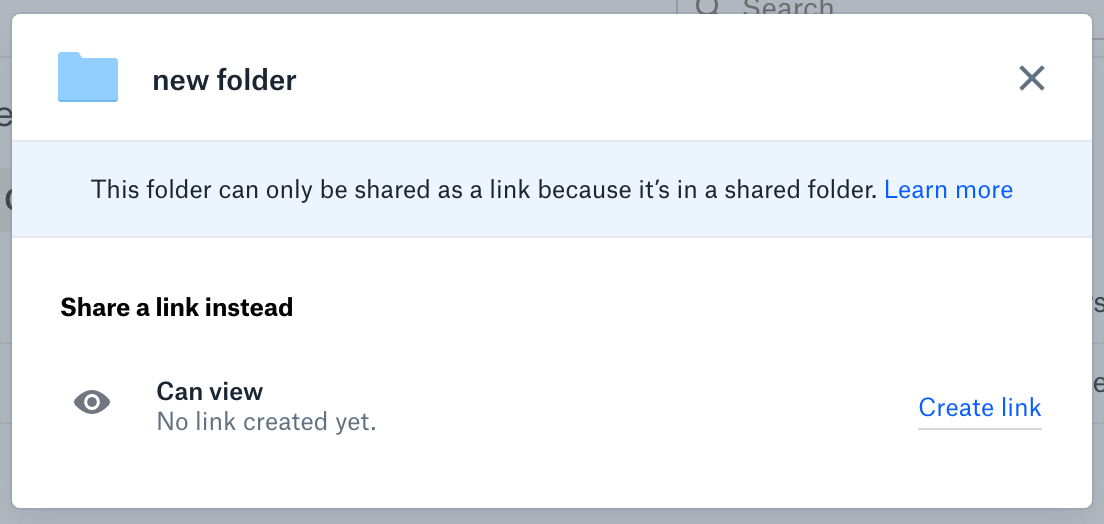
No longer will you create an edit link but only be given a view link to a folder. No longer will you be presented with a different, link only share modal when you try to share a nested folder.
Here are some updates that you can make the most of now too:
New tab “Link for editing”: The Link Settings will introduce a new tab to apply settings to the edit link.
Team space: You can share folders contained in, and by, existing shared folders outside of the team space.
 It might seem like a small change but if you think about how often we share links to folders, then this update can really improve the workflows we have in place. Explore more updates from Dropbox to see what else is new.
