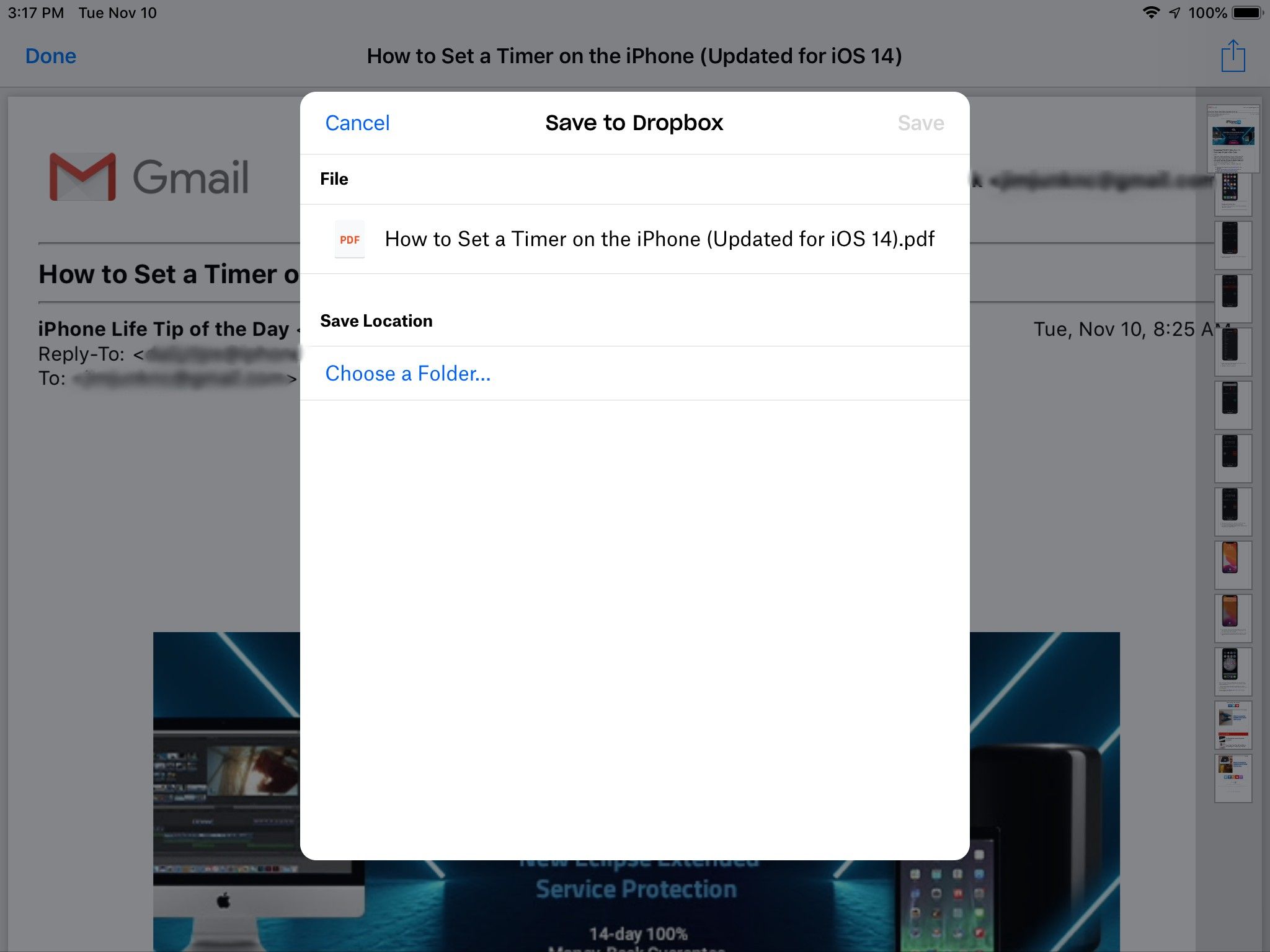
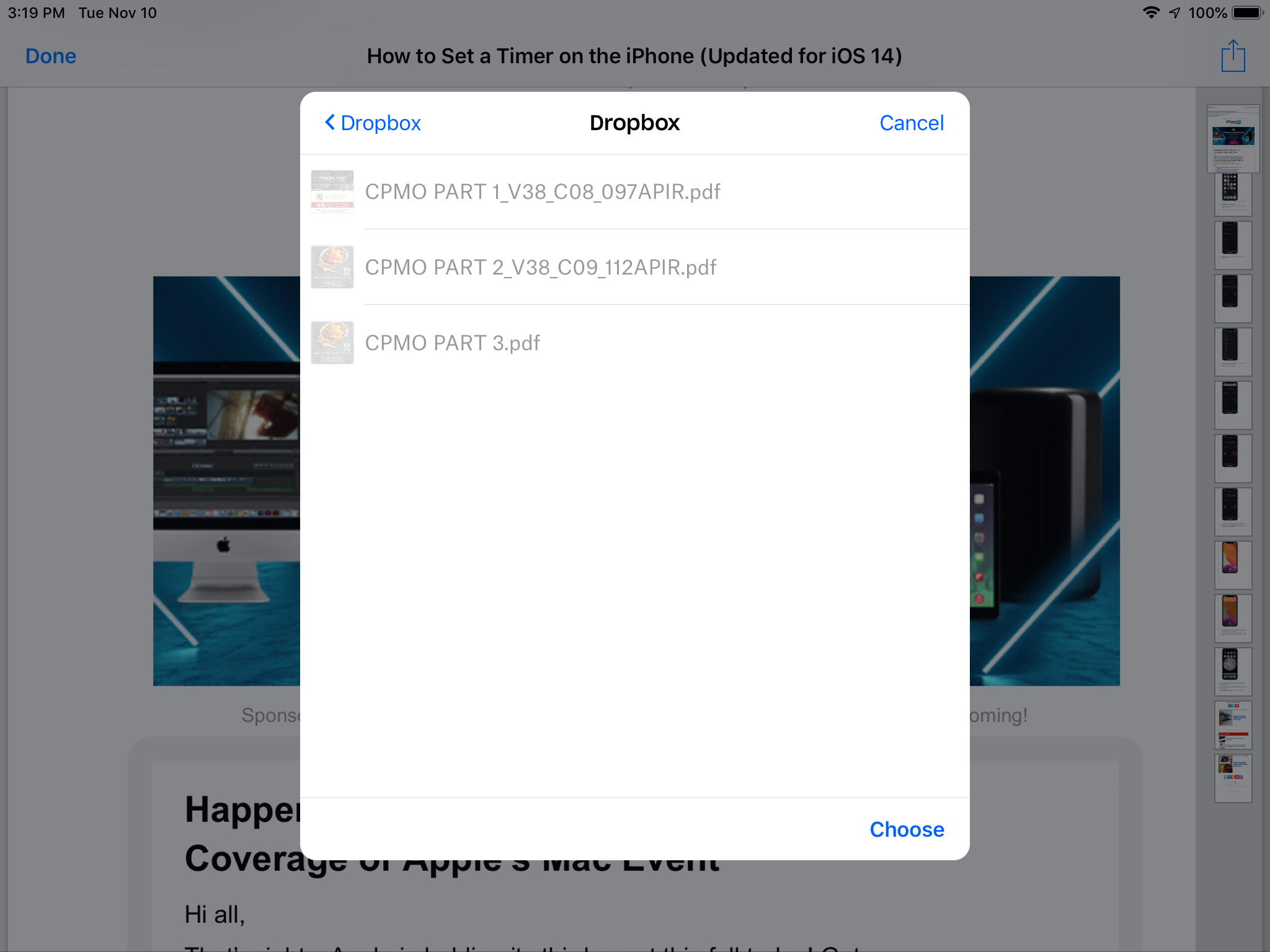
I am using an iPad with IOS 12. When I try to save a file the “save” option is greyed out, even if I choose a folder. I have deleted the Dropbox app and reinstalled with the same result. Locking for assistance.
Hi @slikjunk, please provide a screenshot showing what you see after you tap the 'Choose' button on the bottom right of your last image, which confirms that you have chosen that specific folder.
Hey @slikjunk ; thanks for using Dropbox and welcome to our Community!
It looks like Dropbox may have not been set as a location in the Files app. Can you please open the Files app on your device and press ‘edit’.?
From there, under locations, you should see all available locations with Dropbox toggle off. Please switch this on and press 'done'.
After this is done then, please try again and let us know the results.
Thanks!
It wasn’t in the files app, but this didn’t solve the problem. Everything is still greyed out.
Thanks for clarifying that for me @slikjunk .
In that case, could you update your device's OS and our app's version to the latest possible and grant the relevant permissions to our mobile app through your iPad's Privacy Settings?
Maybe that will do the trick :nerd:
Thanks for the suggestion, but I have an iPad Air and version 12 of IOS is as far as I can go. The ironic thing is I used to be able to save w/o an issue.
Hi @slikjunk!
Would you mind sending me a screenshot of where you're getting stuck there?
Also, if you could just let me know a step-by-step guide of the actions you take up until that point, that would be very helpful too.
Cheers!
The steps I have taken is use the “Save to Dropbox” option in IOS. The “save” option is grayed out. It suggests “Choose a folder”, which I have done. I get the same result.
Attached I have 2 screenshots of those steps.
Edited by moderator
Just to clarify, even once you have tapped the "Choose" option to lock in the selected folder (just the top level of your account from what I see), the Save option is then still greyed out?
Also, which app is this that you're trying to save the file from? Just so that I can try and test this from my side too.
Do you only have this issue with this particular app or do other apps have the same issue?
Yes, after “choosing a folder” it is still grayed out.
I have the issue on every app I have tried, including email and photos.
Thanks for asking that question. I never checked it before because I assumed I would get the same result. It allows me to save from that screen.
Thanks, that's what my colleague mentioned previously about choosing the folder, as this is a necessary step. Glad to hear that the issue appears to be resolved now.
If you need any further assistance, please let me know!