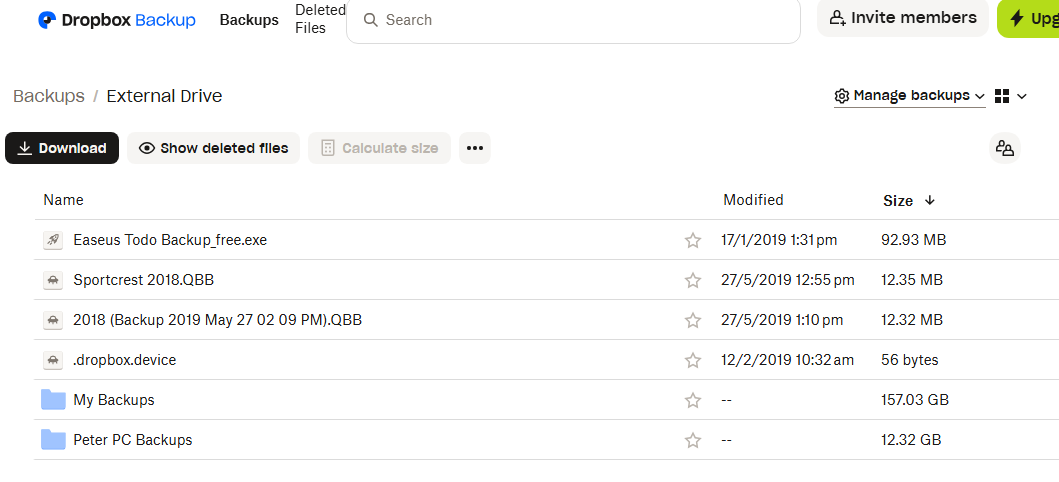
Dropbox account is over the limit because a few large files were backed up from an External Drive. Unfortunately the Computer that had the external drive attached died and is gone.
The list of backup files as seen below:
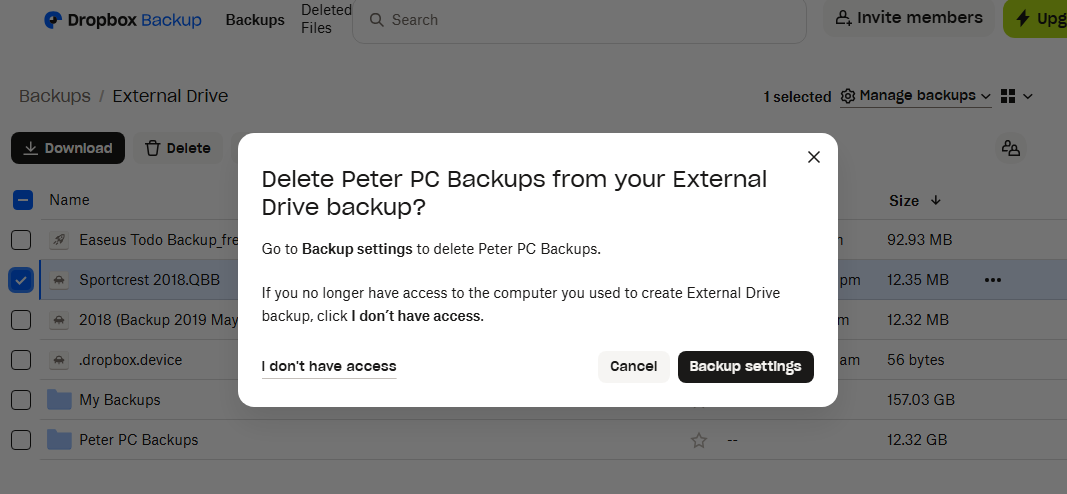
When an attempt to delete some of them is made the option to click on "I don't have access" is shown. Clicking on that prompts you to go to the security tab in Settings and sign out of the device.
However, the only device showing there is the one currently being used so it's a dead end.
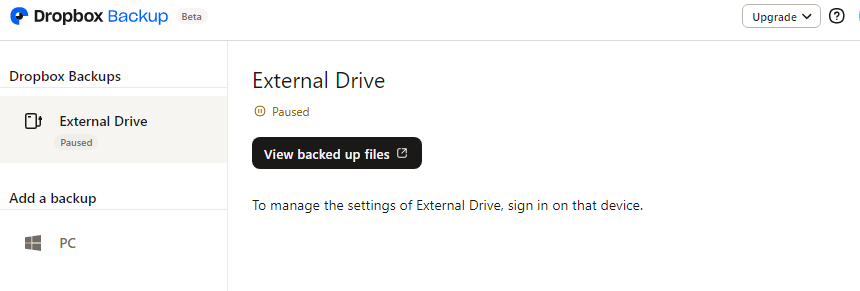
If Backup Settings is selected instead of the "I don't have access" option you just come back to the settings and are told "to manage the settings of External Drive, sign on to that device".
How can I delete these backups?
Thanks!





