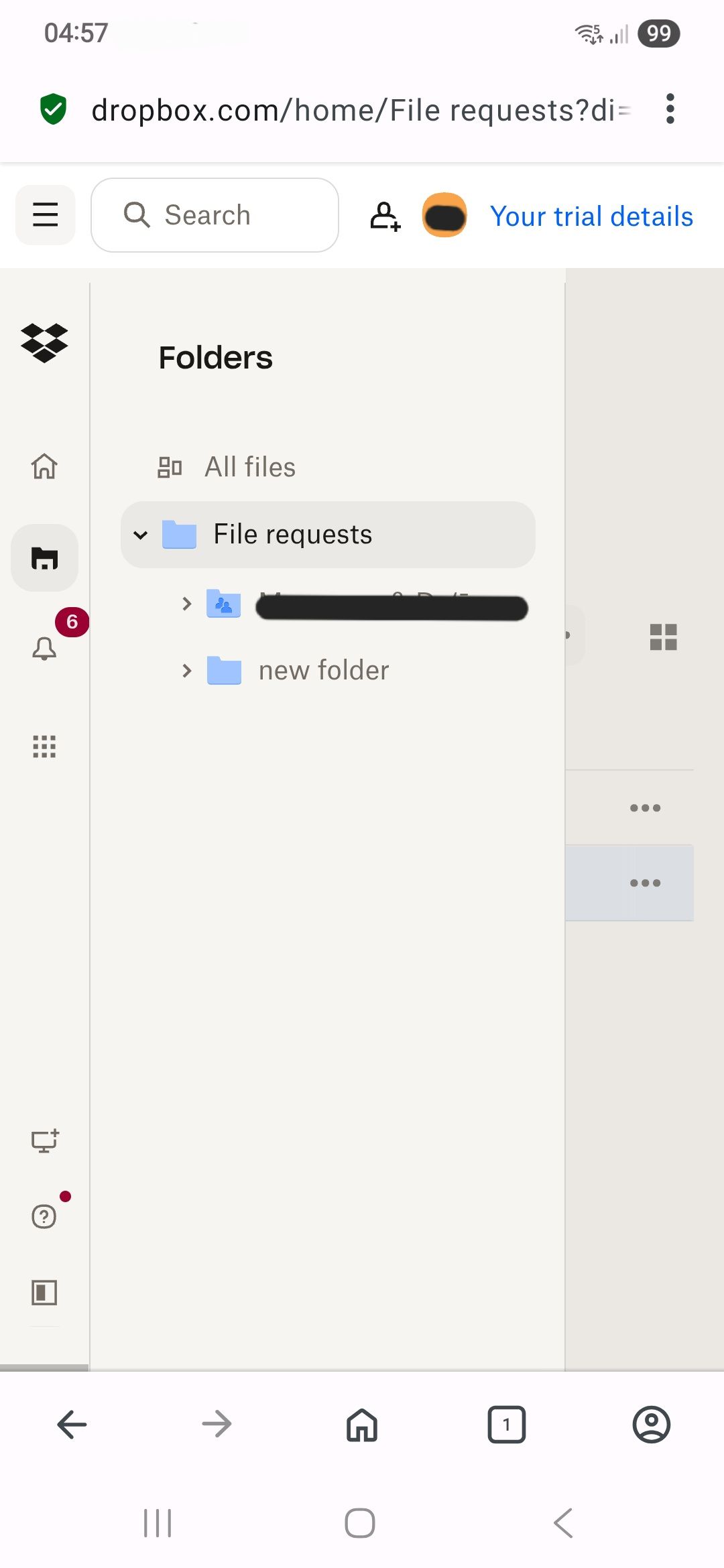
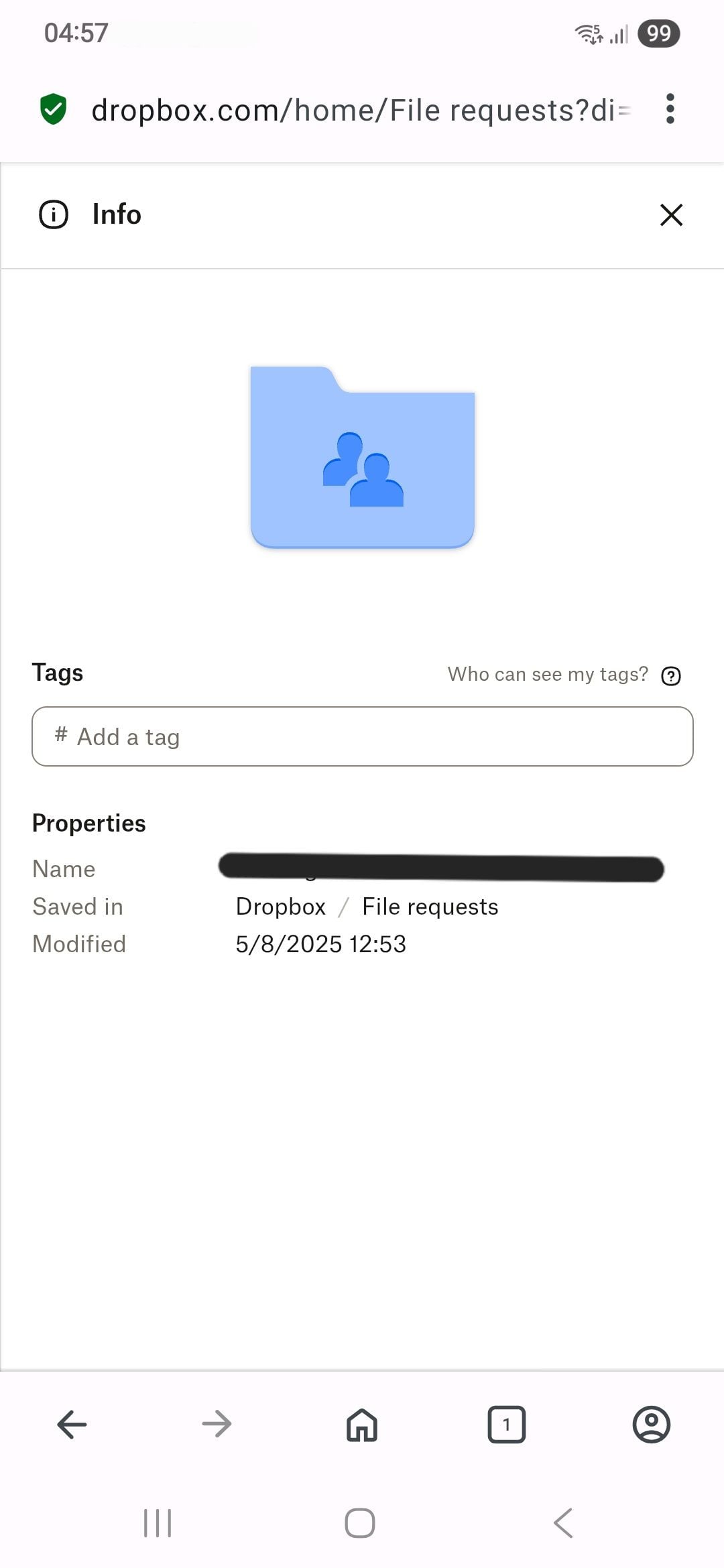
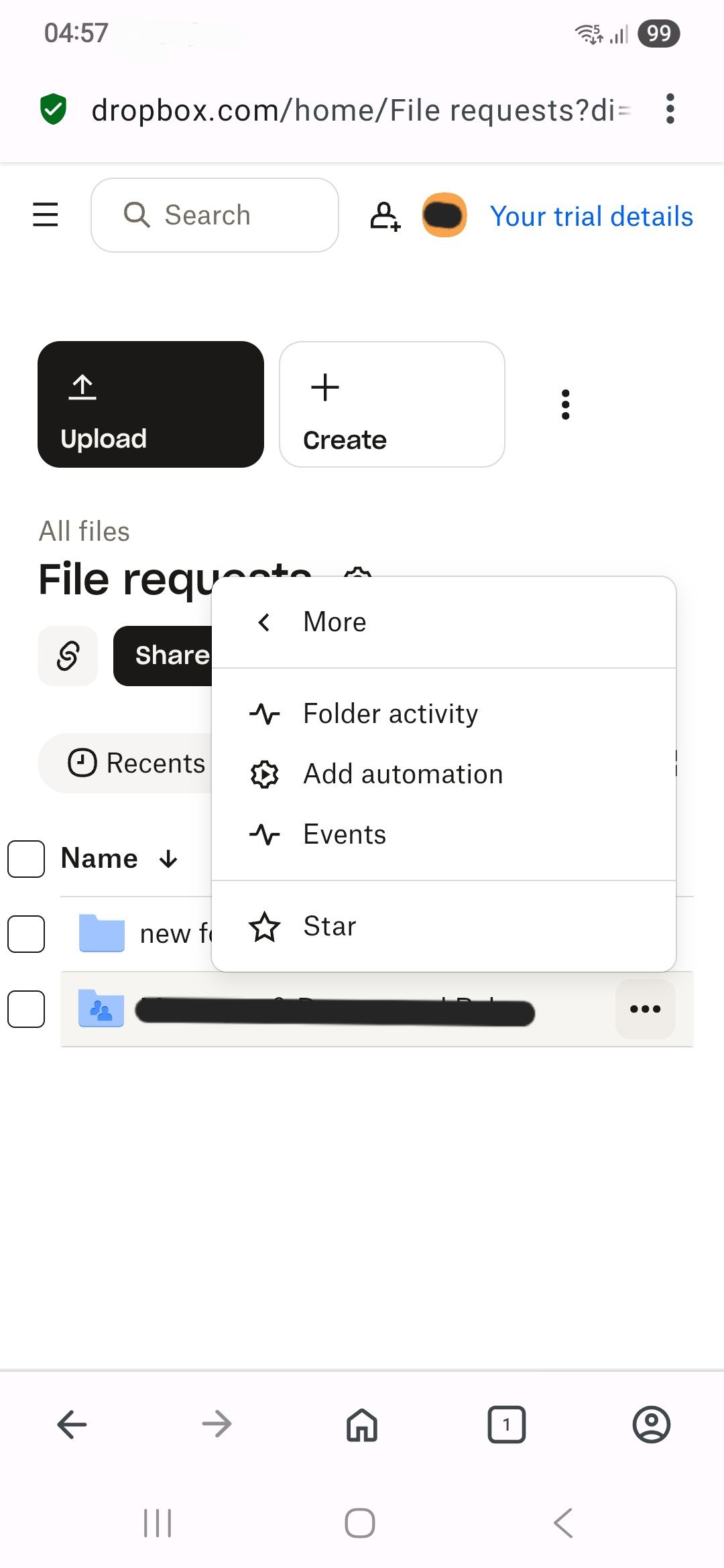
I can not edit the description of my file request or create a new file request in from the sidebar like I used to. I have tried on both my phone and PC Dropbox websites.
Hi from me as well, @yazmina! Can you try clearing your browser's cache/history as the next step? Other than that, please check this via a different browser (or an incognito window on your current browser).
In case none of the above work, please send me a screenshot of what you see on your end when trying to edit your file request’s description/create a new one, and I’ll take a look.
I tried using the incognito tab and different browsers on different devices. I think there was an update to the Dropbox website since the time I made the file request. Now there is no option to make a new request or edit existing request, I can only share folders
HI @yazmina, thanks for the information. In order to look into this matter in more detail, I'd recommend contacting the support team directly for them to investigate further.
Thank you @Jay
Have you tried clearing your cache and cookies @yazmina ?
Somebody else posted a very similar issue a few days ago and that resolved it.
I tried that but it still doesn't work
Hi @yazmina, let me jump in here!
I used your Community-linked email address to search on our system, and I couldn't locate any tickets there.
Did you manage to reach out to our Support, or should I send you an email, in order for us to have a closer look into this?
Hi again, @yazmina! Was this issue resolved for you in the end? If not, please let us know and we’ll further assist.