Hi,
An excel file was reverted to an old version, 31/01/2023. And this is a file that I edited every month.
If I check the history of file obtain:
Hey there @tsveg1 welcome to the community!
For starters, are you certain that you've logged into the correct Dropbox account? I'm asking because in previous cases like this, some users discovered they had a second Dropbox account they didn't know about.
Do you see any event history on this page, or deleted files?
Yes i log in correct account, as you con see I obtain an error if i check the history of file.
Hey @tsveg1, hope it’s OK for me to jump in.
Are you getting the same error, if you try to access the version history of a different file?
Can you also test this via another browser, and/or an incognito window, and let me know what you find?
It's ok Nancy.I try with a differend browser, and i getting the same error.
If i try with a different file there is no problem, i see the complete history.
Hi there, @tsveg1!
When visiting your events page here, what do you see in regards to this specific file? When was the last time it was edited?
Can you send me a couple of screenshots please, in order for me to have a visual?
Yes of course, thanks for your interest.
And in the events page i see anly one events on this file, that was 31/1/2023:
The problem i that i try to view history of this file i obtain:
I i try with history of txt file i obtain:
And thi is correct because i havent more touch that file, otherwise the excel file
Thanks for the additional info and screenshots, @tsveg1.
Can you let us know how you were editing the file? Were you using the Excel program on your computer and working on the file directly through your local Dropbox folder?
Was it perhaps through the Dropbox mobile app or the Dropbox website?
well i have edited file via excel.
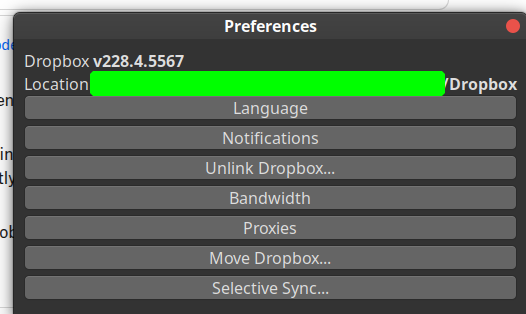
The file is on a ubuntu 20.04 file system and i use the ubuntu dropbox client to syncronize the file. Excel access directly to file throught a virtual Box virtual machine.
Hi @tsveg1!
It seems possible that the changes of the file weren't synced to your account online.
If the newer edits you made on the file synced to our servers, then you should be able to see the file's versions when checking through your events page.
But the page only reports changes from 2023, and no newer additions.
Also how long ago was the file last edited before the latest version? If you're a free user, then Dropbox will keep the previous versions made within the 30-day recovery window, not before that.
No it is no possible, is year the I edit this file, and if file it was not synched in local vesion i must have the new file e not the oldest one.Anyway it is clear an error if when i see the history i obtain a screen error and not a correct history page.
Yes i have a free varsion of dropbox, but the version of 2023 of the file is not the last version is an old version. I cannot prove this but i'm sure what i say .....
Hey @tsveg1, I am going to need some account specific info to look into this for you.
I just sent you an email, and we'll take it from there. Thanks a bunch!
Thanks a lot ....