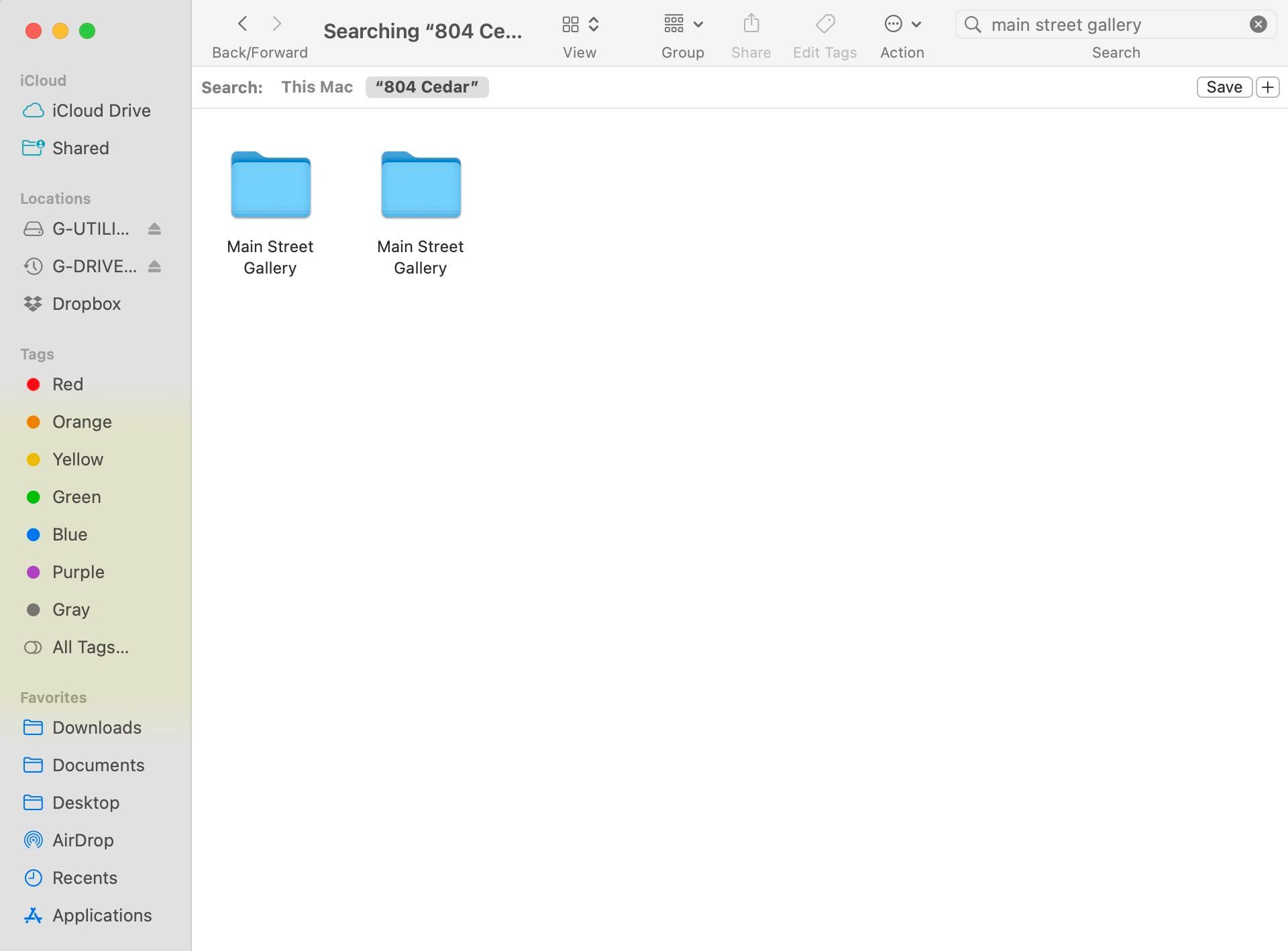
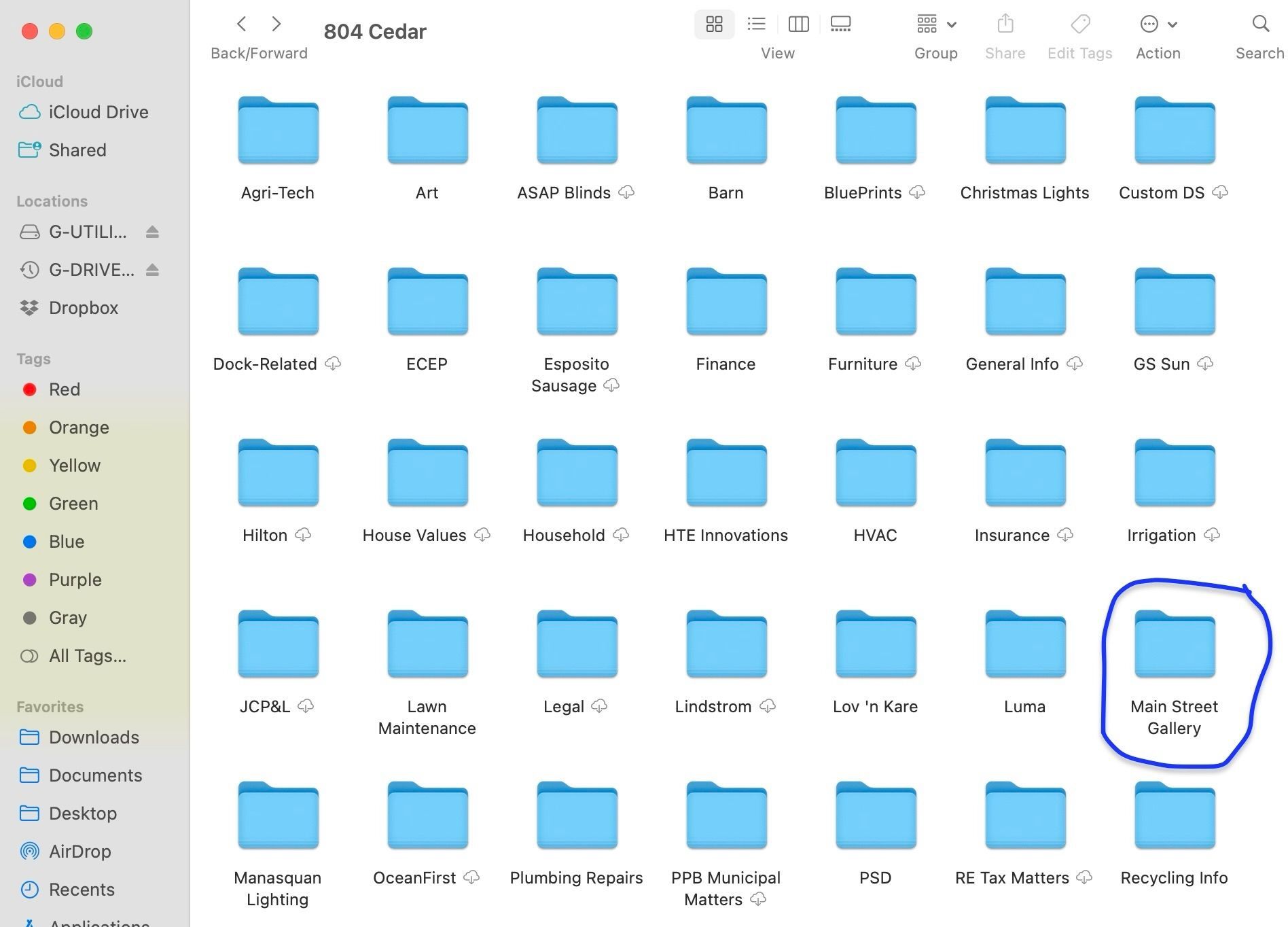
I have an issue with a folder that has disappeared after I mistakenly created it in a general folder and needed it instead in a subfolder. I am running Sonoma 14.5 on a Mac Mini M1. After I realized my error, I simply dragged and dropped the folder to the correct subfolder. Unfortunately, the newly created folder entitled "Main Street Gallery" was nowhere to be found in my destination folder "804 Cedar." When I conducted a search for the folder, it showed it was in 804 Cedar yet there was no trace of it actually in the folder. I then rescanned my documents and created a new folder with the same name and placed it in 804 Cedar directly and it shows with no problem. When I do a search on Main Street Gallery, Dropbox now shows two folders of the same name, "Main Street Gallery," in "804 Cedar" containing the same documents. When I open the destination folder, 804 Cedar, there is only ONE Main Street Gallery folder. Where is the second folder of the same name?