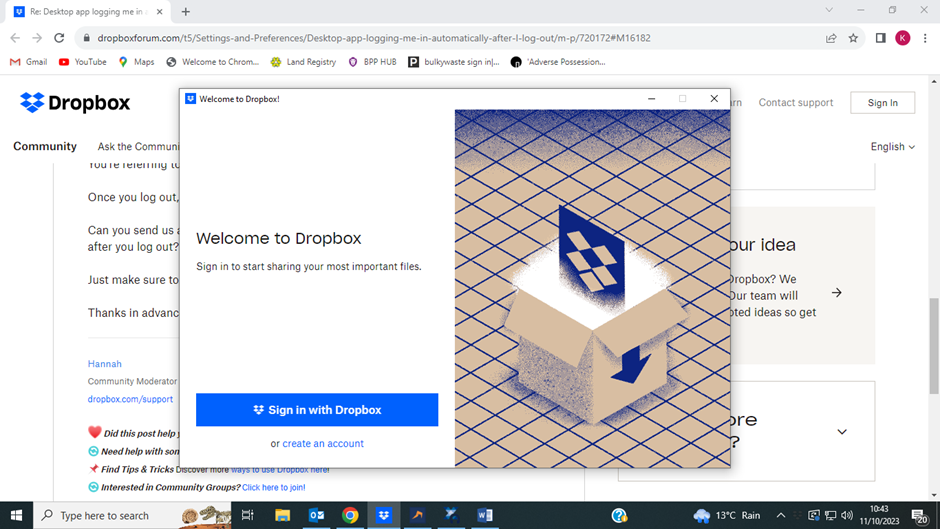
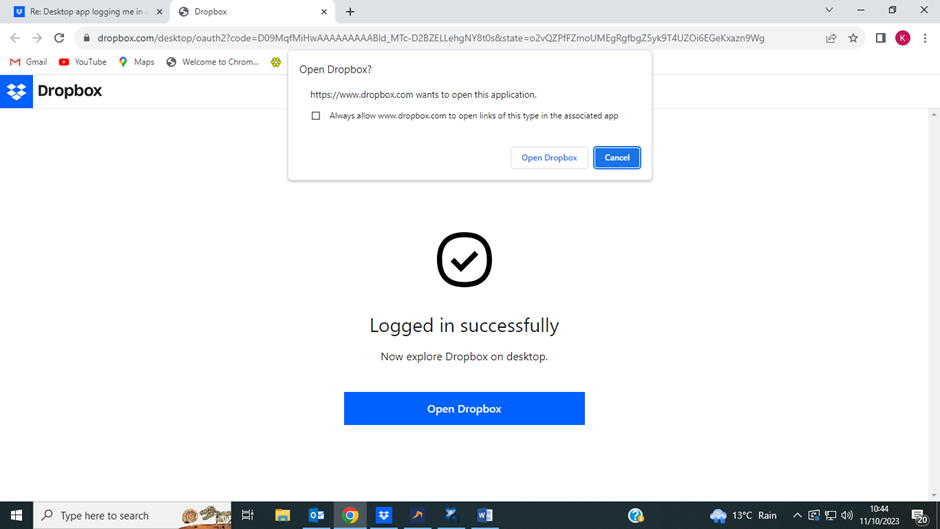
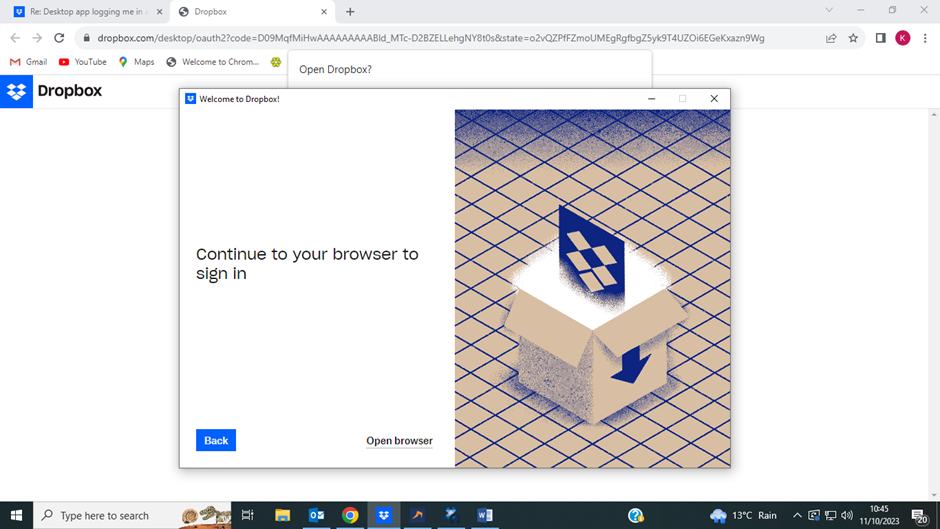
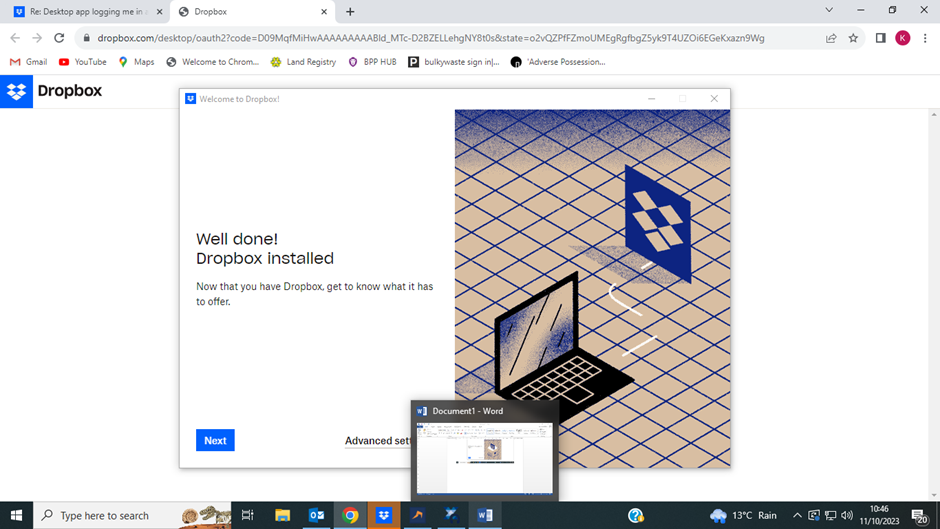
i have multiple accounts and when i try to log in to an account i am automatically being logged in to the account i have just logged out of and there is no option to log in to another account. im using windows 10
Hey @FS65, thanks for letting us know.
You're referring to logging out and logging in to the Dropbox desktop app, correct?
Once you log out, it should give you an option to login to any account you want.
Can you send us a screenshot showing what you're seeing on your end instead, right after you log out?
Just make sure to not show your email address/password etc. on the screenshot.
Thanks in advance.
Thanks for the screenshots, @FS65!
Since you're using the browser to sign in to the desktop app as well, is it possible that on the browser you're logged in to the account you don't want?
Can you try logging in without the browser?
i dont use the browser to log in i use the app. it is opening the browser automatically to log in when i open the app
If you first log out of Dropbox on the website, do you get the same behavior when you try to sign in on the app?
yes, the app automatically opens the browser and then i have to log in online and then restart the app again
And just to confirm, if you then log in to the preferred account online, do you get the exact same behavior?
Is it logging you in to the account you don't want on the desktop app?