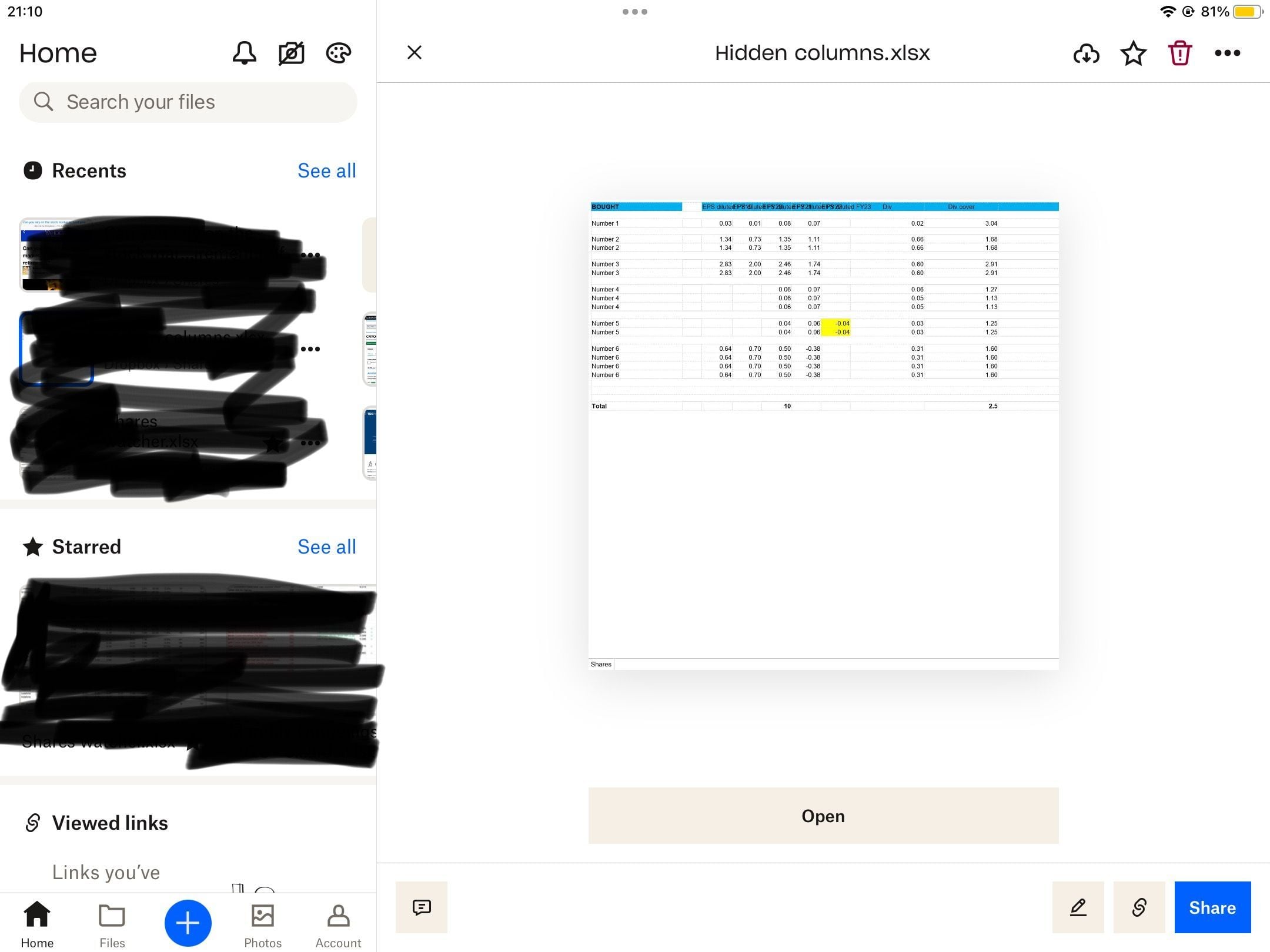
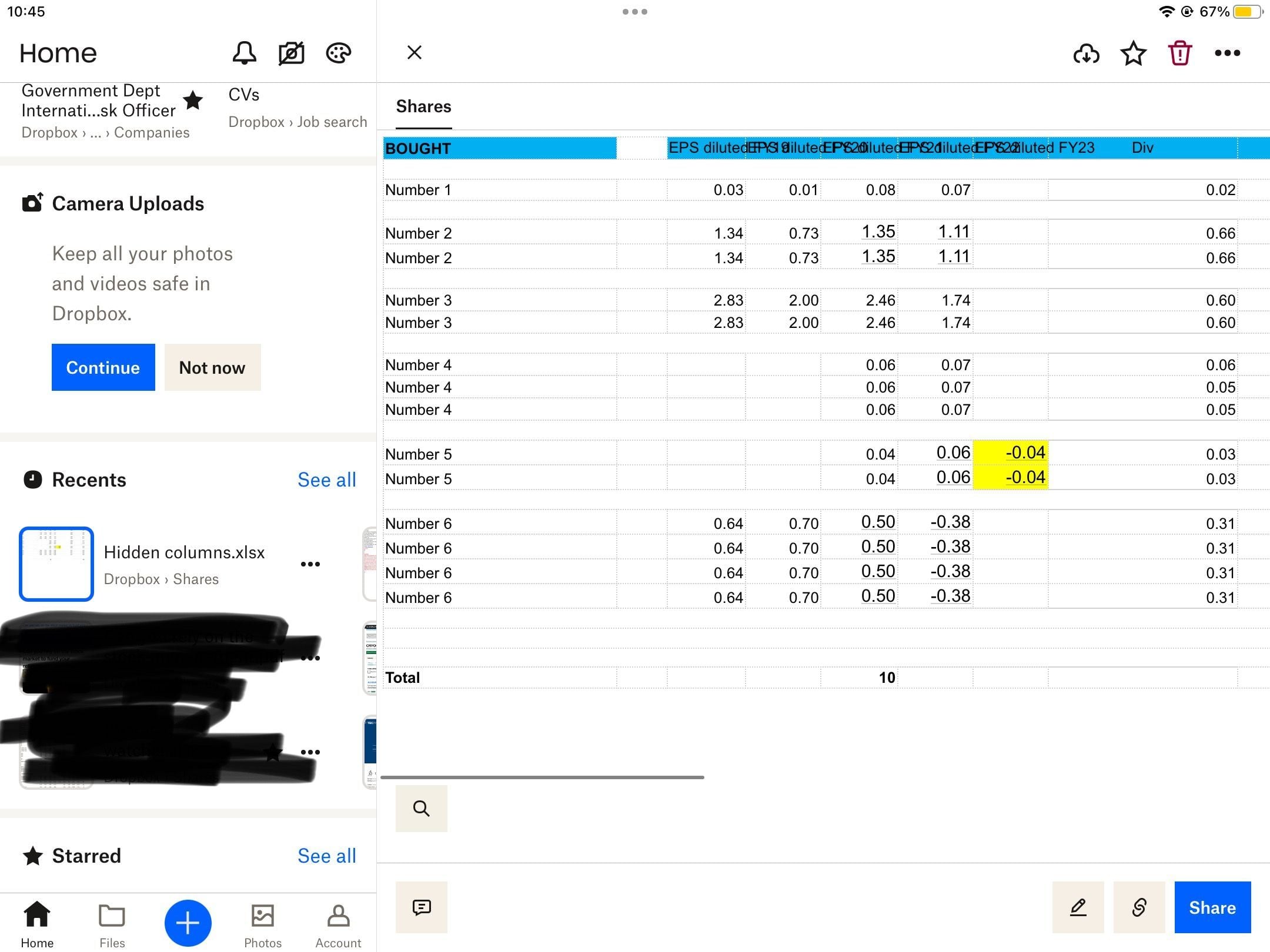
Hello I’m using Dropbox app version 334.2.2 on an IPad eith IOS 16.5.1
Since 2 weeks ago when selecting an Excel file from the Dropbox home page, I notice the “Open” button is missing, and the formatting of the Excel sheet is not correct (ghost links to create a calendar event are embedded in random cells, fonts in other random cells are larger by 1-2 sizes, and hidden columns are showing even though hidden when saved in Excel).
I am working around this by uninstalling the app, and reinstalling, it displays correctly for 10 mins upto 1 hour, and I have to repeat the uninstall.
Any ideas what’s gone wrong and how to solve permanently?