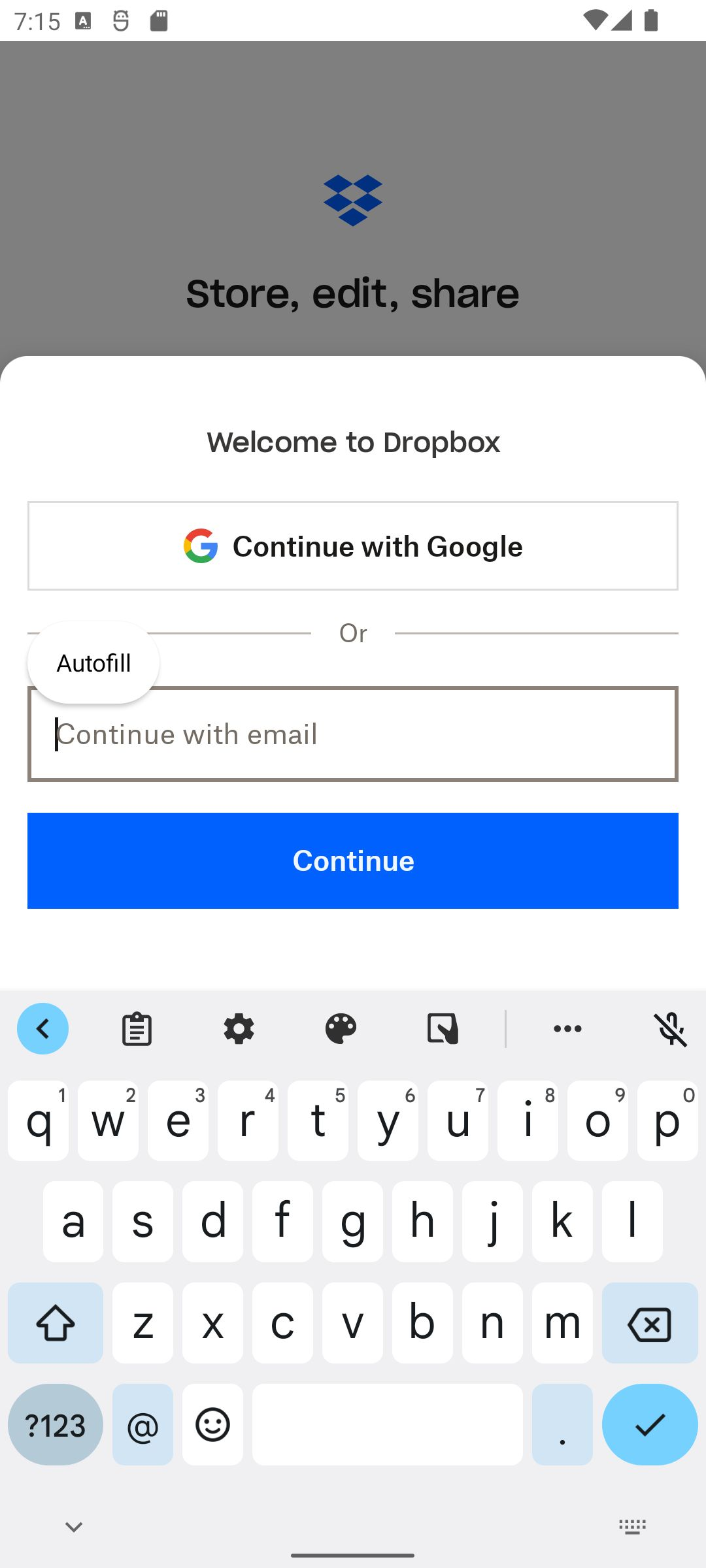
Application Affected Dropbox: Secure Cloud Storage
Device Pixel 6
Operating System Android 12L
Dropbox App Version 454.2.2
Question or Issue
Issue Description: When typing in the email field on the Sign up screen, rotating the device (changing orientation from portrait to landscape) causes the input field to lose focus and the keyboard to close automatically.
Steps to Reproduce:
- Open the Dropbox app.
- Go to the Sign up screen.
- Tap the email field to open the keyboard and start typing.
- Rotate the device while the keyboard is open.
Expected Behavior: The input field should keep focus and the keyboard should remain open so I can continue typing immediately.
Actual Behavior: The keyboard closes and the input focus is lost. I have to tap the field again to bring the keyboard back.