Dropbox Plan
Basic
Device
Acer Laptop
Operating System/Browser (if using the web)
Windows 11
Dropbox App Version (if using the app)
Files kept in Dropbox folder on each PC laptop
Question or Issue
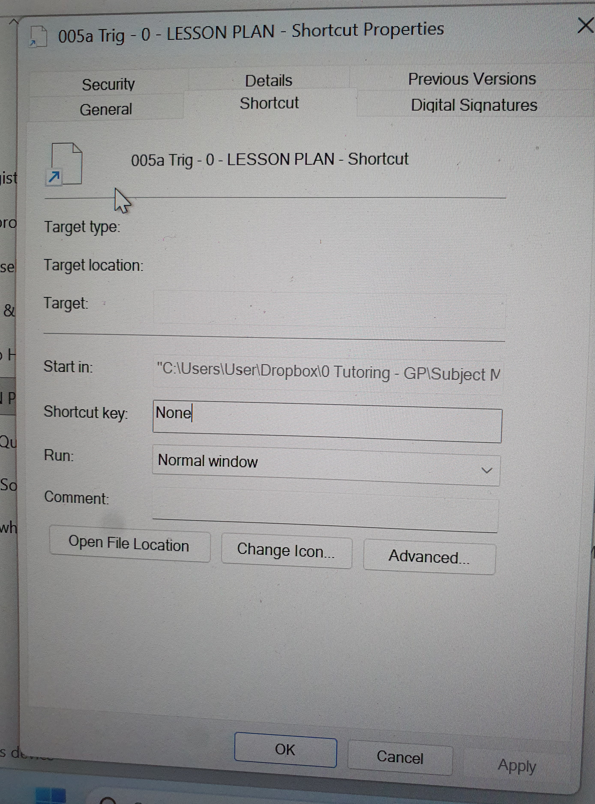
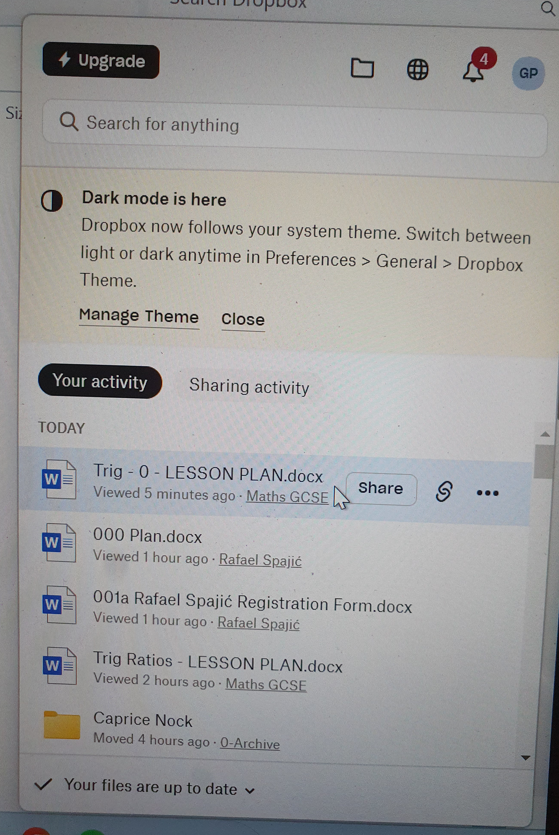
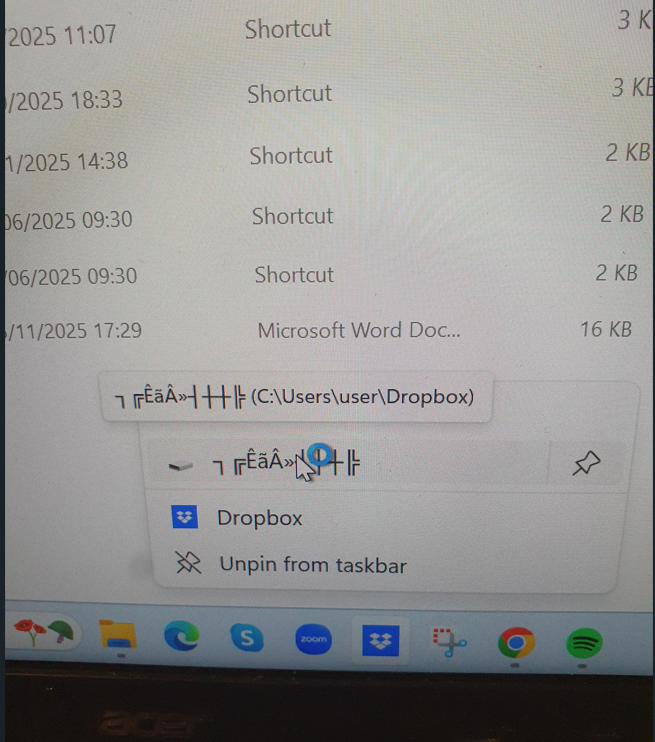
Most of the file shortcuts on one of my laptops have stopped working. They have no associated icon, and when double-clicked, the destination file is not opened.
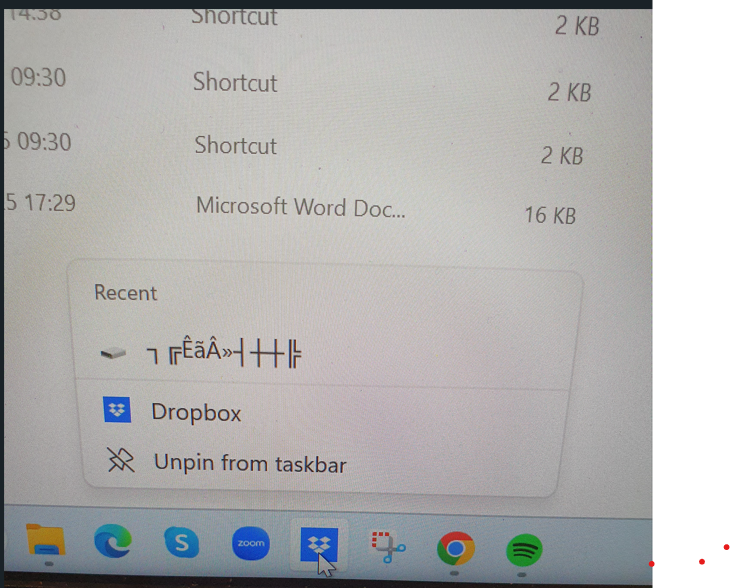
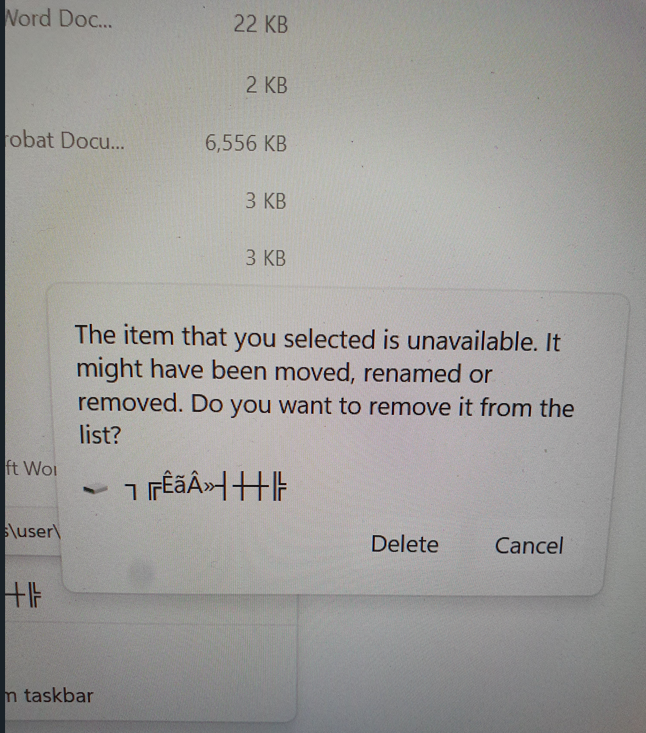
When I right-click on the Dropbox app icon at the bottom of the screen, above the Dropbox item, there was an item consisting of a mysterious series of symbol characters (see screen captures below). I have unpinned it from the list, but the problem still persists. I can open the shortcuts, however, via the Dropbox App. Thank you for your help. Greg