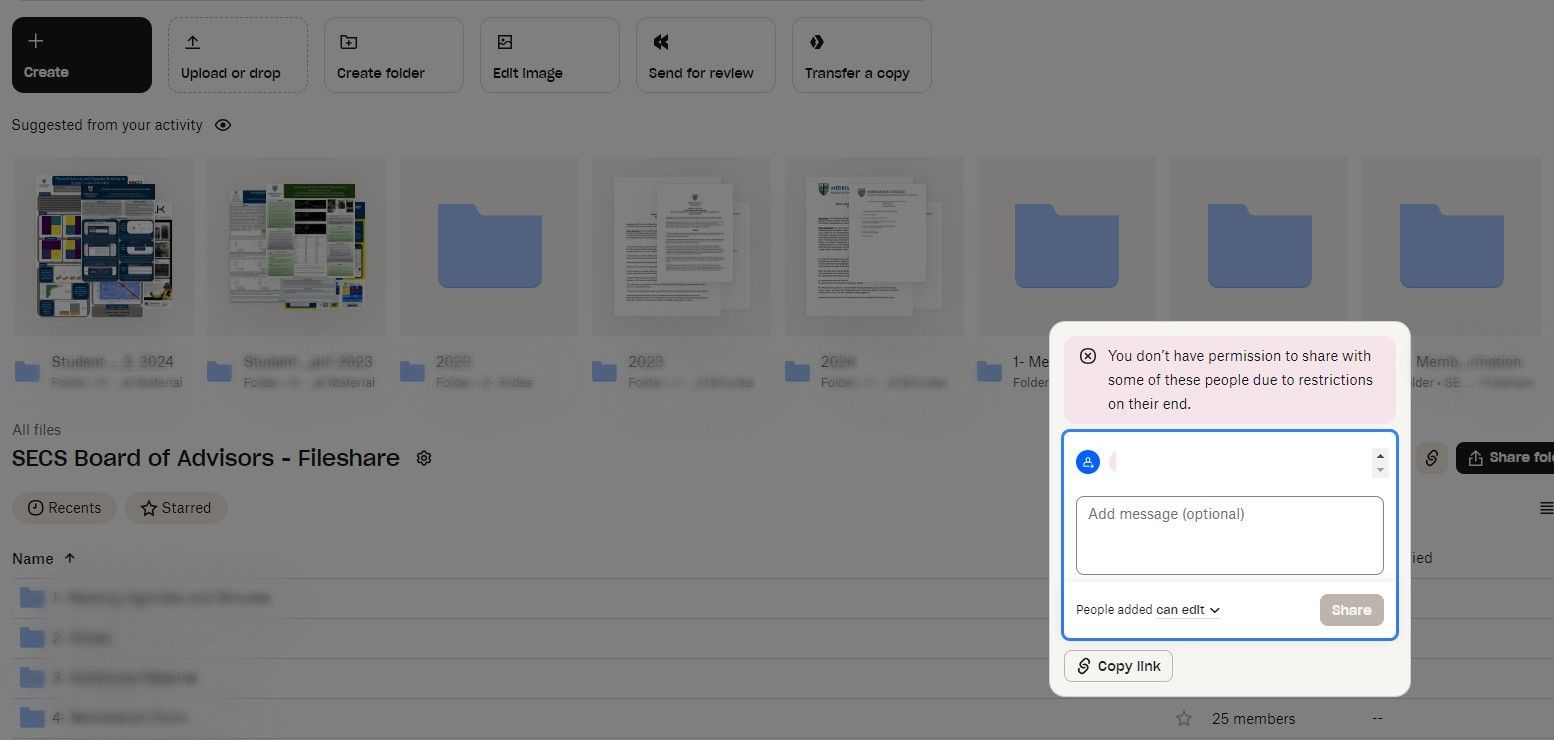
I am trying to share a folder and the message I keep getting "You don't have permission to share with some of these people due to restrictions on their end.
Thanks for bringing this to our attention, @bianchiniv.
Would you mind sending us a screenshot of that error, so we can have a visual of the issue?
Can you also let us know if you're the owner of the folder or a member with edit permissions?
And are you trying to share it by inviting these people's email addresses?
Thanks.
Yes, I am the owner of the folder. Below is the screenshot. Thank you
This sounds like attempting to share with a user on a team where the team admin has disabled "Adding outside folders" setting. https://help.dropbox.com/share/manage-team-sharing#Folders-shared-with-the-team
If that's the case, some workarounds are to share the folder with view permissions or create a shared link.
I am the owner of this folder. I am trying to share it with a colleague, his email address is [email removed as per Community Guidelines]
Vicki
Hey @bianchiniv!
Would you mind checking in with your colleague, and asking them if they're part of a Team as @CaraDBX suggested?