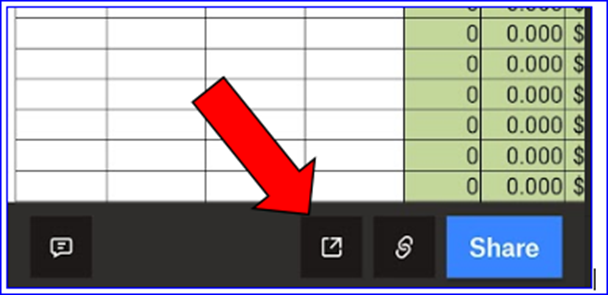
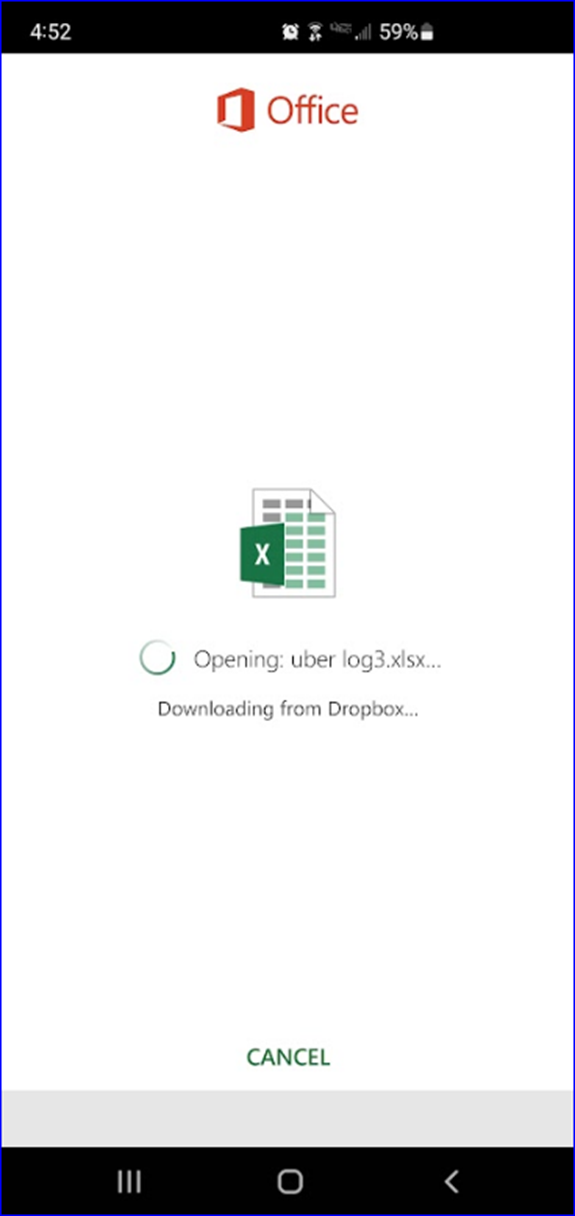
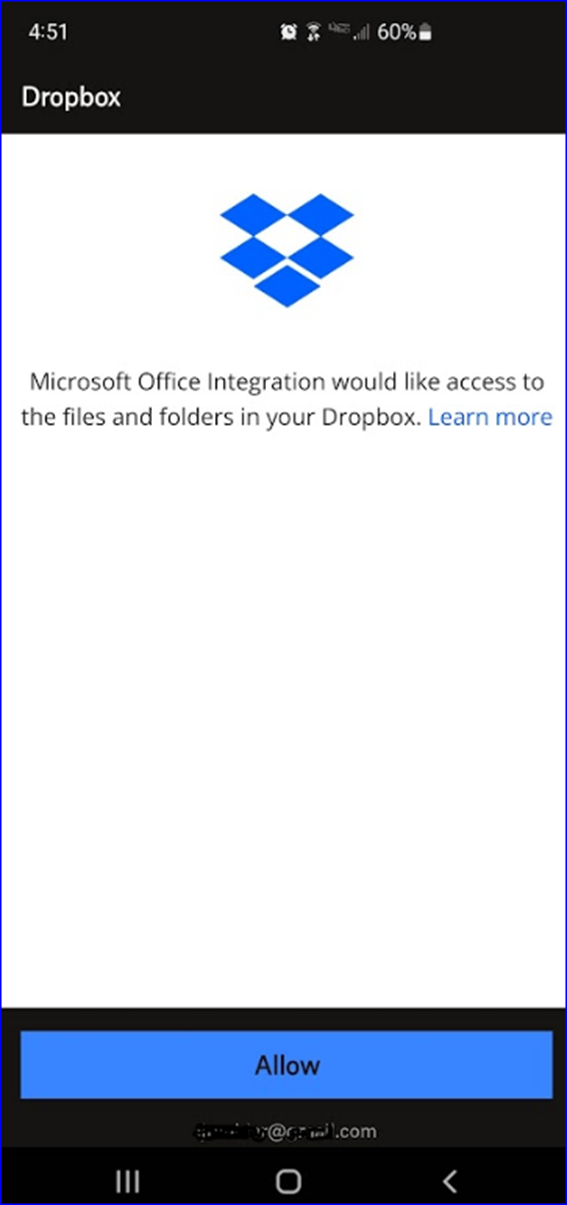
Started this week. On my phone I can open an Excel file in Dropbox as a preview but when I click on the edit button I get the Office Excel opening (Downloading from Dropbox) screen, then it flips to the "Microsoft Office Integration would like access to the files and folders in your Dropbox. Learn more. > Allow screen" I click on Allow then it just flips back to the Dropbox preview of my Excel file. I have logged out of Dropbox on the (Android) phone, then back in, no change. I have rebooted the phone, no change. I have uninstalled Excel on my phone and let Dropbox install it again, no change. Sometimes I get the "Sign in to Dropbox to link with Microsoft Office Integration" prompt so I do, no change. I have clear Cache, no change. Removed the Default apps, no change. I can open and edit the Excel file with Excel on the Web from a computer. I am will to use Google Sheets but I do not get that as an option on the phone.
Note: I can open the Excel file in Excel on my phone if I open Excel directly on the phone then select the file, just not from within Dropbox.