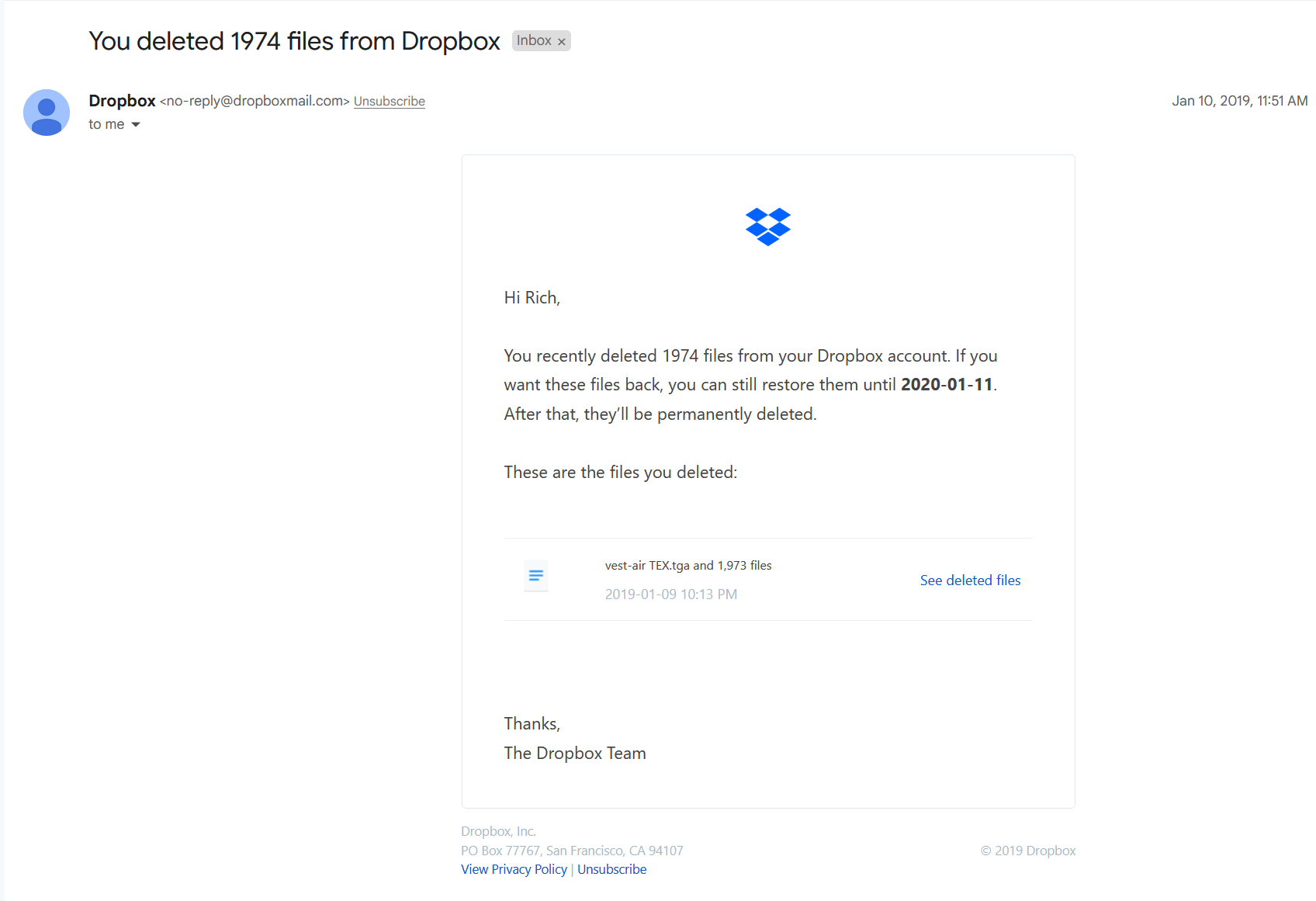
Yesterday I received this scam email purporting to be Dropbox. I was initially freaked out by receiving this but when I checked Dropbox online, no files had been deleted.
Warning to all others… Admins pls take note and deal. #scam
Hey @ads1212, how are you today?
If you take a look at the email address of the sender, you will see that it uses a legit Dropbox domain, meaning this is a legit Dropbox email.
If you look at your events page like Rich suggested, are you able to see any deletion events related to these files?
@ads1212 wrote: Yesterday I received this scam email purporting to be Dropbox. I was initially freaked out by receiving this but when I checked Dropbox online, no files had been deleted.
Was it actually a scam email, where the links within it went to a scam site, or does it actually look legitimate? Also, have you moved or renamed any large files recently? If so, that usually generates one of those deletion emails (Dropbox sees a rename/move as a deletion of one item and a creation of a new item).
@ads1212 wrote:I’m not stupid enough to click a link on a suspected scam email
You don't have to click on a link in an email to know where it points to. Just hover your cursor over it.
@ads1212 wrote:Let’s keep on topic.
It is on topic. I pointed out a way to help determine if what you received is a legitimate email or not. I'd check carefully because it's looks identical to a real one, such as this:
Yes, it could be fake, but the only way to tell is if you check where the links are actually pointing to. If they point to a valid Dropbox domain then it's likely a real message and should be taken seriously. I'd also suggest you check your Events page to view the recent activity on your account.