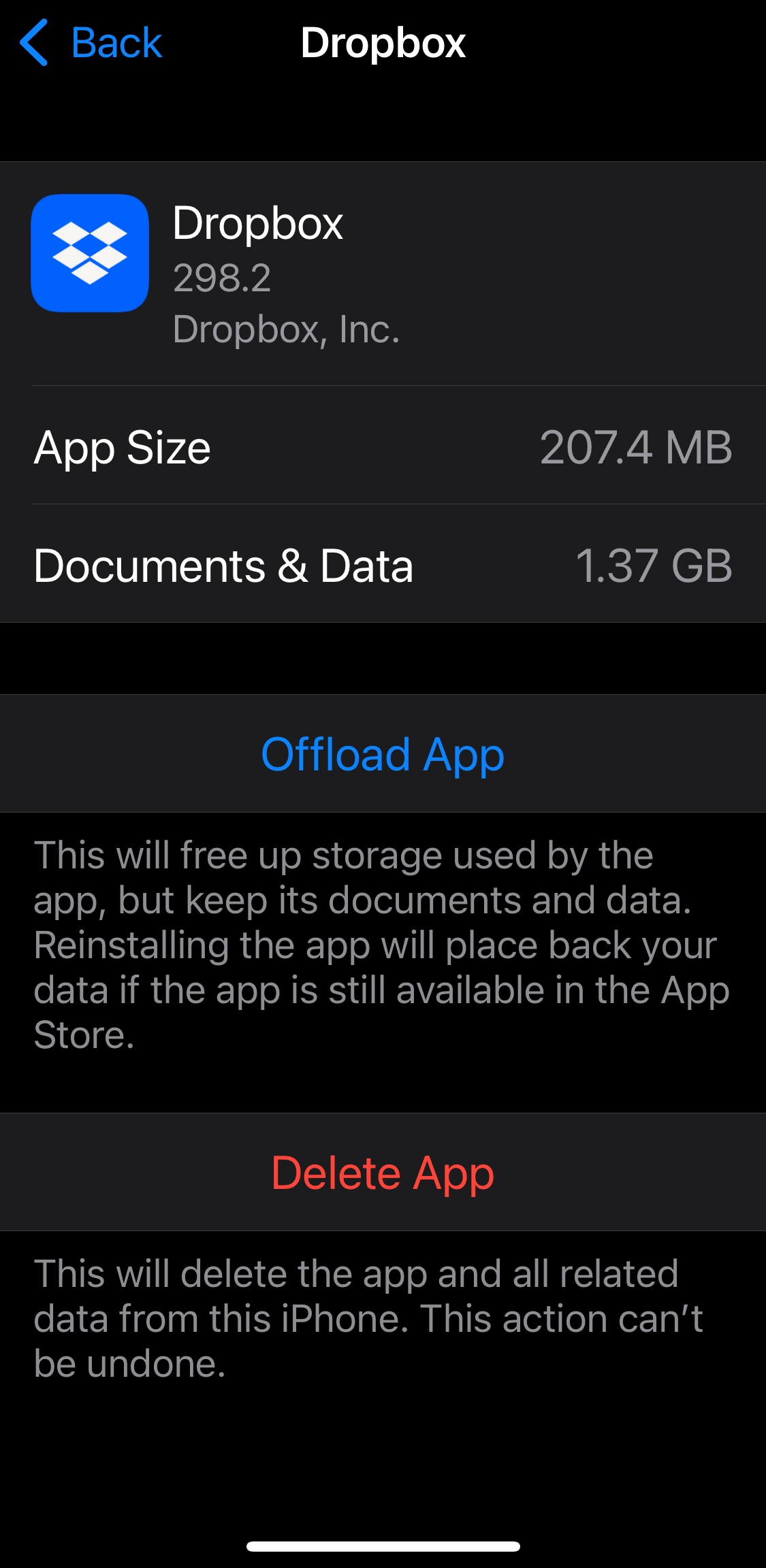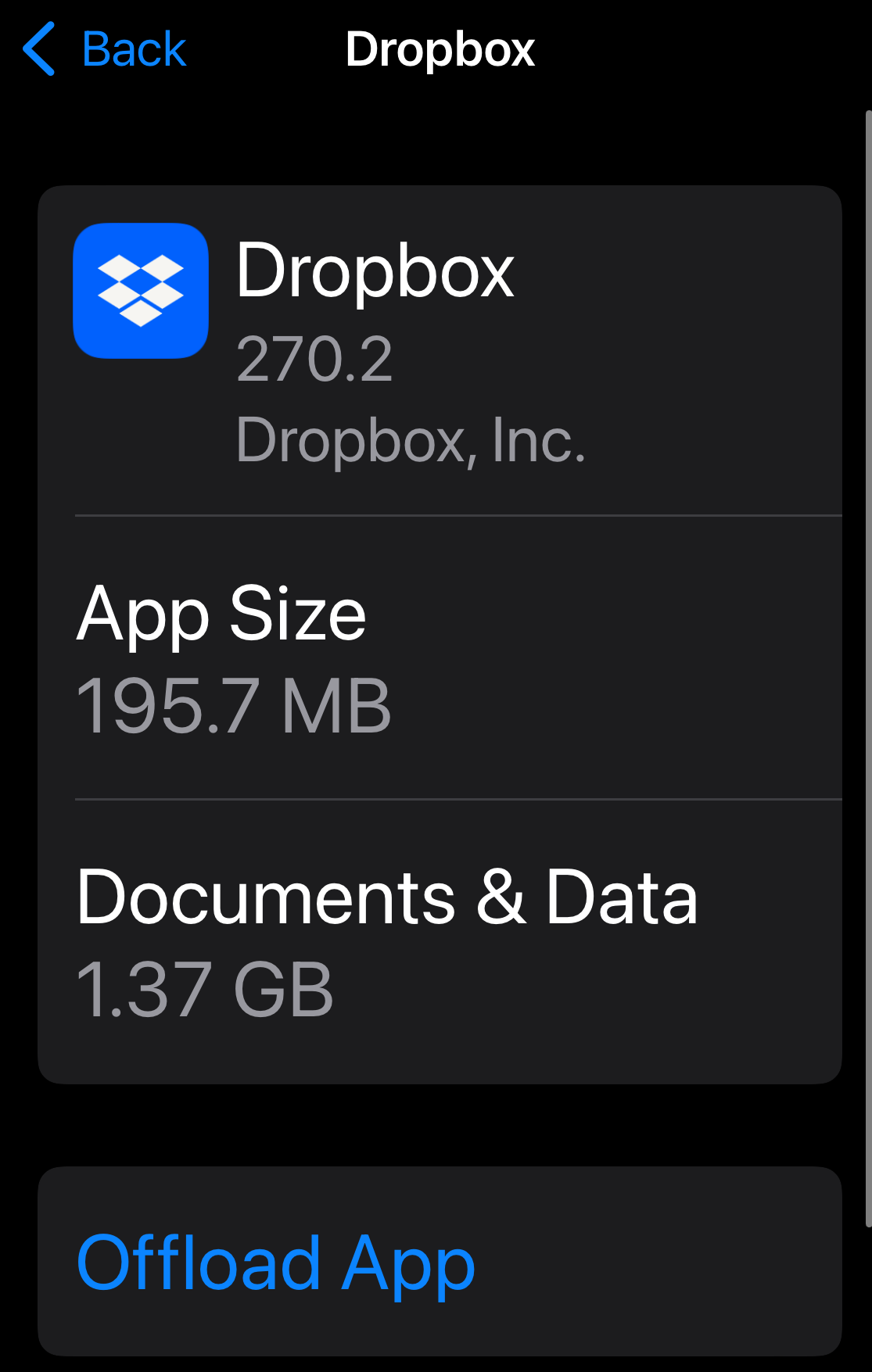
As you can see in the screenshot, the Dropbox iOS app is taking up 1.37GB of space in app storage alone. But I have no offline files.
Things I've done:
- Made sure that I have ZERO files marked as "Make available offline". So no files are being explicitly stored.
- Explored the settings menu deeply. No where can I find a way to clear the local cache or set a limit.
- Searched this forum and the best solution I found, which I know will work, is to completely the delete the app, re-install it, and log in again. But that's such a hack.
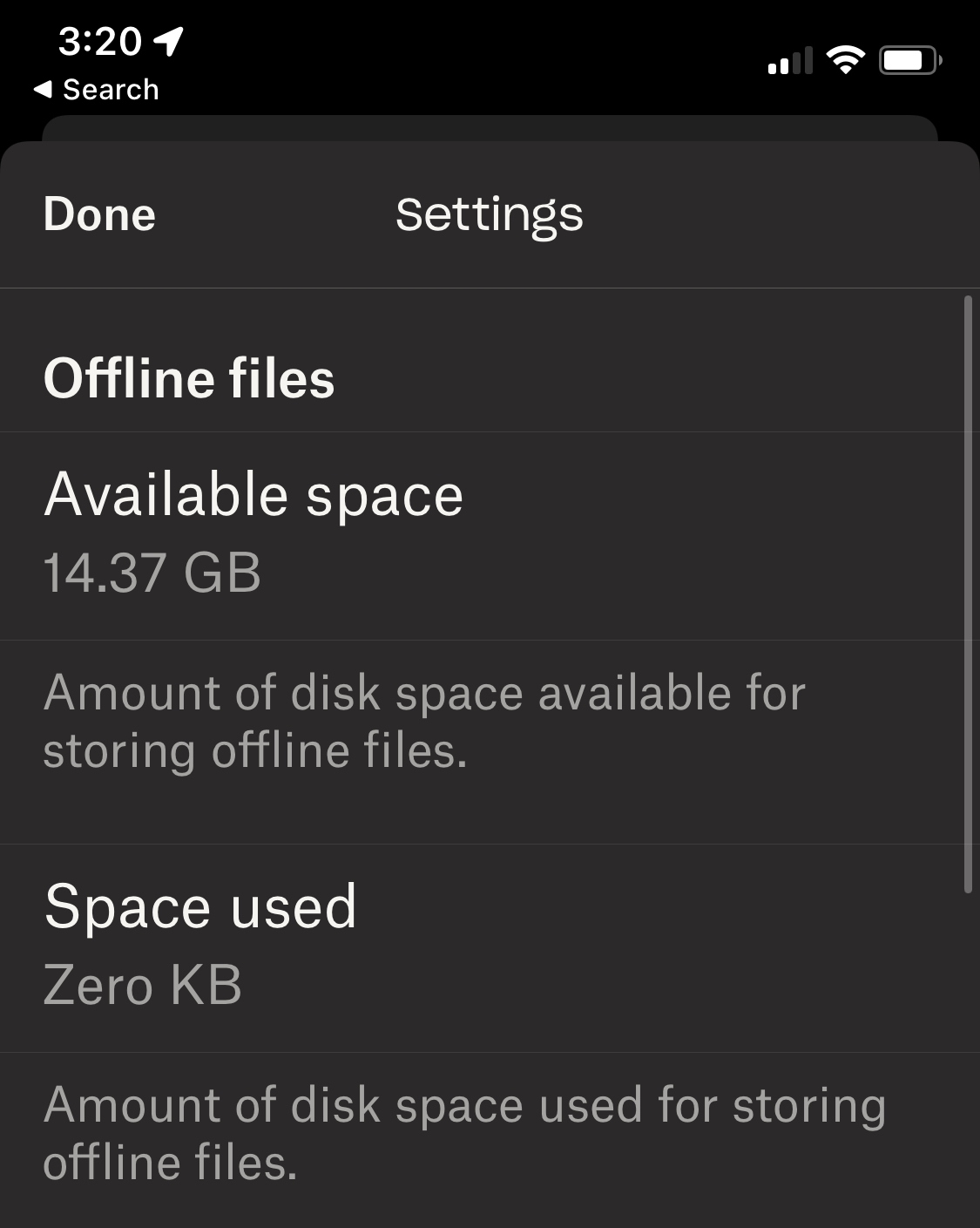
Here's a screenshot where the app even says it has no cached files...
What's going on? What's in this mysterious 1.37GB of stored data?
Also, is deleting the app completely and re-installing it still the only option to resolve this? If that's still my only option this situation is a bit absurd. Is there local app data just constantly growing no matter what? Also for reference I use Camera Uploads regularly and I'm pretty I had to do the same thing about a year ago to clear up space. So all this junk filling up my phone accumulated in a year or so.
Cheers