Dear all,
I would like to ask for an advice how to proceed further.
A few days ago, I signed up in Dropbox – web version. When setting up my account, I must have left the default ticks to sync Dropbox with my Desktop, Documents and Downloads folders. Later I realized that I should have not left this default setting. As expected my free storage limit of 2 GB was exceeded and I tried to clean it up, so I deleted the files in my Dropbox web account. It turned out that these files were deleted from my computer as well (they were removed from Desktop, Documents and Downloads).
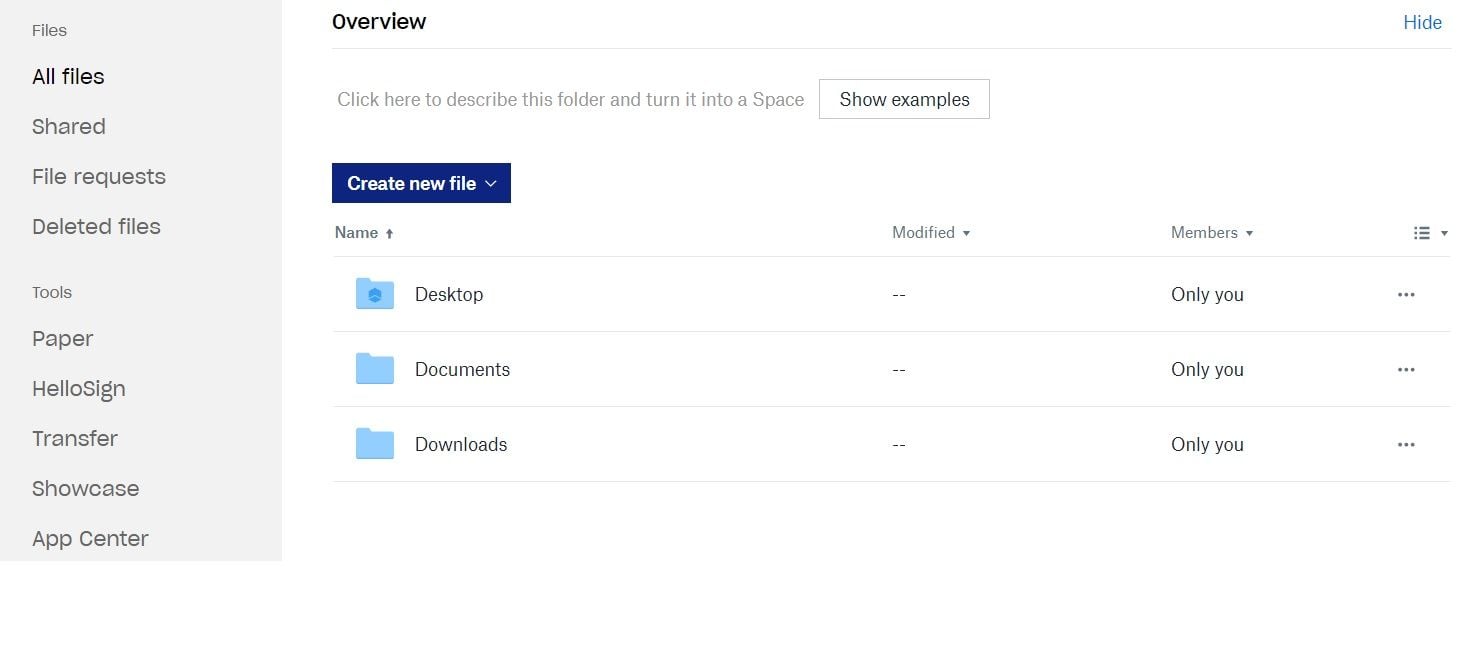
I was able to restore them from “Deleted files”, but the point is that I still do not have those files on my computer (please see the first screenshot ScS_1). I managed to download them from Dropbox and have them saved on an external flash drive. I can manually copy and paste them on locations on my computer, but is there a more proper way to do that automatically from my Dropbox account to my computer (i.e. transfer those deleted files from Dropbox to my computer, analogous to the way they were removed from my computer previously)?
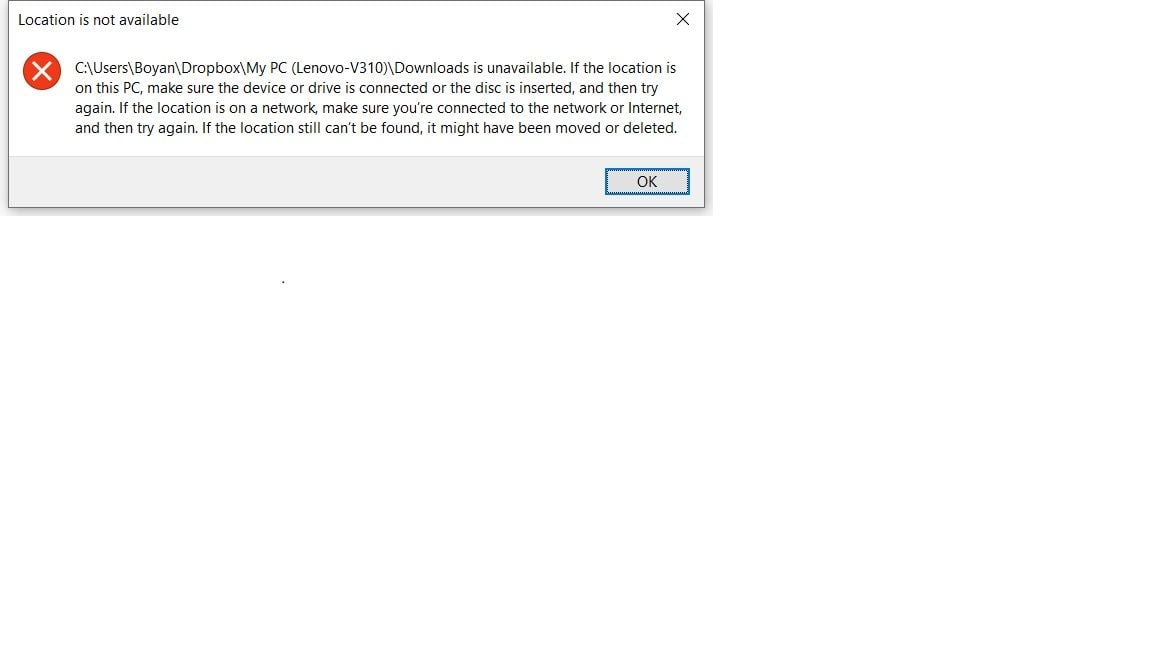
In addition, when I try to access my Downloads folder from the Windows Explorer, I get an error message (please see the second screenshot ScS_2).
Can someone please help me with this? I would be extremely grateful. I searched different sources, but was not able to find a solution