Application Affected
(Dropbox app & backup)
Device
(Optiplex 3060 i5-8500, 16GB RAM, 500GB SSD)
Operating System/Browser (if using the web)
(Windows 10)
Dropbox App Version (if using the app)
(236.4.5918)
Question or Issue
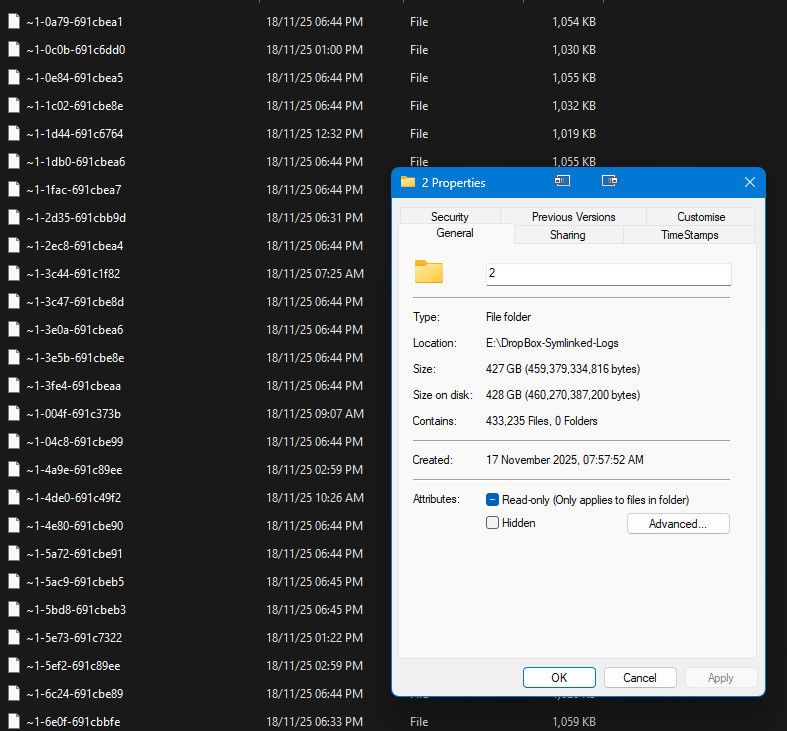
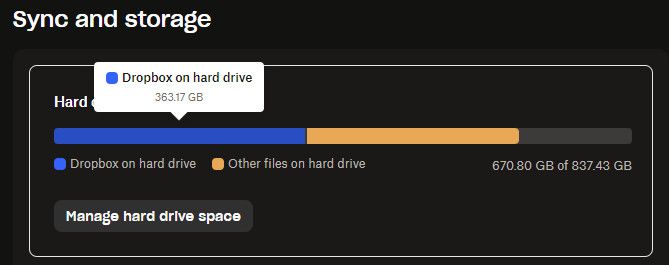
For the past few days, a folder called "log" within the dropbox system folders, specifically "C:\Users\username\AppData\Local\Dropbox\logs" is constantly growing and growing.. occupying my entire hard disk! please help..
Not sure if they're at all related, but the following points have recently changed in this computer:
1. I bought a new SSD for backup purposes, which I have set to backup by Dropbox
It's 2TB, 900GB of which are occupied, it's connected over USB and it doesn't seem to actually backup..
2. I removed Avast and installed Bitdefender instead. I was running Malwarebytes and Spybot in parallel, though these have now been removed.
I have noticed that the Tray Assistant almost maxes out my CPU use, as well..
Any ideas of how to troubleshoot/resolve this?
Many thanks!