Device
Dell XPS
Operating System/Browser (if using the web)
Windows 10
Dropbox App Version/Browser Version
v229.4.5167
Question or Issue
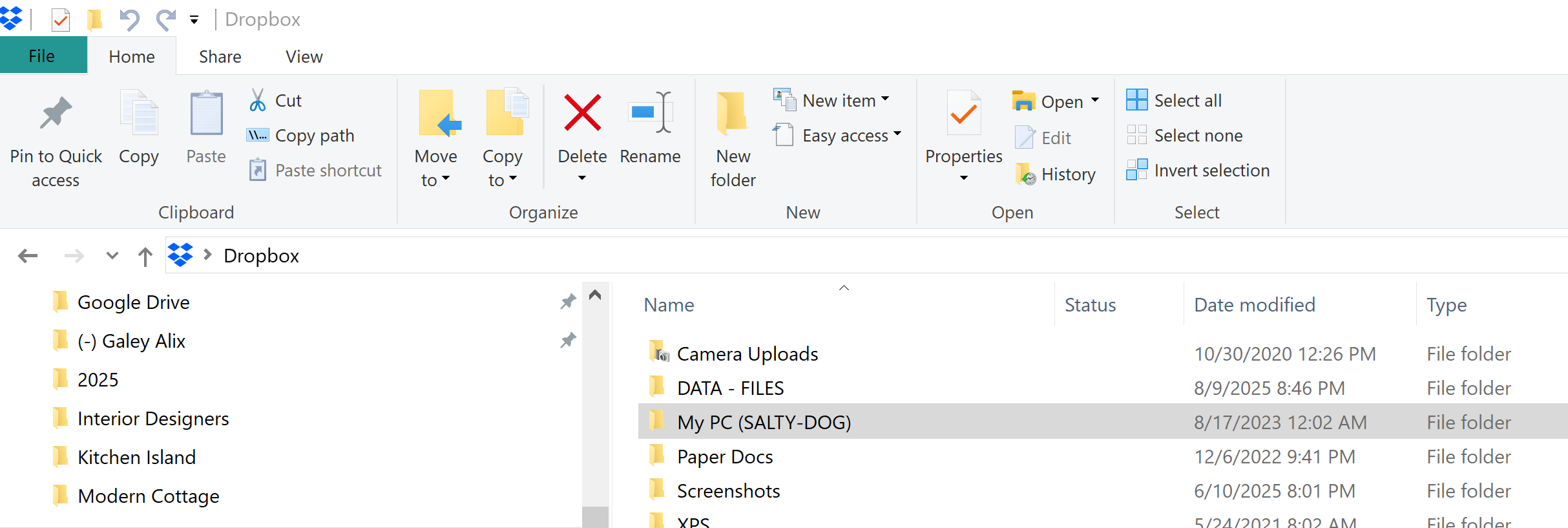
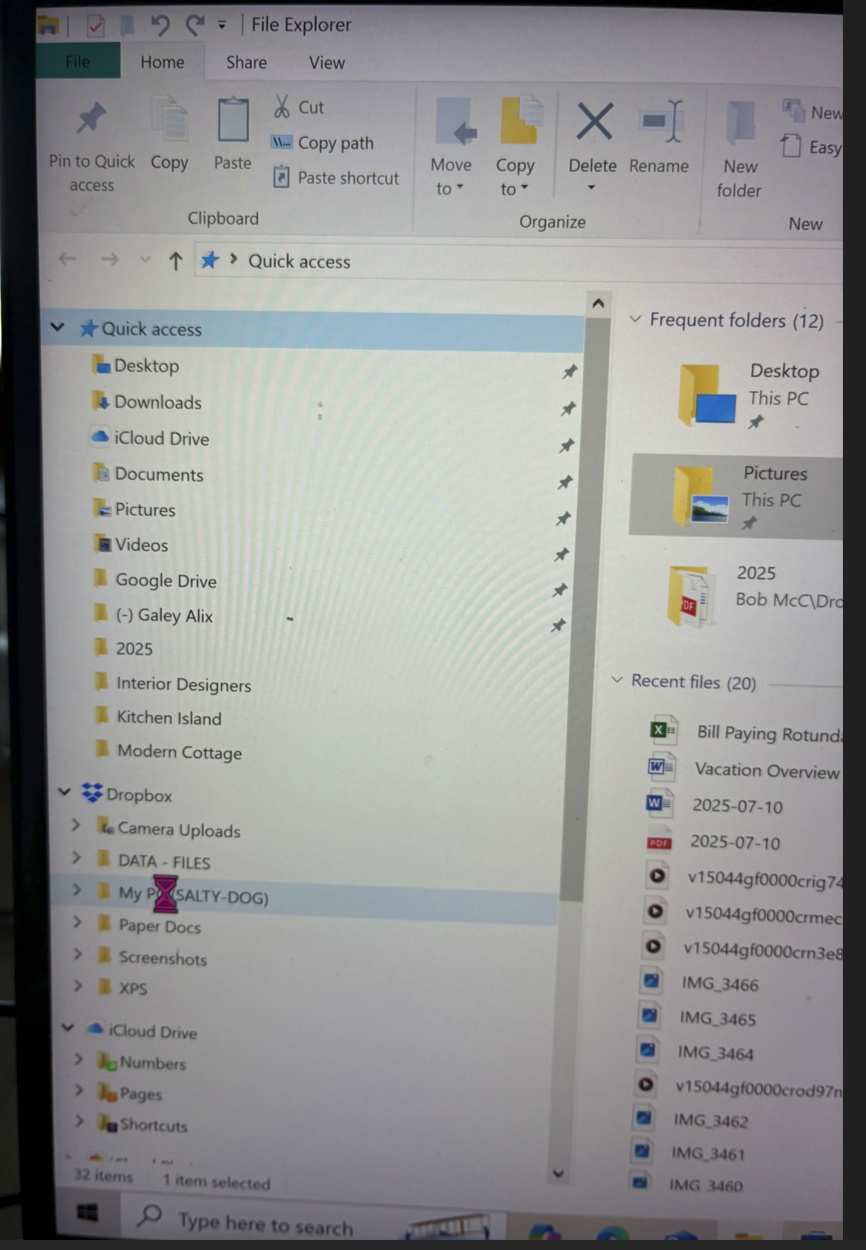
Though I can access documents through Word or excel, and folders and files not in Dropbox are accessibe. But when I try to open any folder in Dropbox, or right click to display properties, the File Manager icon just spins. File manager just freezes. I have rebooted several times, ran chkdsk /f as an Administrator, right click on the C: drive performed a disk cleanup.
I can use Microsoft Edge to access Dropbox files using this browser.
This problem does NOT exist in folders/files not within Dropbox.
My subscription is current