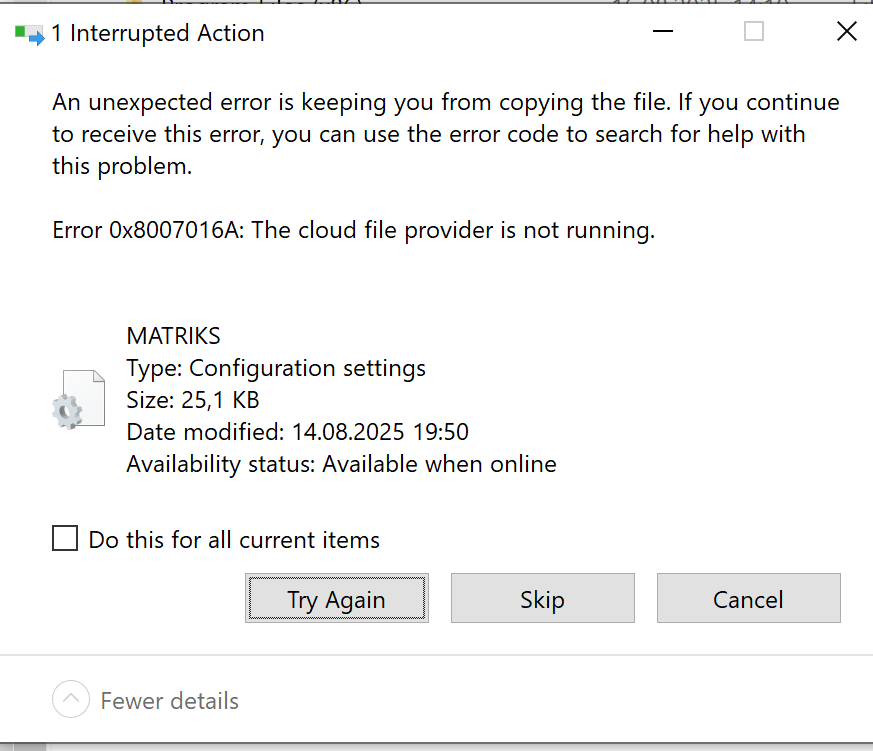
Here’s the full text from the error window in your screenshot:
⚠️ Interrupted Action
An unexpected error is keeping you from copying the file.
If you continue to receive this error, you can use the error code to search for help with this problem.
Error 0x8007016A: The cloud file provider is not running.
File:
- Name: MATRIKS
- Type: Configuration settings
- Size: 25.1 KB
- Date modified: 14.08.2025 19:50
- Availability status: Available when online
Options:
🛠️ What This Means & How to Fix It
This error usually happens with files stored in the cloud (like OneDrive) when:
- The cloud sync app isn't running
- The file is marked as online-only
- You're offline, or cloud access is temporarily disrupted
✅ Fixes:
Start OneDrive (or relevant cloud app):
- Open the Start Menu > search for OneDrive > launch it.
- Ensure you're online and connected to the internet.
Right-click the file > select “Always keep on this device”
- This will force it to download locally and fix sync issues.
- Restart your computer if it's stuck in a sync error loop.
Let me know if you want help with disabling OneDrive syncing for specific folders or downloading the file manually.