I rely on the offline installation file to install Dropbox without admin rights, as the admin no longer permits the full installation of Dropbox on my work computer.
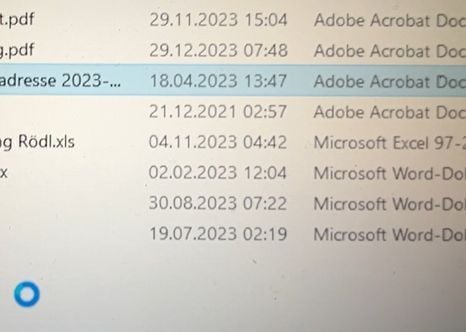
With this installation, Dropbox is slowing down Windows Explorer massively. When browsing through the file list using the cursor, jumping from one file to the next will take 1-2 seconds, while Explorer shows a spinning blue circle. Same happens when double clicking folders to open them, which makes using Explorer a nightmare, especially when browsing large folders.
When renaming a file, Explorer would disrupt the process after a few seconds and only saves the few letters written during that short time.
Both problems not only exist in Dropbox-synced folders but across the whole system, including files on servers and cloud drives. Interestingly, this is not the case when browsing/renaming in the file tree on the left side of Windows Explorer.
Ending Dropbox and killing all its processes did not help, neither did re-installing Windows and Dropbox. Only when I uninstalled Dropbox completely, the problem was gone and Explorer returned to work normally.
I would like to continue using Dropbox, but obviously without these Explorer troubles. Are there any suggestions how to make it work for this setup without Admin-rights? I have Windows 10 Version 22H2.