Edition Windows 11 Pro
Version 23H2
Installed on 5/24/2024
OS build 22631.3737
Experience Windows Feature Experience Pack 1000.22700.1009.0
Have a DB Business account that allows for downloading 100GB individual files.
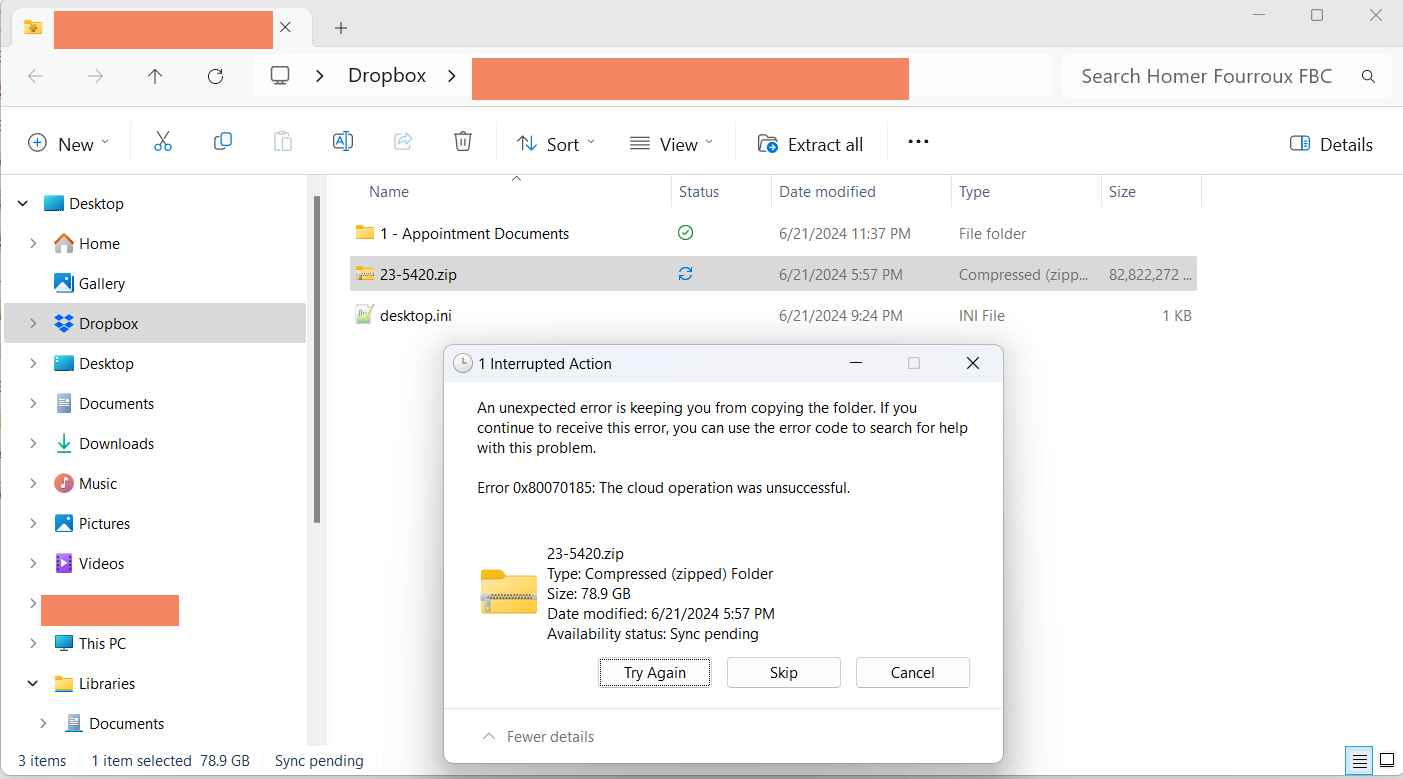
Tried multiple times to download a 79GB .zip file when i logged into the web interface. The file kept stopping at 25G which I know is not the complete download.
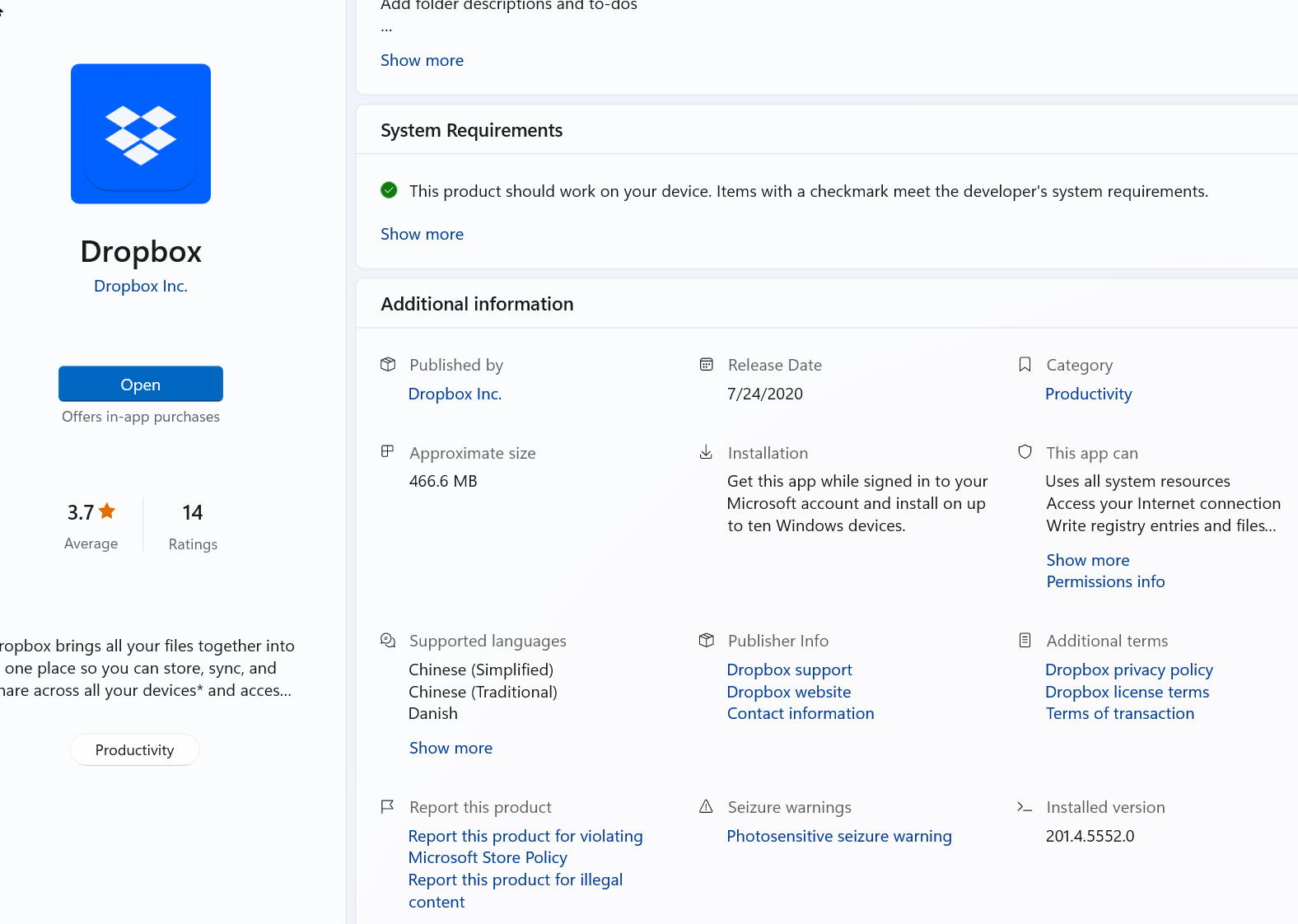
6/22/24 I downloaded the latest version on the Microsoft app store, version 201.4.5552.0 and synced only the folder I am trying to download.
Still the file keeps timing out with error code 0x80070185. Research says it is a timeout issue.
I checked my internet speed, which is slow, 25MB. I don't, at the moment, have an alternative (faster connection). Any ideas or workarounds?


