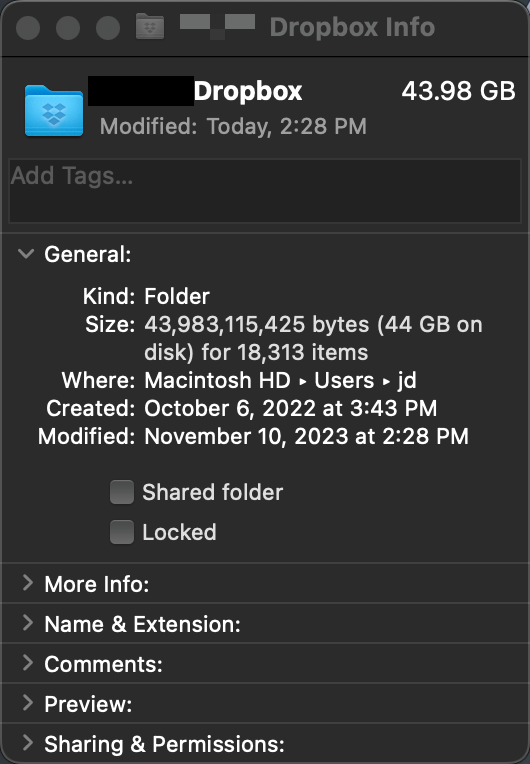
I need to free up space on my iMac's local drive. I set one folder on my Dropbox drive to online-only and instead of freeing up space, I'm watching it slowly eat up the local drive. The folder I set to online-only had just 42mb worth of files on it but my local drive space has now decreased by almost 1gb and continues to decrease even though all the sub-folders and files of the online-only folder have the cloud icon next to them now.
I am on a Mac running MacOS 13.5.2 and Dropbox version 186.4.6207.