MacBook Pro M1 with the MacOS Ventura 13.1 installed. I use the Dropbox Plus plan, and I predominantly access files through my Finder app.
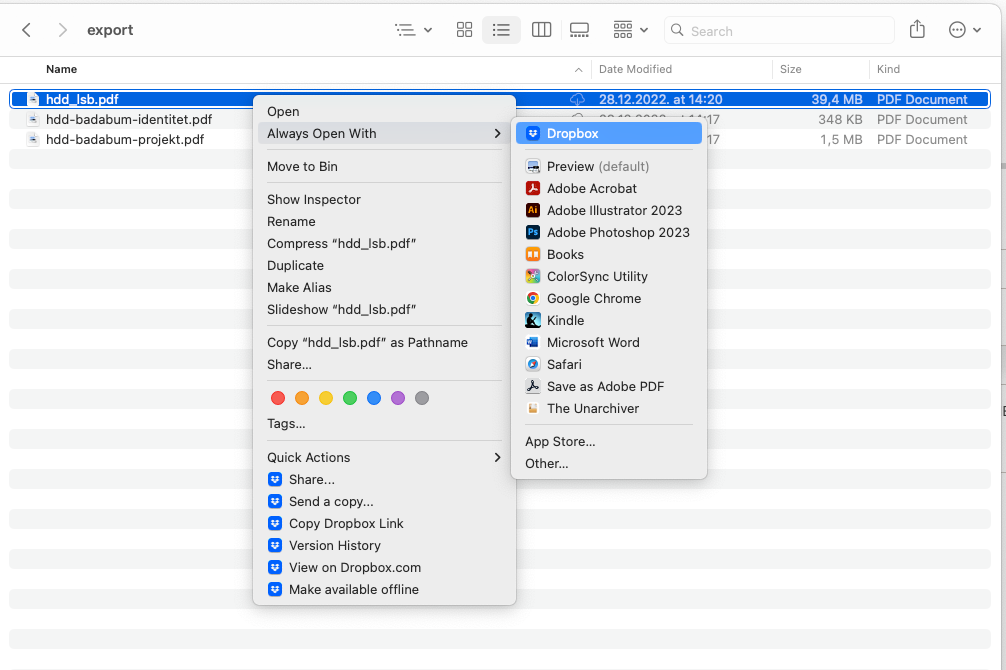
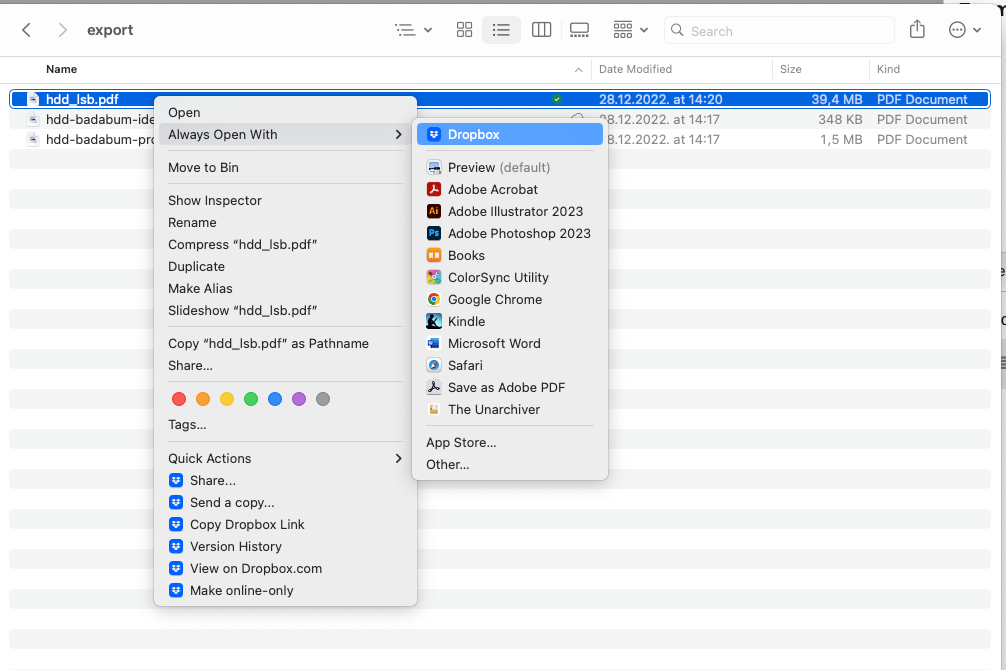
The Dropbox app notified me of the new update — I installed and waited for everything to sync and index. Now everytime I try to open a file from Finder (tried with .png, .pdf, .ai, .jpg and several other random filetypes), the system attempts to open the file with Dropbox, and nothing happens (the file doesn't open in the application it's supposed to open in by default). I have to go to the "Open With" right-click menu and select the proper application by hand everytime, which is a tad annoying.
Screenshots of Dropbox appearing on top of the "Open With" menu below, both with an "online-only" and an "available offline" dowloaded file.
Thanks in advance,
D.