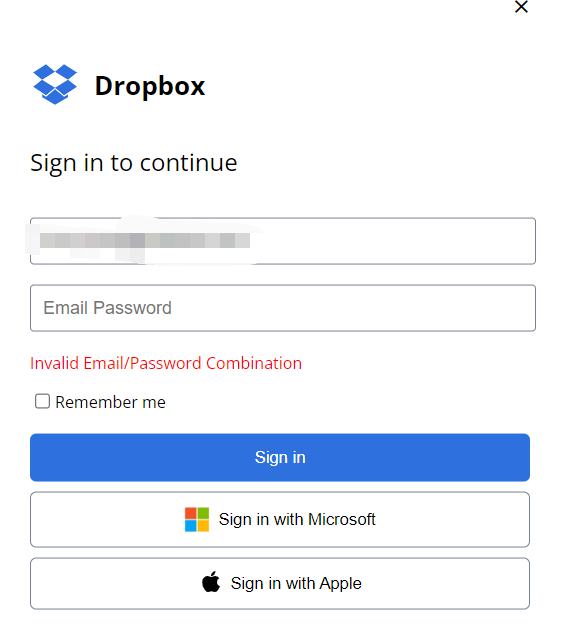
When I sign in to download the shared documents, it always shows invalid email/password combination. Why does it show this remind?
What is 'the page' you accessed, was it the official Dropbox site? Were you able to access the documents you need?
Currently, this is what the official login page looks like:
As you can see, this has the new logo, and no Microsoft login. I'd personally recommend accessing the Dropbox site and then resetting your Dropbox password, just in case this was a phishing site you accessed.
If you use the same email and password with other sites, I'd recommend changing them there as well.
Hey @vincy peng, sorry to hear about this.
Could you clarify if you're getting this error when trying to log into your Dropbox account or access and download a shared file?
If you could send us a screenshot too, I'd appreciate it.
Thanks!
One of my customer shared some documents to my by Dropbox, and when I clink to download the documents, it requires me to sign in. Then I have registeres an account to download the documents, it always shows invalid email/password combination.
Have you tried clearing your browser's cache or using another browser since you first got this error @vincy peng?
Also, are you able to log into the account normally?
I can log into my account normally.
I have tried to use another browser to check it, but still have the same alert.
And how was this file shared with you in the first place @vincy peng?
If it was through a shared link, could you ask the owner to re-create it and share it with you anew perhaps?
The customer shared the document by the link, and I have contacted the customer to share the documents again, but still shows the alert.
Hi @vincy peng, the image you posted previously, on what site is this, is it the official Dropbox site?
It's showing the older logo for Dropbox, so there is a possibility that this isn't a genuine site.
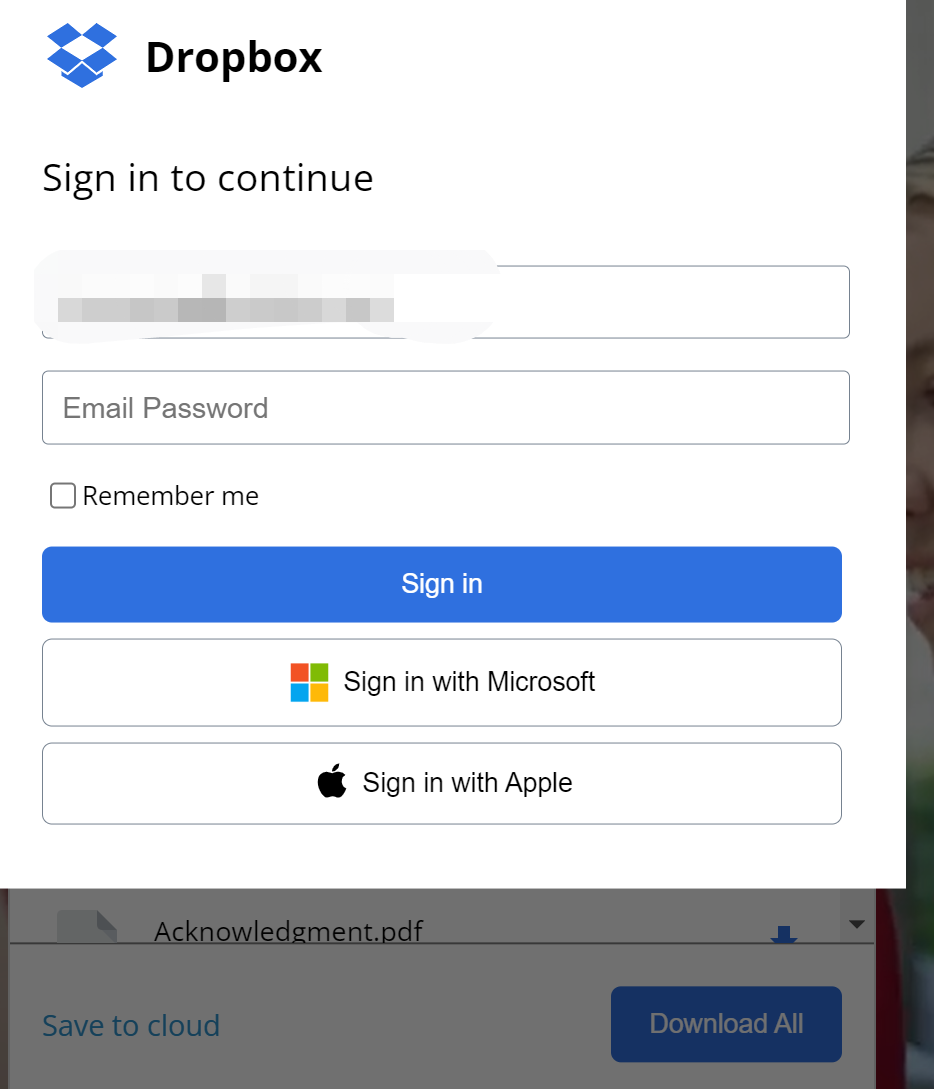
I registered the account in dropbox.com, below image is the interface when I click the link to download the documents and when I click "download all", it requiers me to sign in.
So do you mean the documents sender should go to the official site to send the documents again?
@vincy peng wrote: ... when I click the link to download the documents and when I click "download all", it requiers me to sign in.
... when I click the link to download the documents and when I click "download all", it requiers me to sign in.
The link you're clicking is taking you to what appears to be a fake Dropbox site. It's possibly a phishing attempt to capture your credentials. If you entered your email address and password in that site you should log in to your account at dropbox.com and change your password immediately, as well as changing your password on any other website or service that uses the same email and/or password.
Are you sure your customer has actually shared files with you? Are these files you were expecting or did you receive them without notice? I would contact your customer and ask them if they actually sent you any files.
Noted it and thanks for your support.