Hi!
I forgot how it was on Windows, but I think better than on MacOS.
1. Upload / Download speed view:
I guess this is one of the very important details we need to have for our dedicated cloud service.
Not knowing when your files will be up or down, whether your internet speed is working as it should etc... IS A MUST! Unfortunately, Dropobx makes it very hard to see detail of this process.
Yes I know if I hover over Dropbox icon on the top of the screen I see sometimes speed, but not always. After I upgraded to MacOS Ventura, I can't even see that anymore. Dropbox people, COME ON?!??! It's not that hard man...
This is What I see when trying to see upload/download speeds:
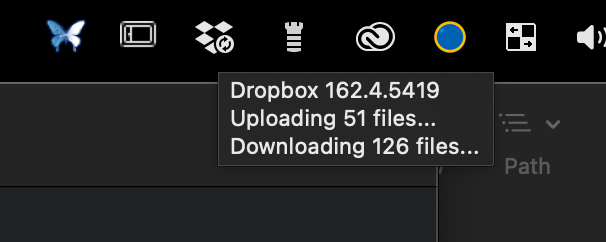
It's a joke, it doesn't even show the whole window...
2. Syncing details:
wtf is it syncing?
Unless you move file now from computer to dropbox, and there is no pre-syncing of other files going on, you can see clearly what it is syncing.
BUT,
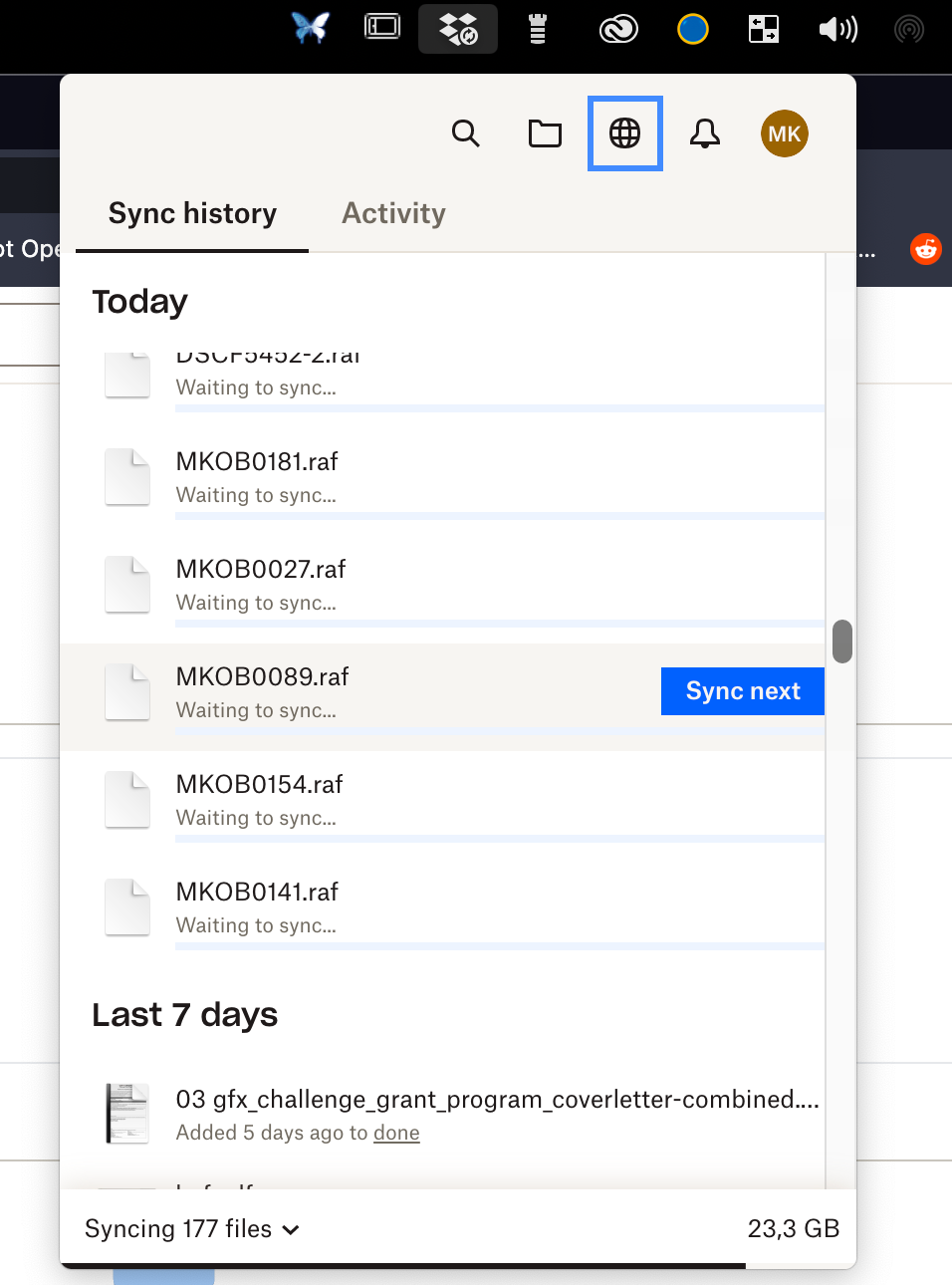
say, I throw in several folders, of ie. 300gb...and I shut off computer in order to continue syncing tomorrow. When tomorrow comes, I can't see what is syncing anymore. Dropbox sync history just stops at random file. You cannot see what files is syncing now and what is already synced or whatever.
The information about general standard upload/download systems on Dropbox are a joke. It's like this is not a cliud syncing software at all, but some system stuff users don't need to know about.
This is what I see today, have no idea what,. where how long or whatever..
It is showing some random files that need to be sync and hisotry files from 5 days ago?! I put stuff to sync today... crazy
Dear Dropbox,
I'm paying for business profile and this is so very frustrating man.
Any plans to make Dropbox a bit more user friendly for professionals??


