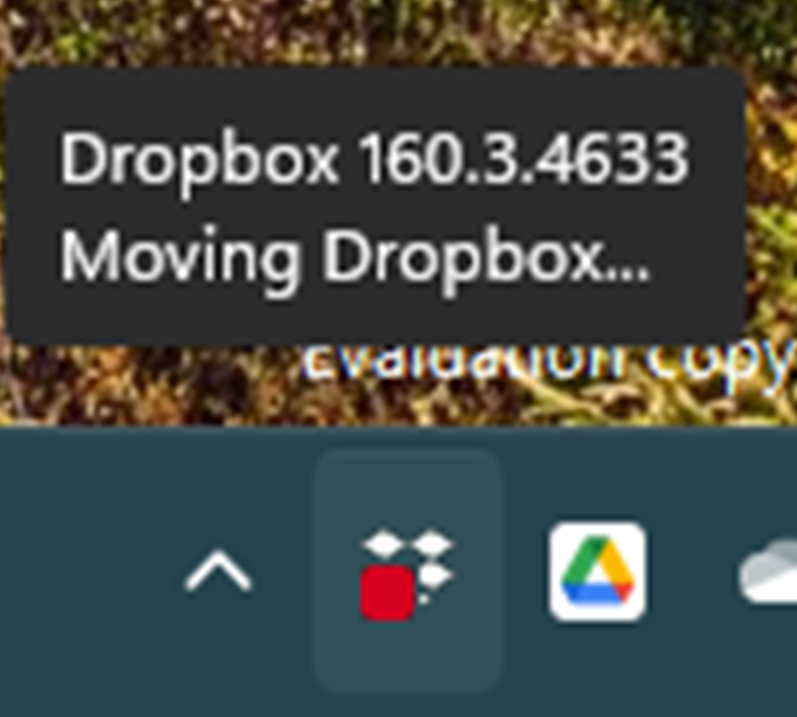
Since updating to latest Window 11 (version: 22H2, OS build: 25227.1000), Dropbox icon at Taskbar cannot click.
I tried unstall & re-install the desktop app but it still cannot click.
Show as below screenshot.
The problem is now fixed with Windows 11 Insider Preview (10.0.22623.1028). Thanks for your support and follow-up.
I have not been able to get the system tray dropbox icon to work for several days. For some unknown reason it started to work again on my laptop. It is version 161.3.4890 Beta version. So I found the download by searching dropbox version 161.3.4890, uninstalled dropbox on my desktop and then installed this beta version and it worked. Don't know how long it will last, think the real problem is with the windows 11 updates. Give it a try.
William Carr again. I did have something happen right before the system tray icon started to work again. Got an update on Power Toys to v0.64.1. Do not know if this had anything to do with it or not.
got mine fixed too after a bunch of win 11 insider updates this night. so certainly related to this , at least on my side.
Hi all, can you please let us know if this persists with our latest stable build of the desktop app found on this page?
Thanks so much!
All good here running Insider Beta Channel release.
Hello everyone,
Thanks for reporting this! We've looked into the issue and we believe this was a regression/bug in recent Windows Insider builds. We've reported the issue to Microsoft. It seems like they might be aware of it already, as some of you are seeing improvement through updates. Regardless, we're working on a fix to bypass the issue.
I have Windows 11 Beta channel, and my Dropbox icon in the tray has frozen, not responding to either left-click or right-click. I restarted Windows and reinstalled Dropbox, but it had no impact. The app itself is working and syncing, but the pop-up menu cannot be invoked, which makes it very difficult to work with. I don't think a Windows update has been pushed recently, and this has happened in the past 24h or so. Other icons, including Dropbox Capture, seem to be working as usual.
Hi @danchitnis, welcome to our Community!
Odd behavior indeed. I would like for you to hover your mouse over your Dropbox icon, next to your WiFi, and let me know what the status and version of the app is.
Let's check if you're using the stable, or beta version of our app. If you notice the same thing happening, can you send me a few screenshots too?
Thanks a bunch!
Hello, Please see the attached screenshot.
Hi @danchitnis, what happens if you press down Ctrl and then click on the icon? Does that work, by any chance?
Holding Ctrl has no impact. No response with either right-click or left-click.
Hey @danchitnis, sorry to jump in here, but would it be OK if we reach out via email to have a further look internally at this point?
@Walter, yes, happy to help!
Thanks a bunch @danchitnis - you've got
I have this same issue in win11. Nothing I have tried works. I tried also the advance reinstall procedure, support team walk me through, with no results, same inactive icon on the taskbar.
my issue came back too, it went away after a Win 11 insider preview (beta) update, and now it's come back 😞
Hey @CGM & @Marty74 - thanks for the nudge here.
Would it be alright with you if I reached out via email to have a further look internally?
@Walter Please do
yes, no problem !
Hey guys, I just sent you both an email.
Feel free to respond back to me, and we'll take it from there.
got it, will reply immediatly ! 🙂
With the new update Windows 11 Insider Preview (10.0.22623.1020), the menu pops open but in the wrong place! It now opens in the top left corner instead of the bottom right.
Hi @danchitnis,
It seems there is another, different bug in the new system tray that's causing this . We've reported this new bug to Microsoft and are also investigating a potential fix on our end. At least it works for you now!
as reported to megan (dropbox team), i have the same issue now as @danchitnis.
Max , this is a joke !! i have been asked by your support team to help you and them about this issue. the fact that most of us here with this issue are running Windows 11 insider preview is not something HIDDEN, we told it !! but getting as reply a
"we don't support this", and "we fixed your issue" , is a joke !
i try to relate the "we don't support this OS" and your comment "It seems there is another, different bug in the new system tray that's causing this . We've reported this new bug to Microsoft and are also investigating a potential fix on our end. At least it works for you now!"
is not making sens at all... i'm sure the people here with a paid subscription to Dropbox will be happy to read it !
@Marty74 and @Max B. I was also confused by your email support response. Your colleague who emailed me said it is not supported and terminated the discussion, while here in the forum, we have some good progress!
Speaking for myself, I am aware of the risks of using Beta and Dev versions, but we are all testers, and overall, it benefits Dropbox, Microsoft and users. I am happy that you are discussing this bug with Microsoft engineers.