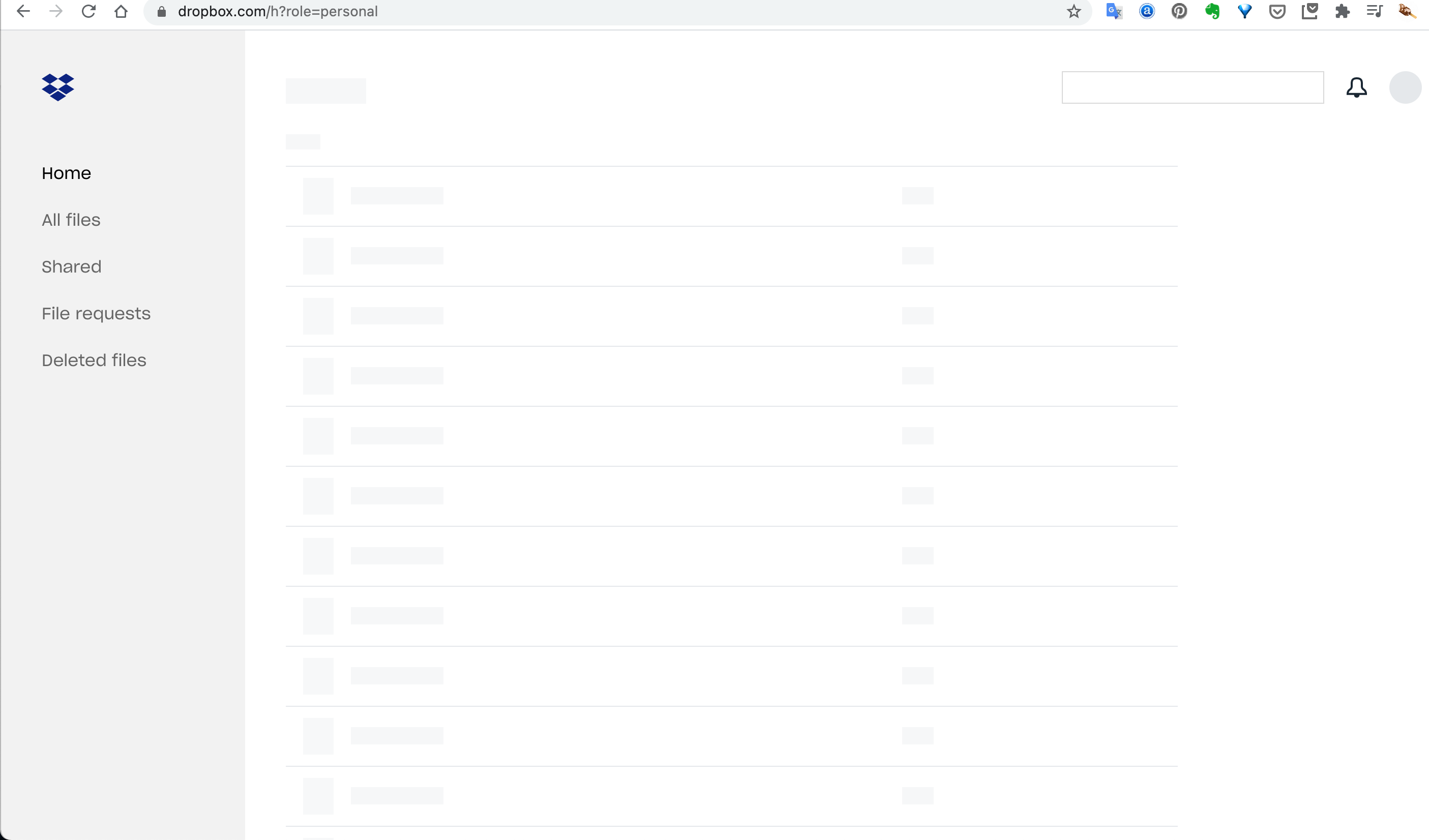
Hi everyone, I'm having a strangely annoying thing go on today with Dropbox on Chrome. I didn't have it yesterday. First I can't display files sent to me via a Dropbox link on Chrome. The link displays as a Jpeg of the first slide and that's it (no dropbox menu or anything). I could display the file sent opening an incognito window, or on another browser (Safari). The link was Keynote slide document in this case - but no Dropbox file links seem to work on Chrome at the moment, though they do on Safari.
Then I tried accessing my Dropbox account on Chrome and only got a blank screen just white screen with a black cookie warning bar on the top. Clicking learn more led me to Dropbox support website which worked, but clicking OK did nothing (I didn't take a screenshot). Meanwhile Dropbox on the desktop seems fine as well, as far as I can work out my account is syncing all my folders and files fine.
Given it seemed to be something going on with Chrome, I emptied my cache, deleted cookies, restarted multiple times, updated Mac OS just in case, restarted my laptop again. The main page of Dropbox showed up where I could log in to my account on Chrome so I thought it was sorted, but now it only shows me this screen. It looks like it's loading but just stops there. It seems some setting on Chrome (?) but I can't figure out what, and I haven't actually changed anything between yesterday and today... I'm a little stumped, happy to have ideas of things I could or should be doing, thank you!