Hey Dropbox Hive Mind, .
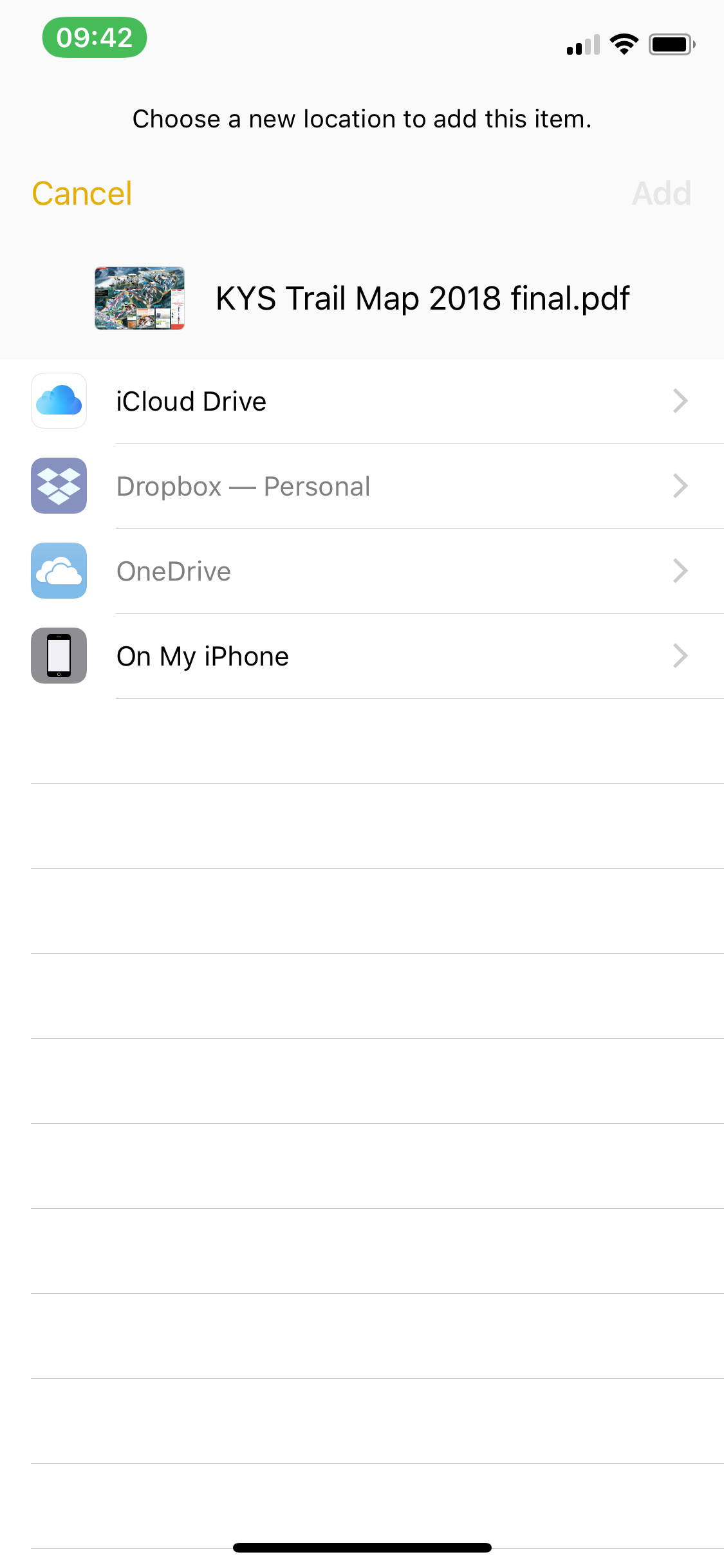
I've thus far been unsuccessful at trying to save a file to Dropbox on my iPhone. For example, when looking at a PDF (email attachment or a PDF in the iOS Notes App) or a photograph in Photos, I click the share button, navigate to "Save to Files" on the bottom row of icons, and then get to the following screen (see below) where Dropbox is greyed out. How do I fix this and get Dropbox to NOT be greyed out so that I can save files to Dropbox?
Thanks for the help!