Dropbox desktop app for Windows v240.4.8493
Windows 10 Pro x64 v22H2
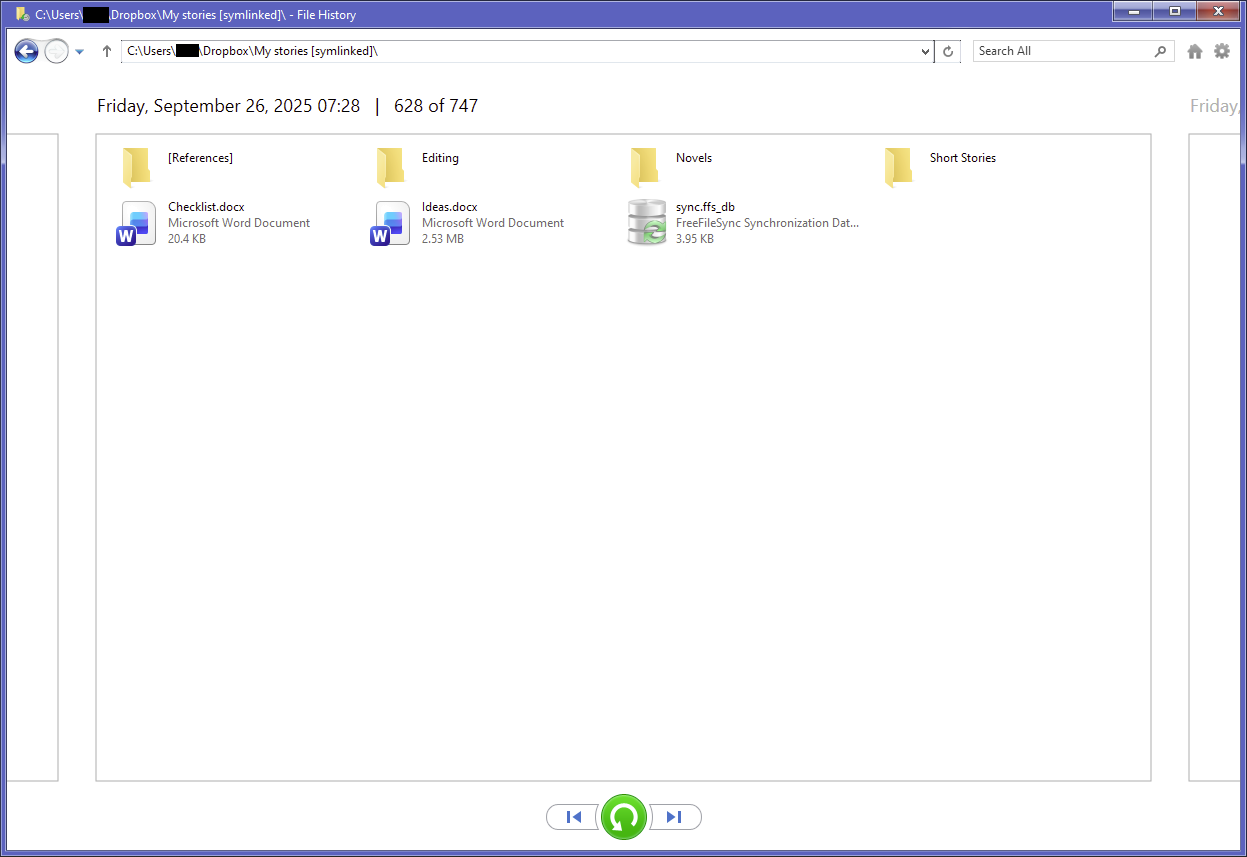
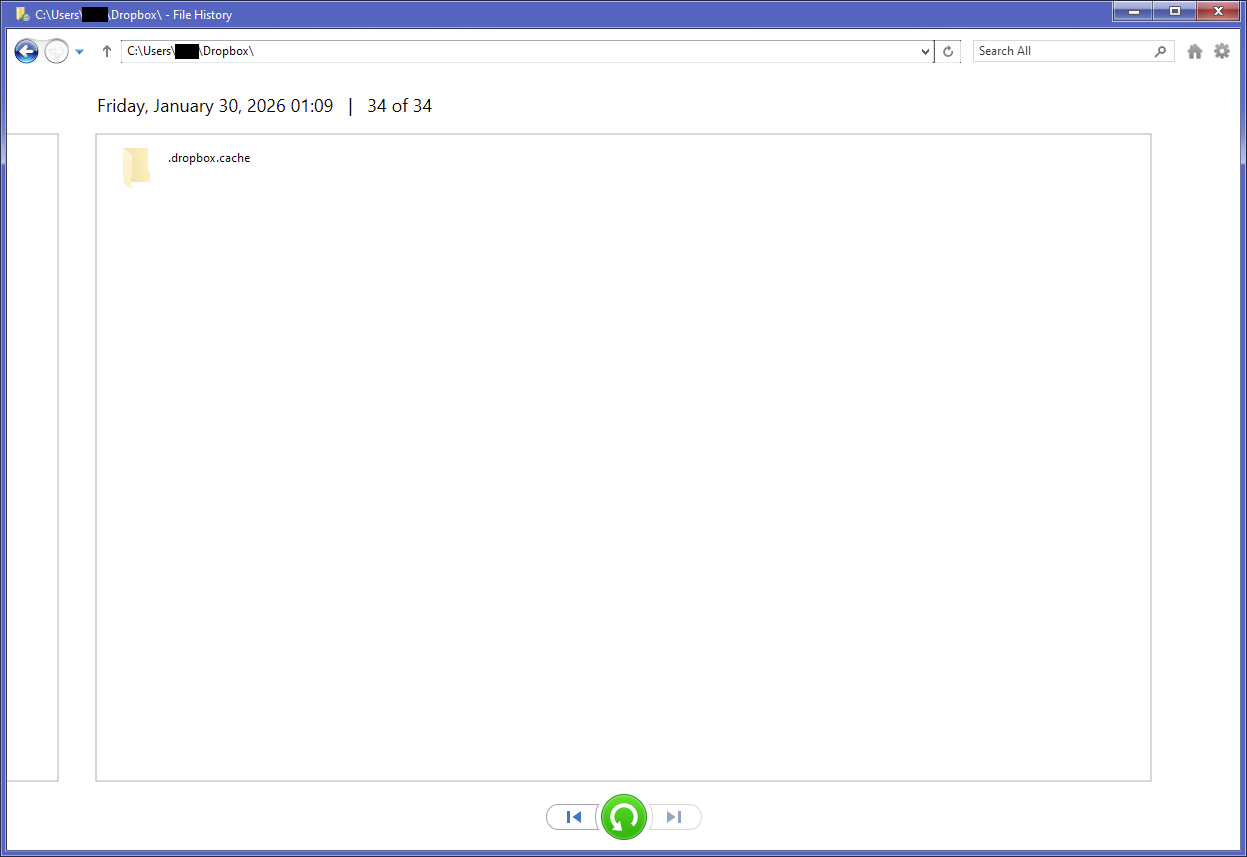
I’ve been using Dropbox for Windows for years. Up until a few months ago, Windows’s File History (file-versioning feature) has been indexing & backing up files in the C:\Users\<username>\Dropbox folder without issue. But recently I discovered File History stopped indexing Dropbox files back on September 26, 2025; presumably my Dropbox app auto-updated that day. I could still access Dropbox file versions from before that date, but nothing after it.
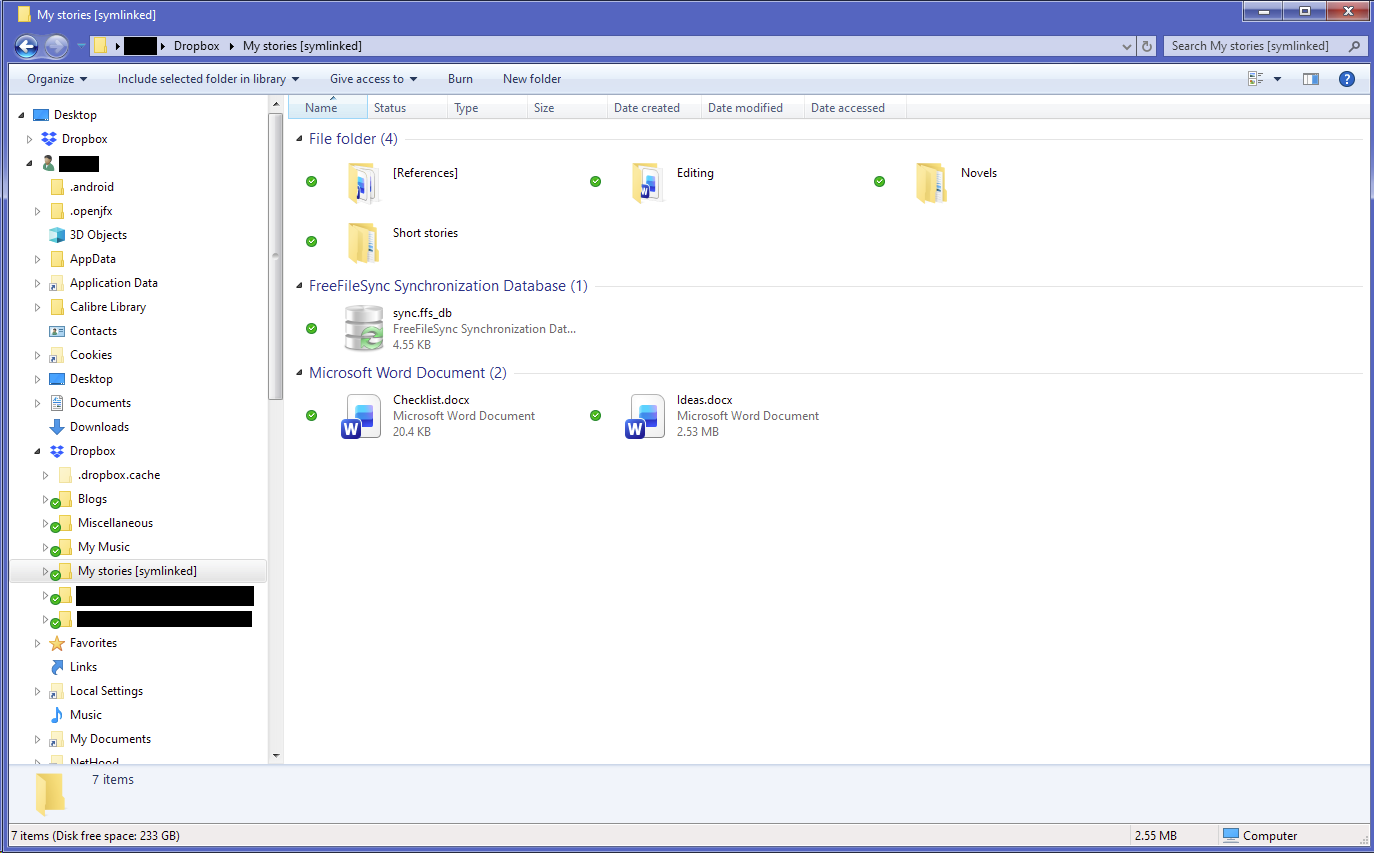
To test that my File History is working correctly, I deleted my FH index and rebuilt it from scratch; it backed up everything except the contents of my Dropbox folder, despite it being clearly selected for indexing. It seems Dropbox made a change last September that prevents File History from seeing any files in the Dropbox folder at all. (Yes, I made sure all Dropbox files were made available offline with solid green checkmarks.)
I know Dropbox offers its own file versioning, but free plans only have versioning for up to 30 days, which didn’t help me here (I had a corrupted file, and the last good copy was older than that). And regardless of Dropbox’s versioning or other features, it shouldn’t be interfering with Windows processes such as File History, since the files are still on my drive.
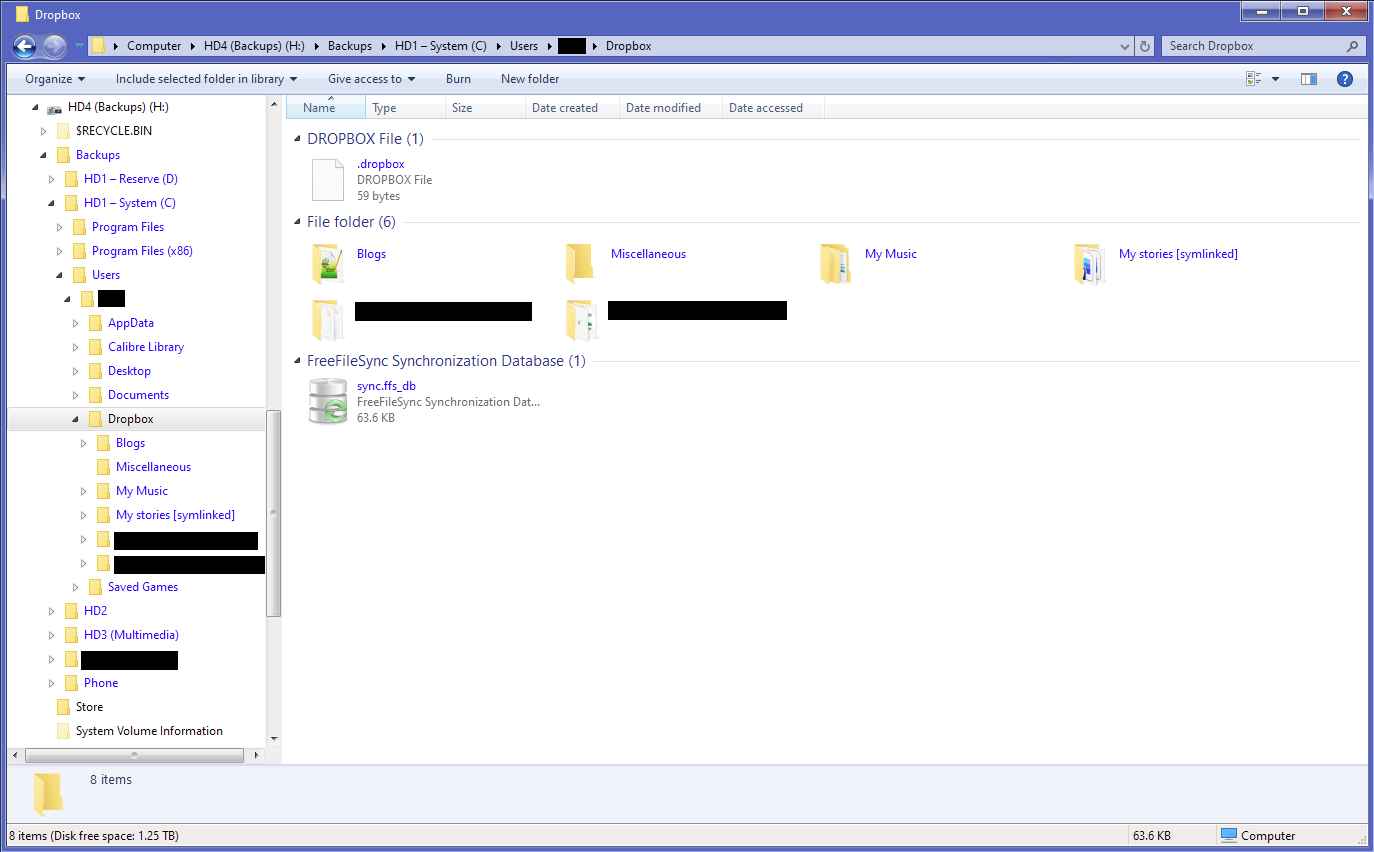
I tried reporting this problem with Dropbox support, but all I learned was to stop using Dropbox support. So given that this is unlikely to be fixed, I wanted to report here to alert anyone who may be relying on File History for long-term versioning with their Dropbox files. (My current workaround is to use FreeFileSync to mirror my Dropbox files to a backup location that is indexed by File History.)