Application Affected
Dropbox (Microsoft Store version)
Device
Windows 11 Custom Build PC
Operating System/Browser (if using the web)
Windows 11 Pro 24H2 and now 25H2
Dropbox App Version (if using the app)
234.4.5591
Question or Issue
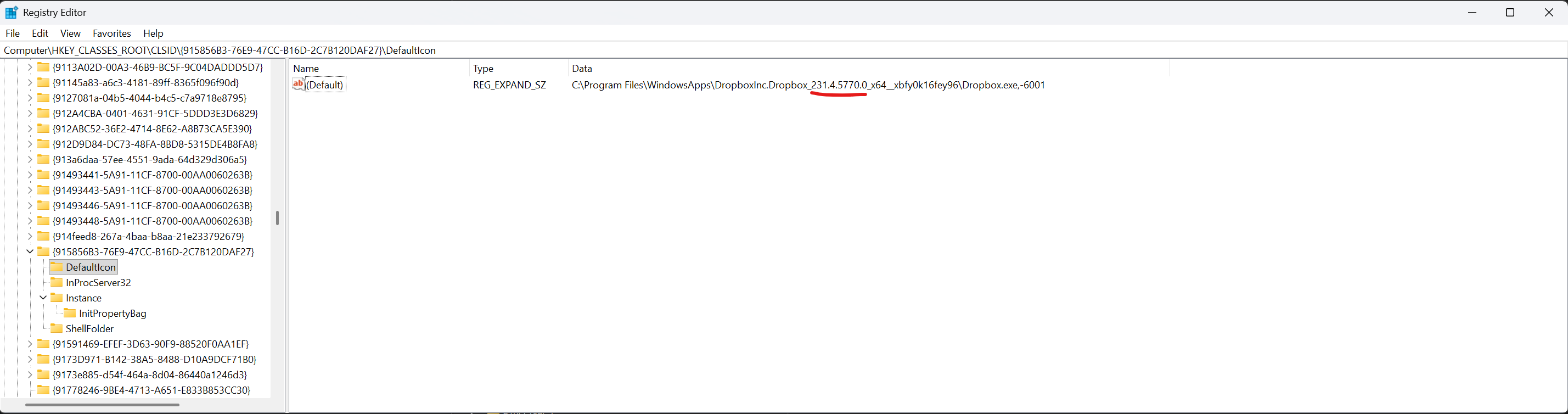
On my new PC I have installed Dropbox via the Microsoft Store. It is all working, except the Dropbox icon itself is wrong in Explorer for my Dropbox folder. It is just showing a plain white piece of paper.

Again this is a brand new system with a brand new install of Windows 11 Pro that I did myself - nothing weird, I didn't use any of the means to "debloat" - it is just a default Microsoft Windows 11 24H2 install. I had the problems on 24H2 and it upgraded to 25H2 the other day and that has not changed the issue.
It is more of an annoyance than anything because my eyes are used to looking for the dropbox icon appearance to find it and the plain white paper doesn't stand out so much.