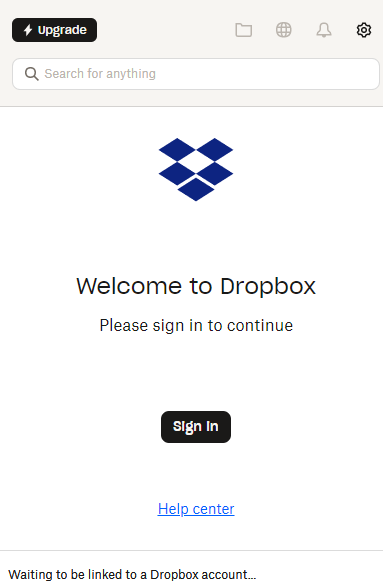
After I install dropbox APP in my desktop, following the steps as below and press "open Dropbox", the Dropbox folder is not appearing or cannot be opened in Windows File Explorer. Please help to solve.
That is a very, very old version of Dropbox.
Try updating it via http://www.dropbox.com/downloading and then relinking it
Hi Mark,
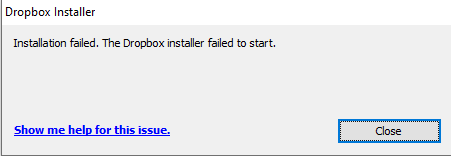
Thank you for your reply. I tried to reinstall both the online and offline versions after uninstalling. However, all installation attempts failed.
david ****** wrote: I tried to reinstall both the online and offline versions after uninstalling. However, all installation attempts failed.
I tried to reinstall both the online and offline versions after uninstalling. However, all installation attempts failed.
The blue text in the installation window will be a link to the log file for the installation. It should give you more information about the problem.
Alternatively, I'd suggest performing an advanced reinstall. Make sure you download the latest release from the Dropbox website.
Hey @david ******, happy Monday!
Did you follow the steps that @Rich provided earlier?
Still need help? We're all ears! If the issue is sorted, let us know what worked out for you.
Following up to confirm whether your issue is resolved or if further support is needed. We're here to help either way.