Hello,
My dropbox stopped replicating of PC / Windows 11
So uninstalled and re-installed.
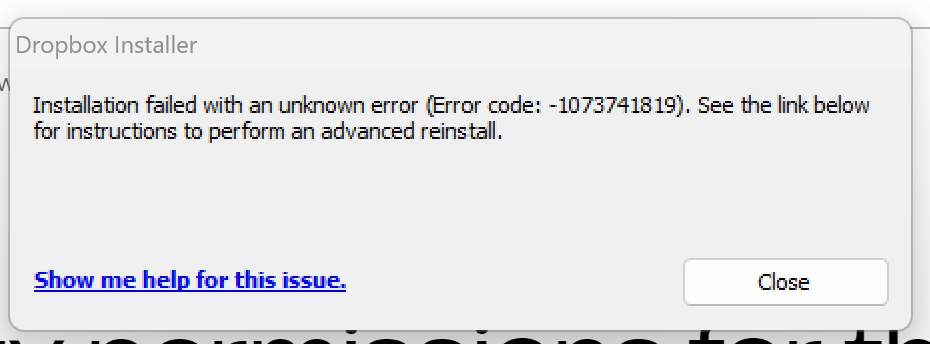
At installation I get: error 1073741819
and installation fails all the time
What should I do?
Dropbox version "Dropbox219.4.4463" worked for me. Thanks a lot. PROBLEM FIXED.
Hey @Hug hug thanks for posting here!
Have you tried our offline installer that can be found here? Feel free to send me a screenshot of the error too, in order for me to have a visual.
Also, I did some digging and it seems this is a system error coming directly from Microsoft. Feel free to have a look at this relevant article too.
I'll be waiting for your updates!
hi. i am noticing the same problem. I can not install software. Also, even if I can, the app wont open on my laptop. help please.
So, in my case the installation will stop because of the error (mentioned on the top) but the drop box icon is appearing on my laptop. But it wont open.
Hey @asd saiyan, sorry to hear that.
Can you send us a screenshot of the error?
Please make sure to follow these steps here as well and let us know if they help.
It didn't work. Here is the screenshot of the error.
How did you solve your prblm??
Thanks for your reply and the screenshot, @asd saiyan.
Did you also have a look at the link Megan posted on her reply here?
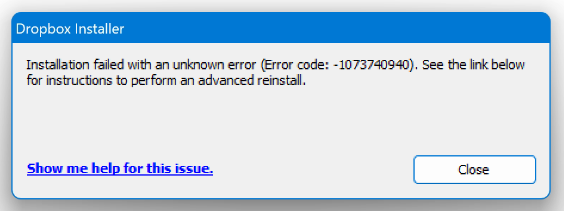
Yes, I did. It didnt worked . This time i got different error.
Thanks for the update here, @asd saiyan.
Do you perhaps have any security programs running on your computer, like an antivirus/firewall/VPN?
If so, please temporarily disable them, to see if it helps.
I work in China, and YES, I use a VPN. But if I disable the VPN, I cannot use Dropbox. What should I do? Is there a full version that can be downloaded and then offline installed on the system?
You'll be able to find our offline installer here.
Let me know how it goes.
Happy to hear that, @asd saiyan!
If you need anything else, let us know.
Hi @asd saiyan and welcome to the Dropbox Community. I am delighted to see you have gotten Dropbox successfully installed on your device.
By the way, I’m Theresa, a Community Manager here at Dropbox HQ. 👩💻 You might have seen me pop up around the Community. I love hearing how our members use Dropbox in their daily lives. If you’re open to sharing, I’d love to hear how you use Dropbox. ✨
You never know, we may be able to share your experience with our internal team and even provide you with some handy tips & tricks 💡 to make your workday even better. 🚀
Looking forward to hearing from you,
T 😺 (Dropbox Community Manager)
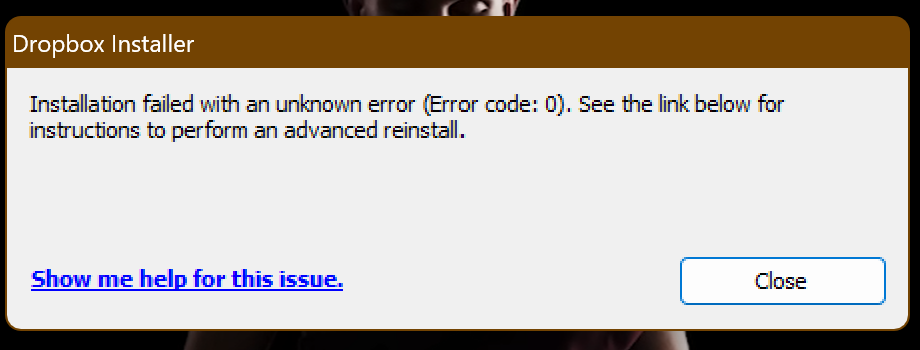
Hi, team. I had the same issue with reinstalling Dropbox. Initially, I got this error number at the end of installation: 1073741819.I followed this thread. I downloaded the version Dropbox 219.4.4463, and now I am getting this blank error at the end of installation. I have tried everything mentioned in the thread, but it's still in vain!
Please help!
I am facing the same issue. Dropbox219.4.4463 is not working for me. I am getting this error now when installing Dropbox219.4.4463.
after some wait, it turns out to be the this error!
Hey @whisoerisngs - sorry to hear about this.
Since this is an older version of the Dropbox desktop app, can you try the offline installer from this page directly and let us know how it goes?
it ends up with an error similar like above error code -1073741819
Hi @whisoerisngs, if you're not on a Dropbox Basic plan with more than 3 devices connected, could you try an advanced reinstall of the app using the steps in this link?
Does this work on a basic plan? With three devices connected?
Hi there. Does this work on a basic plan with 3 devices connected? I have the same issues as above, 1073741819 error codes.
Hi @TheFieldMarshall, if one of the three devices contains the current device that is already connected to your account, then you can follow those steps.
Hi, I have the same problem. I use the basic Dropbox with a limit to three devices. I use it only on my laptop and my phone. But I had to reinstall Dropbox on my (same) laptop twice. I have still only 2 devices, but Dropbox considers that I have reached the maximum of 3. I have cancelled the old versions on my laptop, but it doesn't change. What can I do ? Thanks
Thanks for bringing this to our attention, @Francois4.
So, when you go to your security page here, do you see that you currently have 2 devices connected to your account?
Also, what's the exact error message you're getting? Can you send us a screenshot?
Many thanks for your answer. With the link you gave me I see one device connected (my phone) and 3 times my laptop dissociated from Dropbox.
Therefore I think Dropbox considers that I have already reached the limit of 3
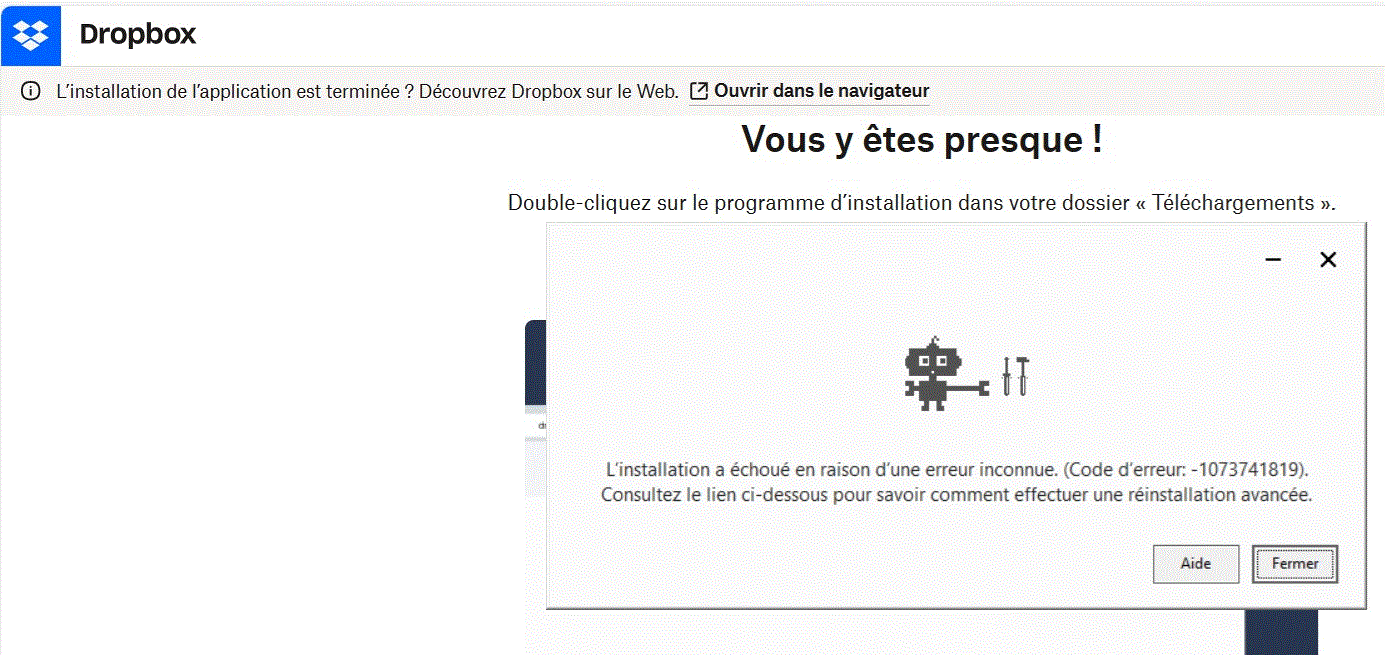
The exact message I get when trying to load Dropbox is "L'installation a échoué en raison d'une erreur inconnue. (Code d'erreur: -1073741819). Consultez le lien ci-dessous pour savoir comment effectuer une réinstallation avancée." But there is no link below the message.
I cannot send a screenshot, the images are refused. How can i do ?
Thanks for your help !
Above are the screenshots.
The first one says that one device is connected (my phone) and 3 times my laptop are dissociated. Therefore I think that Dropbox considers that I have already reached the limit of 3. How to clean that
The second one is the screenshot of the error message when trying ro reinstall Dropbox