I have the same 'Waiting to upload' issue on my Galaxy S24 with the latest app version. So far, the only workaround is uninstalling and reinstalling the app.
Hi @SJMZR, thanks for your post!
Taking into consideration the date of the thread you chimed in, I've made your post a separate conversation.
Indeed, when it comes to this error, usually clearing cache and uninstalling/re-installing the app seem to do the trick.
If you'd like to share more details about your experience, or anything else you've noticed, don't hesitate to follow up.
Cheers.
Hello, Hannah.
Unfortunately, no other options work, except re-installing the app whenever I need to upload photos.
Hey @SJMZR let me jump in here too!
How do you upload files? Do you use manual uploads, or camera uploads?
Also, how long has this been an issue? Can you send me a screenshot of the message you get on your end when this happens, in order for me to have a visual?
Thanks!
Hello, Megan!
I upload files manually. This issue is bothering me for a month or so.
Approximately how much content (in MB or GB) are you uploading each time, @SJMZR?
If you try to upload less files at a time, do you still have this issue?
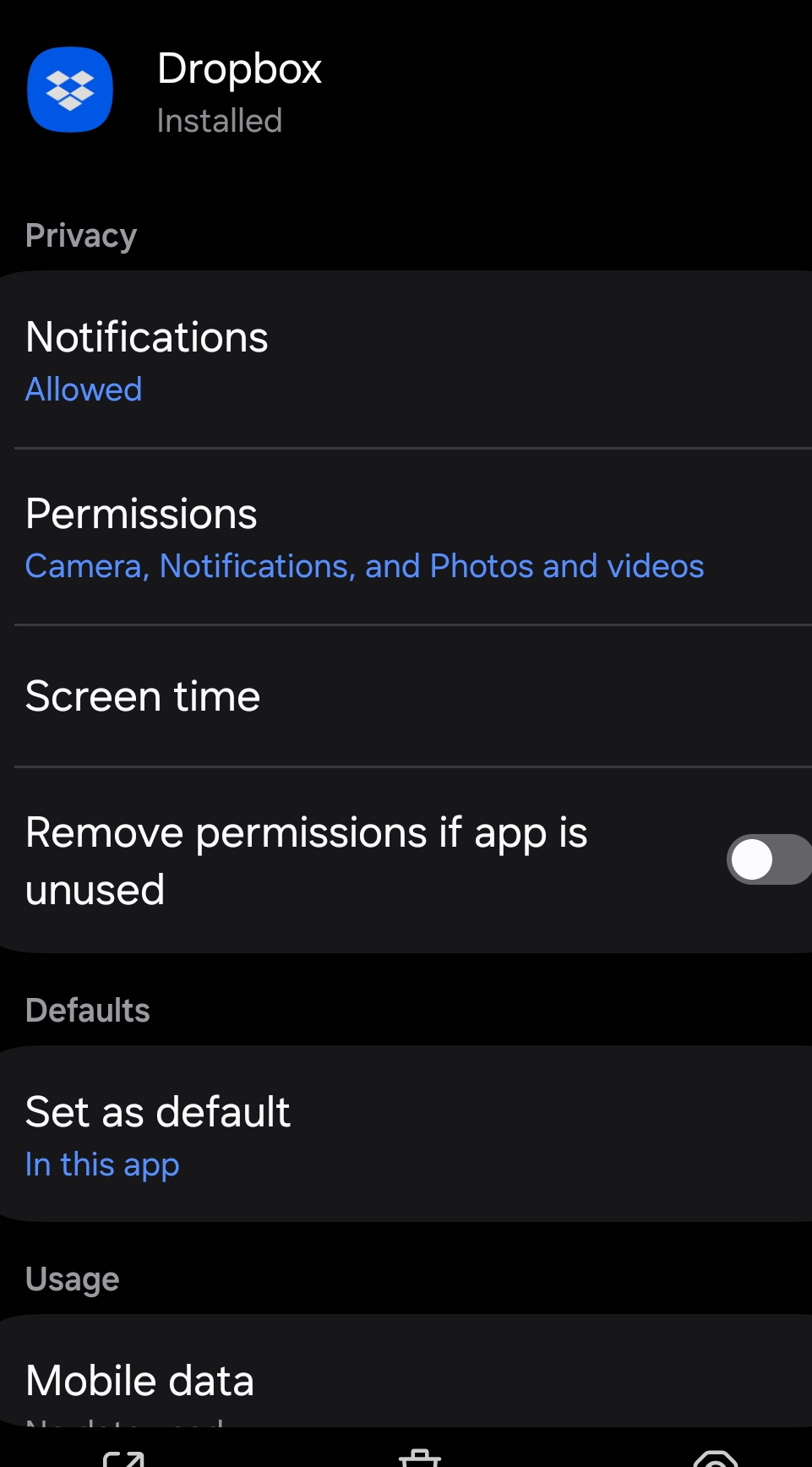
With these settings being adjusted after the reinstallation, the upload works for now!
Let's see if I will have the issue again...
Take your time, and definitely let us know how the upload is going or if you come across the same issue again @Scott H.46!