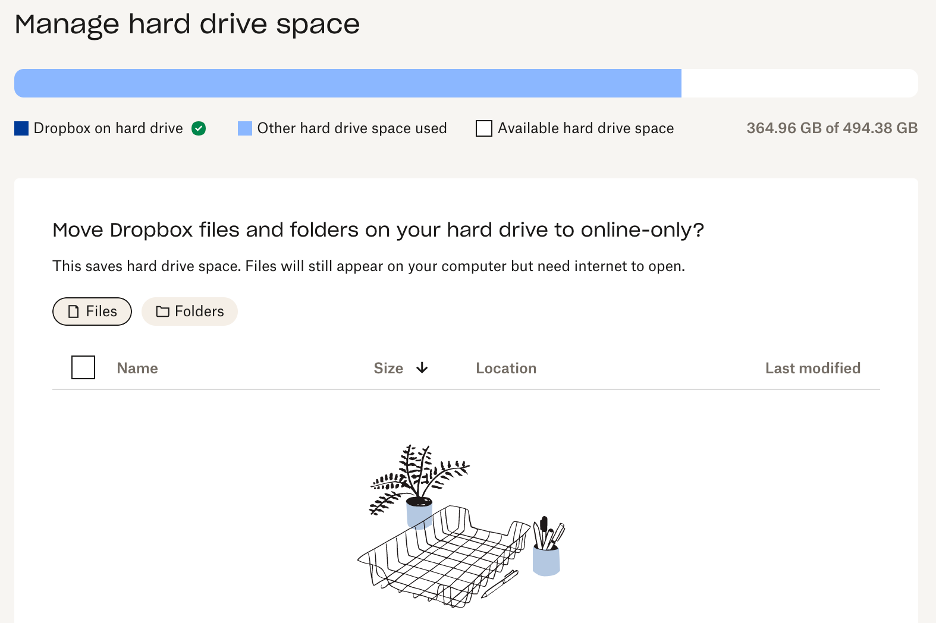
What does the above mean in the "manage hard drive space" section of my account? According to the way I sync my account everything is supposed to be stored online only, even though I constantly have to "delete" files from my "dropbox on hard drive". It also looks like something is being stored somewhere on my computer as "other hard drive space used". How do I get rid of this other than deleting the app? I have a 2023 MacBook Pro running Sonoma 14.1.
I have a similar issue on my IMac and apple support had me delete the app and my space problem was solved.