Hi,
Yesterday, the Dropbox app on my Mac auto-updated and presented a dialog saying it needed to temporarily disable and then re-enable the Backup. I agreed, and it turned out that meant downloading all the folders I had selected as "online only." This quickly filled my hard drive space and caused my computer to freeze.
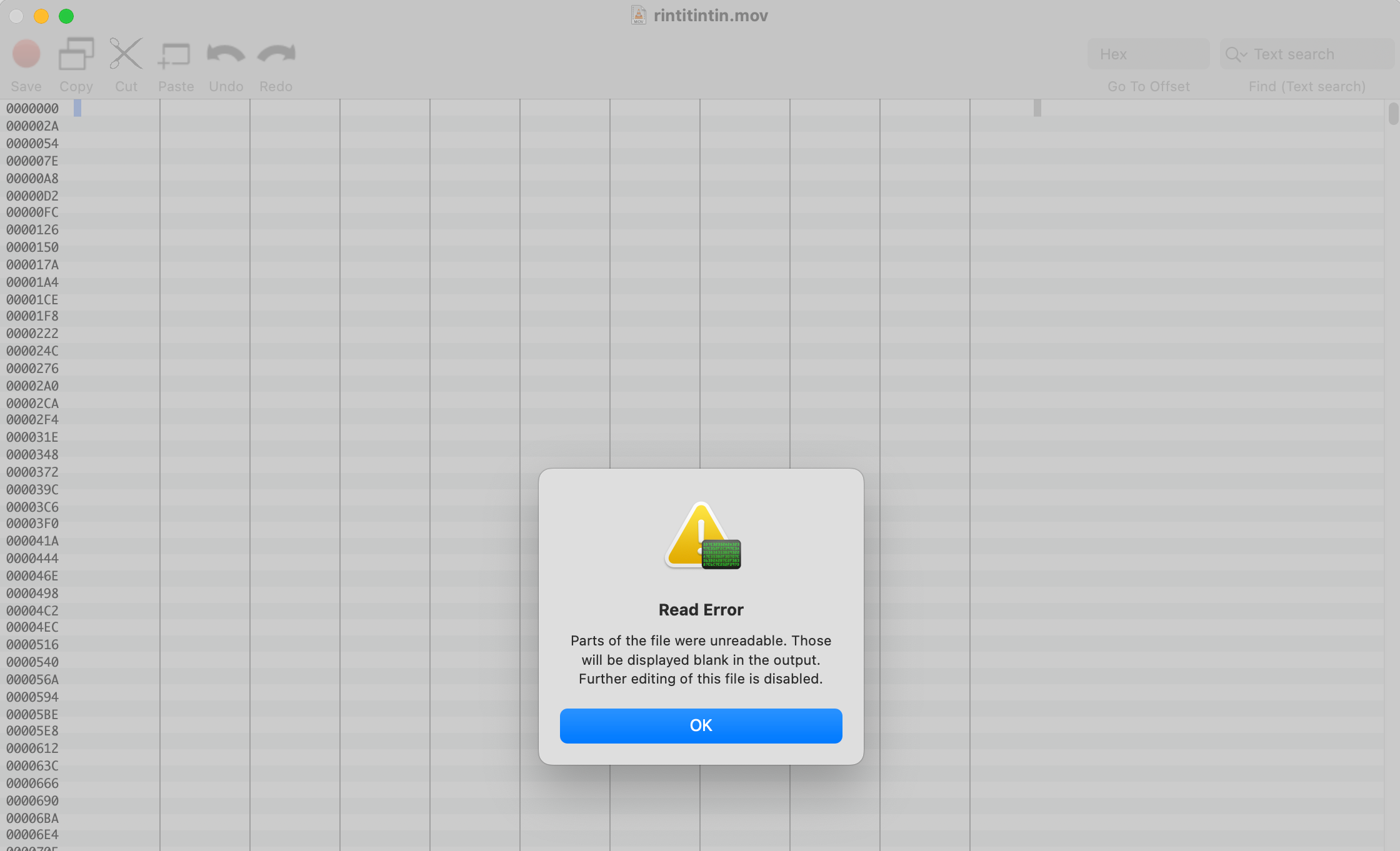
After restarting, Dropbox seems to think that everything is in order, but the thing is, some files that it managed to move to a new location (e.g., from ~/Dropbox/Mac (2)/Documents to ~/Documents) are binary broken. They do not open, nor can I move them. I receive an error in Finder: "The operation can’t be completed because an unexpected error occurred (error code 0)."
On the Dropbox.com web interface, the backup does not contain these broken files. They do not appear from "Show Deleted Files," nor can I see them being removed using the "Rewind" feature. Also, I cannot find them using the search field.
Any hints on whether I can still recover these files are greatly appreciated.
Thanks! René