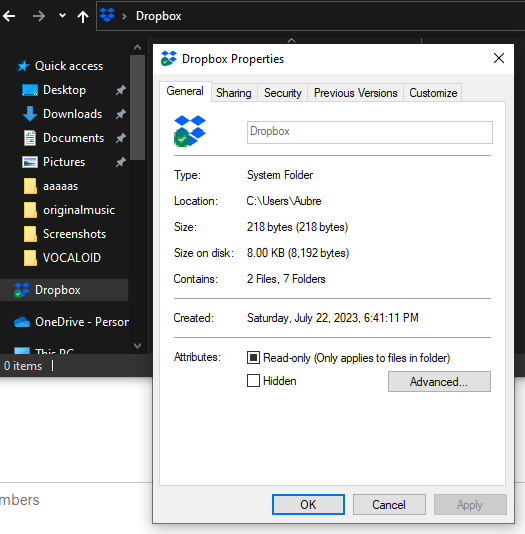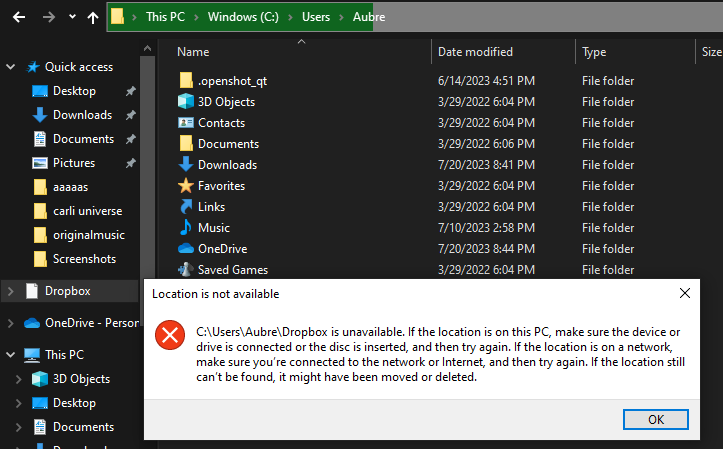
I'm having an issue with trying to uninstall Dropbox from Windows. While I was able to correctly remove the application from Windows using its uninstaller, it did leave behind this weird "dropbox" file path in Windows Explorer. However, whenever I try to click on the file path, it just gives a "location is not available" error message. Trying to delete the file path by placing it in Recycling Bin does not help either, as it does nothing. I don't want this phantom file path on my computer, since I find it to be redundant. Does anyone know how to fully delete the Dropbox file path from Windows Explorer?