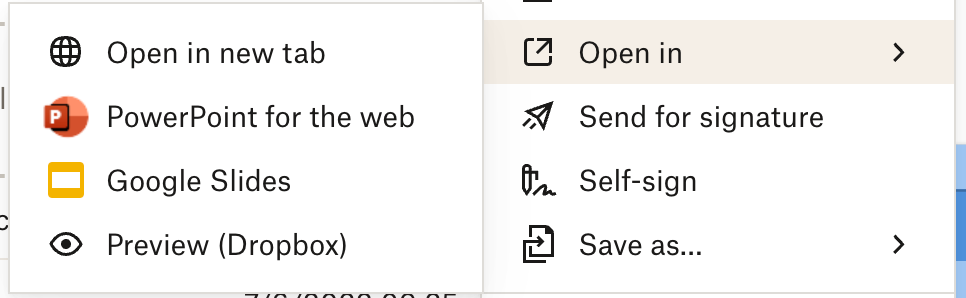
Hi. When using the Dropbox browser interface, I'm missing the option to open apps in the corresponding Office desktop app. I can open in "****** for the web" - but need it opened in the desktop app. I've attached a screenshot below... Today when getting a link to a document in Dropbox, I first have to open the document, then look at the path where it is stored, then go locate the same file through finder, then open the document in the desktop app. It's a really cumbersome way of working. Is there an option for opening documents directly from the web-interface, avoiding having to do this workaround?
I'm working on MacOS Ventura and have the office applications installed as well as the dropbox application synchronizing to local file repository.